

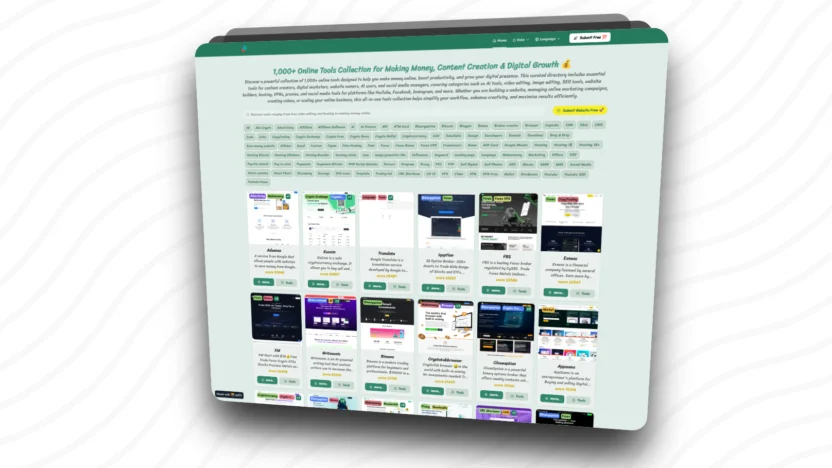
Create a Directory using AI 🎉 Free, Easy, Step by Step.
Creating a website directory to collect and categorize various tools, including AI tools, using the Softr platform, a no-code system that allows users to easily build websites with drag-and-drop functionality without writing any code. It's ideal for beginners who want to create a website to display a list of tools in a directory format, facilitating the search, comparison, and selection of AI tools. Furthermore, it allows for revenue generation through affiliate programs, advertising, or featured listings on the website. Softr also connects to various databases such as Google Spreadsheets, Airtable, and SQL to efficiently display data on the web.
Create a directory website using AI tools. What will you gain? 🤑
benefit
Generating income
Softr or softr.io What is it?
Softr (or softr.io) is A platform for building websites and web applications. no-code That helps you create websites, portals, membership systems, directories, or business apps. Without writing any code. Use the drag-and-drop system and connect to databases such as Airtable, SQL, Hubspot, Google Sheets, Supabase, BigQuery, and others to easily display the data you need on the web.

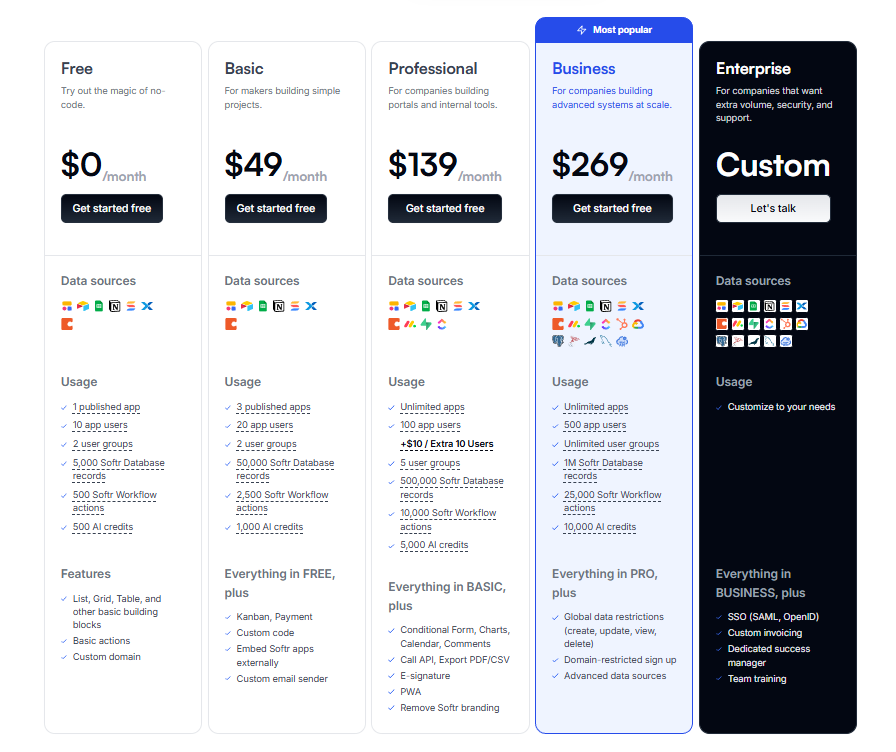
Price comparison of Softr plans.
Softr's advantages 🎉

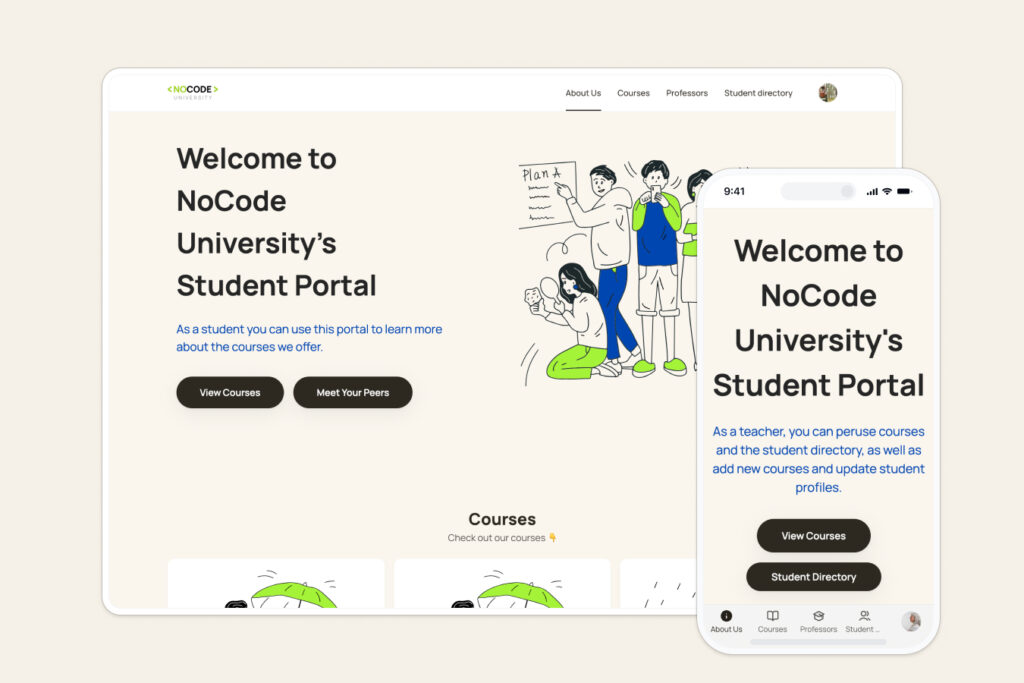
Create a portal and working tools.
Softr allows users to create custom customer portals without writing any code, collecting and managing customer data in real-time by connecting to various data sources with a user-friendly interface.
Create beautiful business applications.
Off-the-shelf software such as customer portals, internal tools, and dashboards, using existing data, allow for easy customization of layout, user views, and logic via drag-and-drop.

Self-contained database
Manage your business data in an easy-to-use relational database, ready to power your applications and workflows. Import spreadsheets or data from other tools instantly, without complex setup.
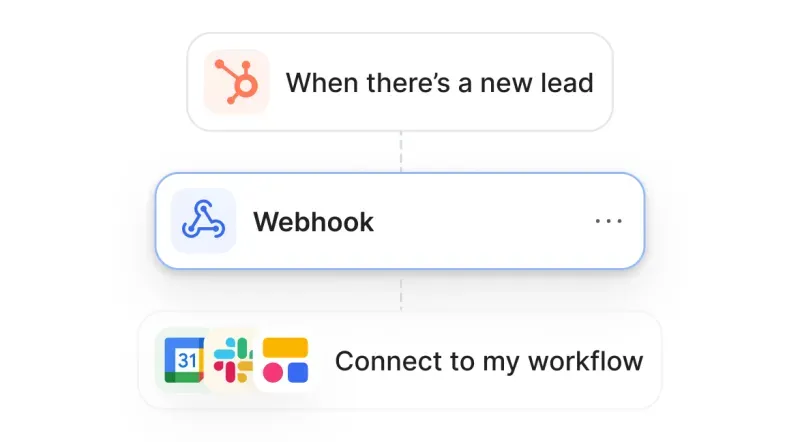
Automated workflows
Automate everything from simple tasks to multi-stage workflows. Use visualization tools with triggers, actions, and logic to automate your business processes.
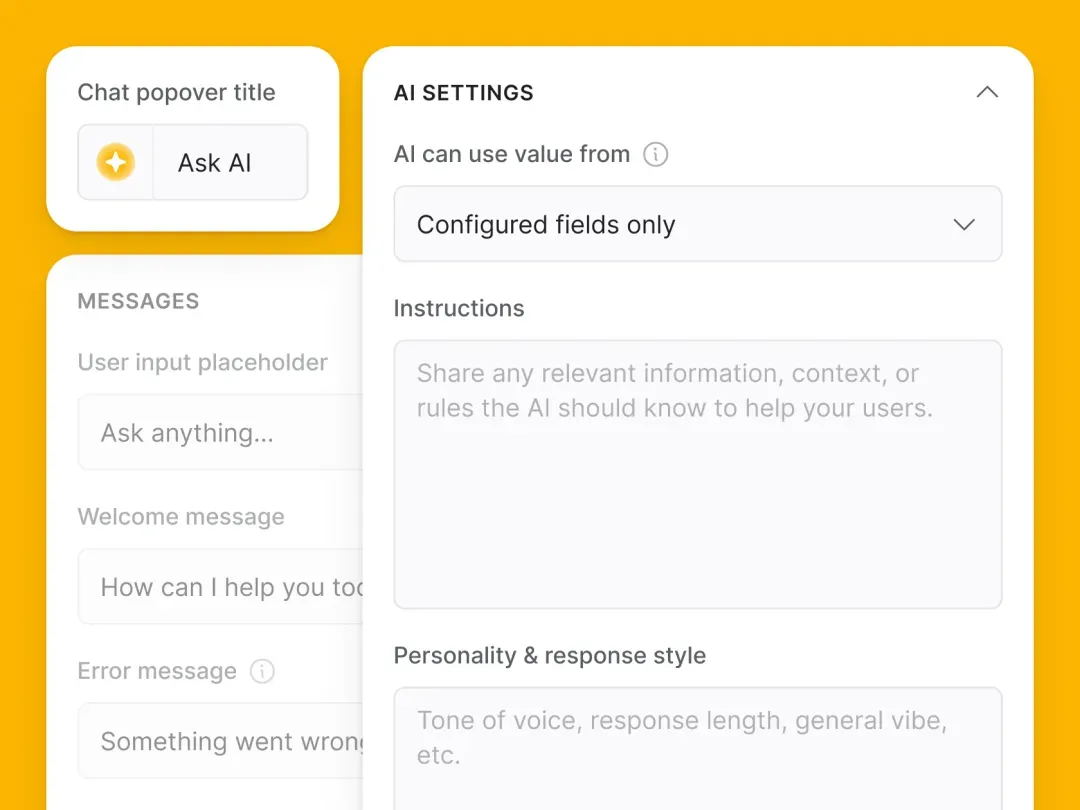
Built-in AI system
Use AI to query application information in real-time. Use AI Agents to add value to data and automate workflows. And use AI Co-builder to help you build faster.
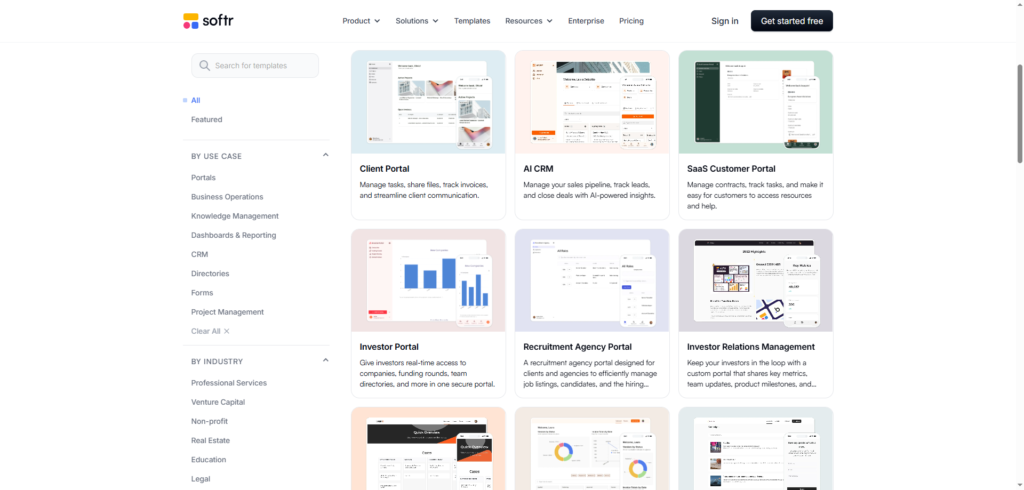
Templates (Pre-made templates)
There are many business app templates to choose from for cloning—fully customizable and easy-to-use templates—or you can create your own using user-friendly puzzle pieces suitable for beginners.
Create a free directory website step-by-step 💯
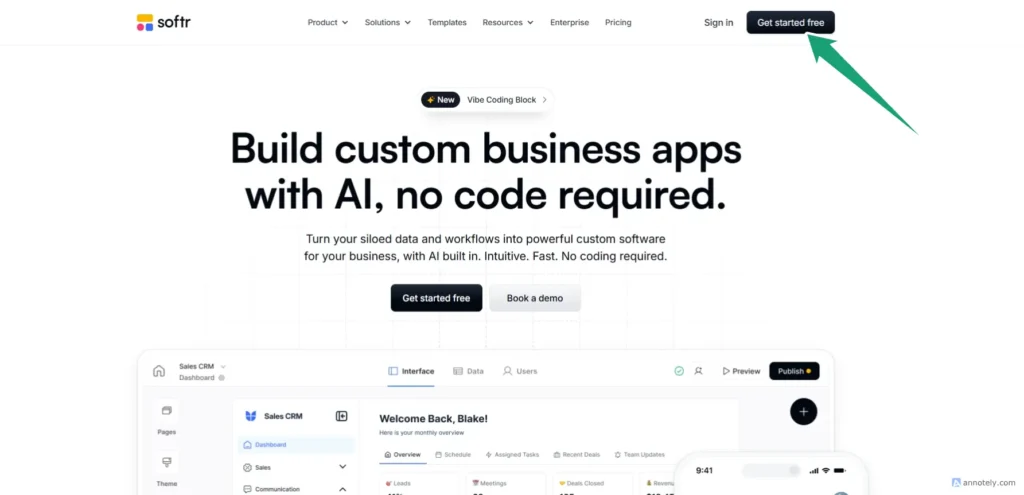
How to sign up softr.io
Go to the website. softr.io
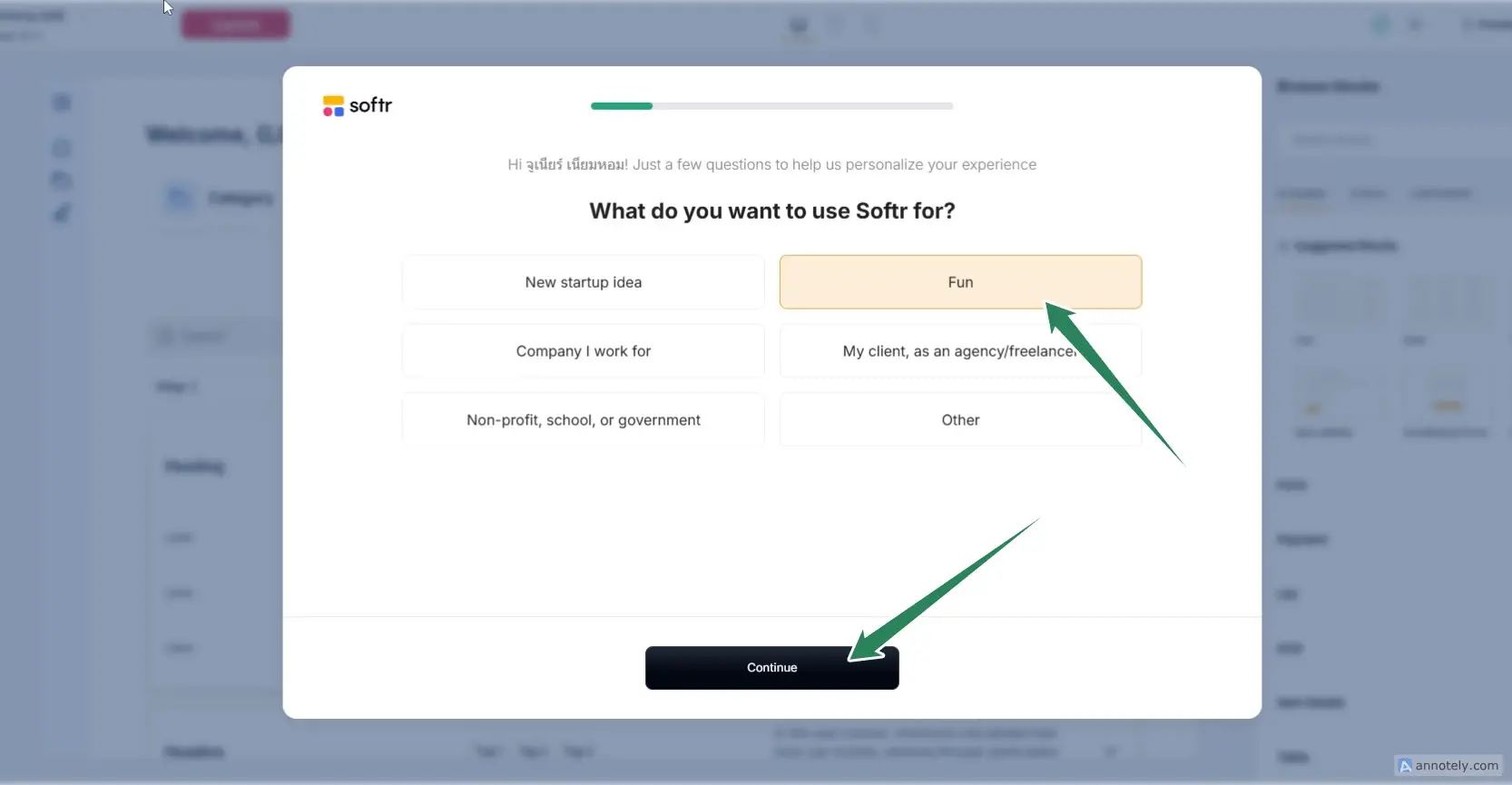
How to sign up softr.io Filling out the information completely.
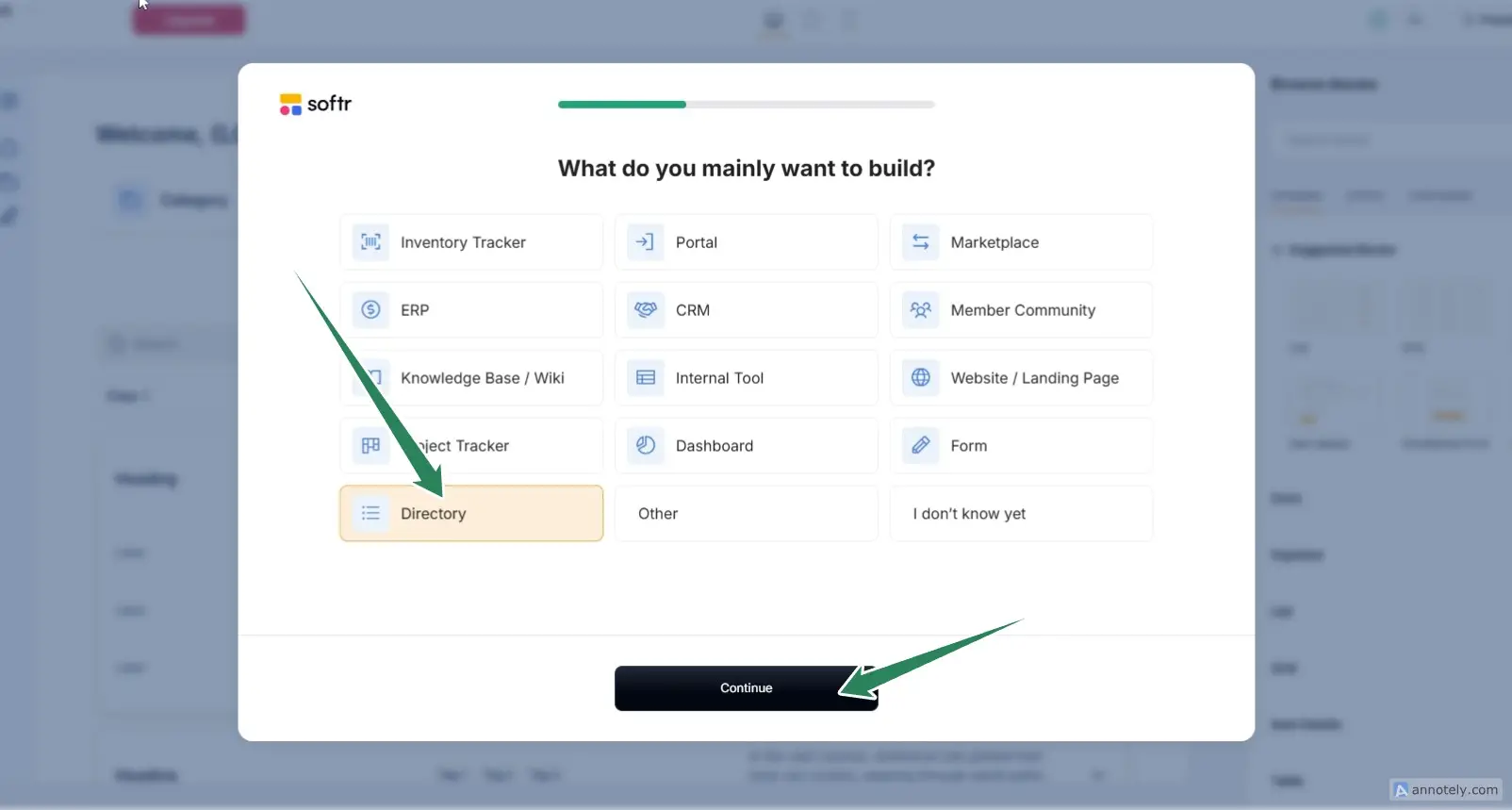
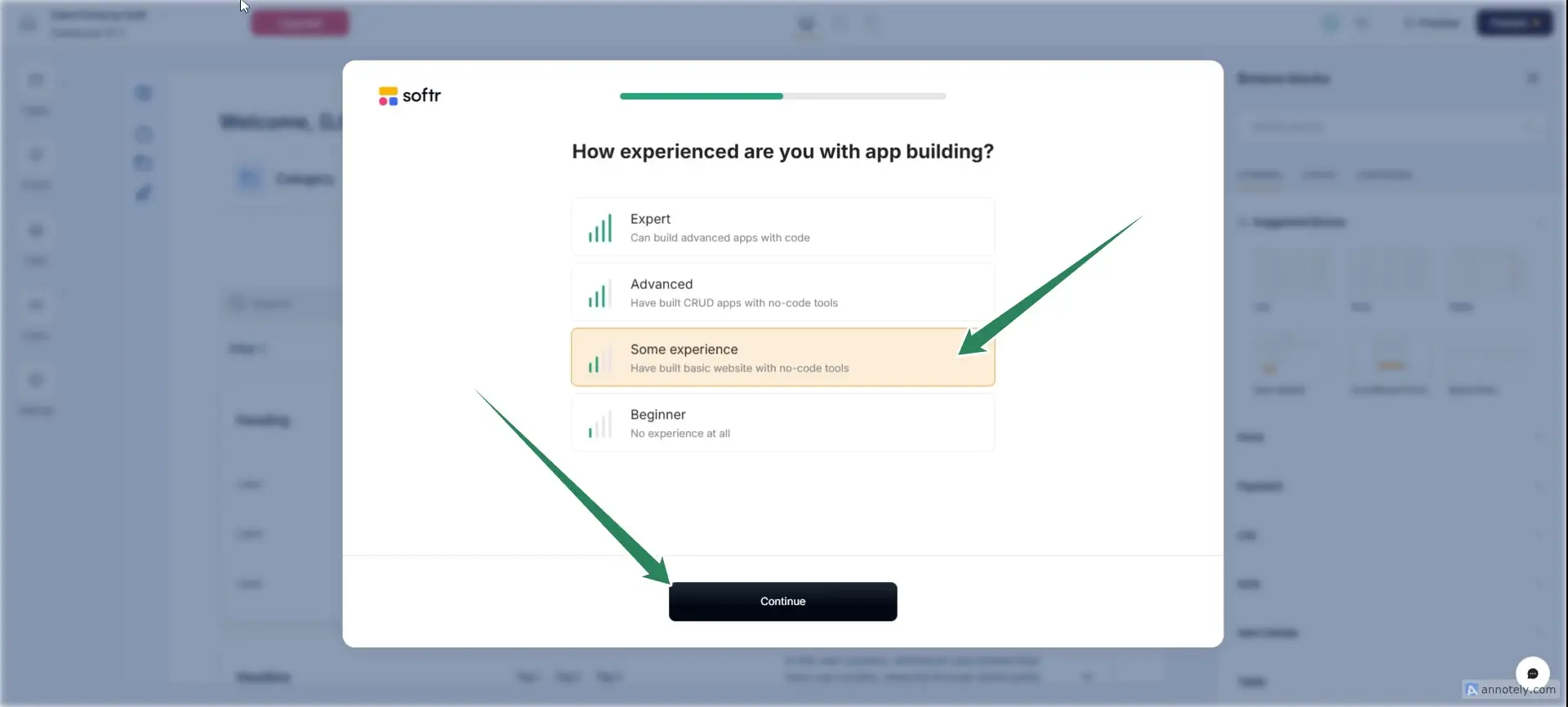
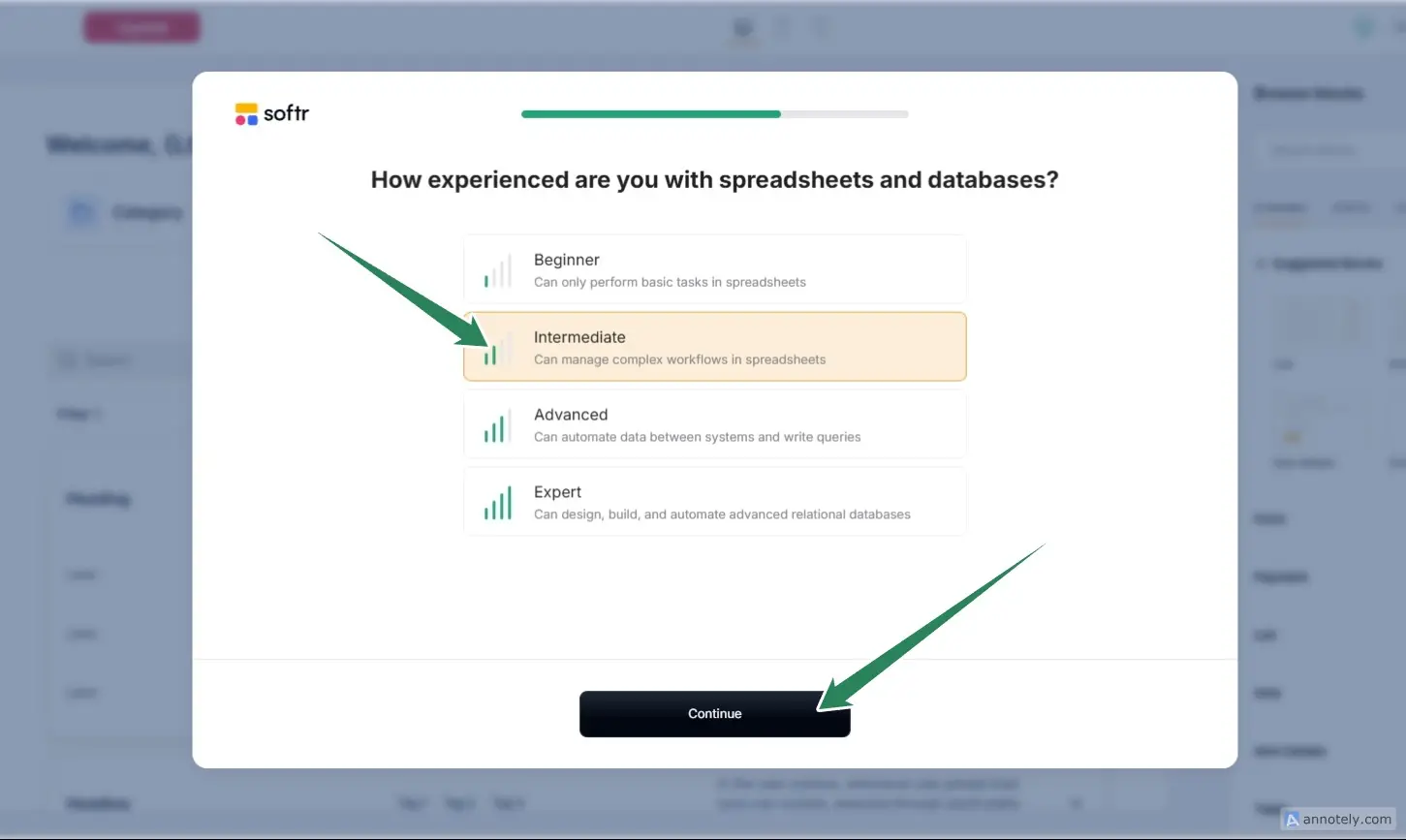
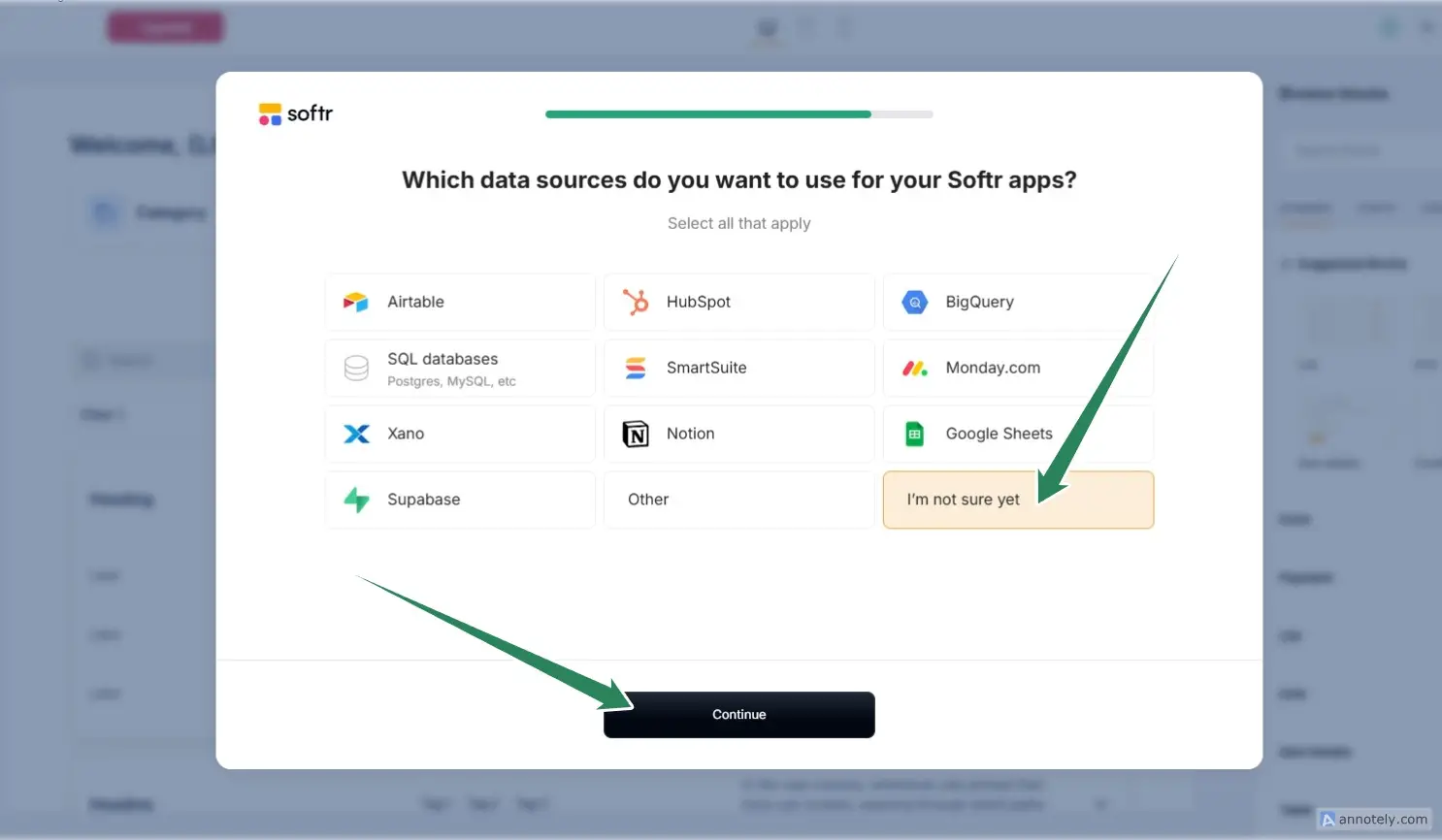
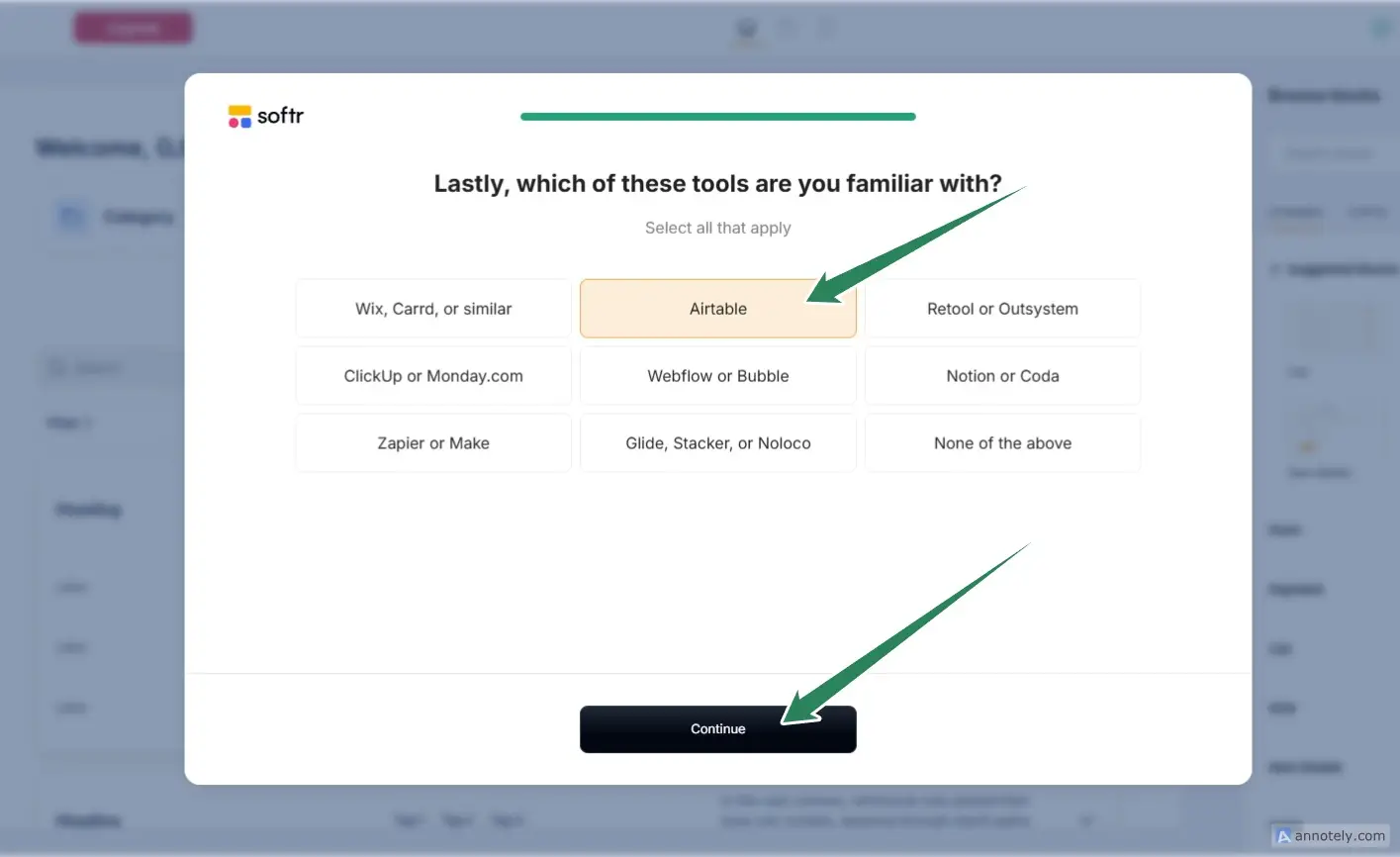
Prepare the database using Google Sheets.
Softr can use the following databases:
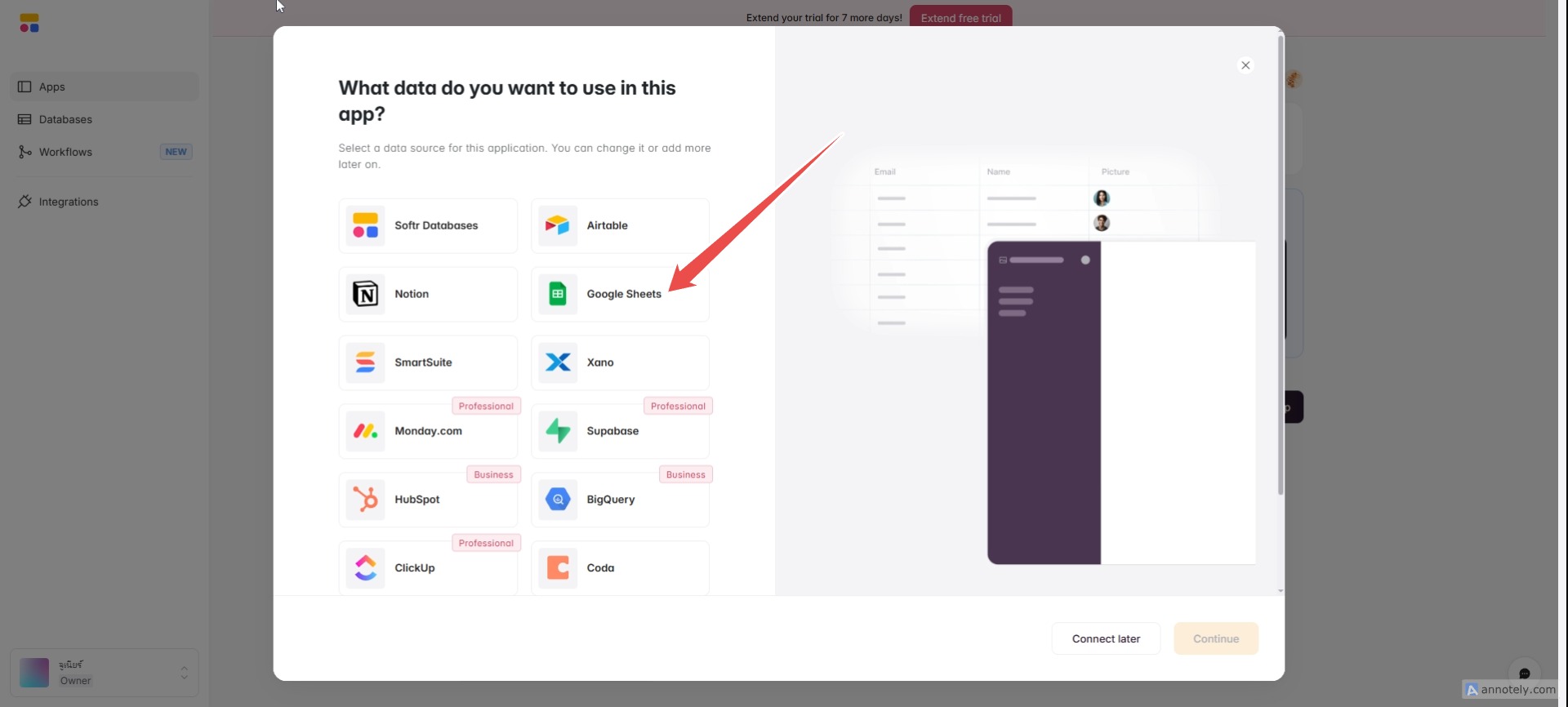
External databases/data sources — Data can be retrieved from other sources such as Airtable, Google Sheets, Notion, Coda, monday.com, HubSpot, ClickUp, Supabase, SQL databases (PostgreSQL/MySQL/SQL Server/MariaDB), BigQuery, and others via direct connection or API.
Why do we use Google Sheets?
Using Google Sheets as a database with Softr has the advantage of being simple and instantly accessible. Because Google Sheets is cloud-based, you can view and edit it from anywhere with an internet connection, and the data updates in real-time when you edit the sheet. This eliminates the need for heavy database setups or your own servers. It also facilitates team collaboration and allows for easy sharing of view/edit permissions using your existing Google account. When connecting with Softr, you can immediately display the actual data on your website or app without extensive coding.
Go to gumroad to download a free CSV file.
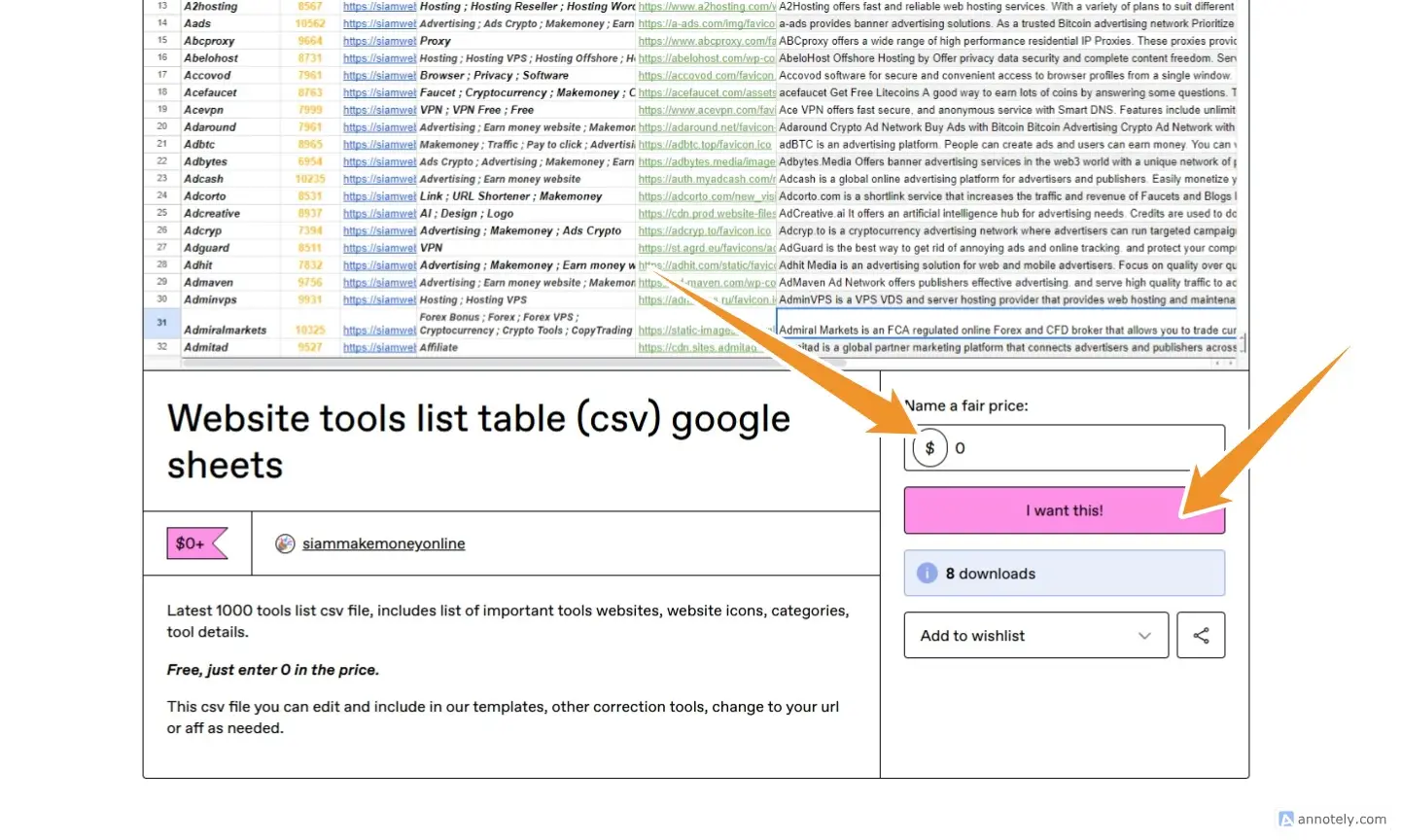
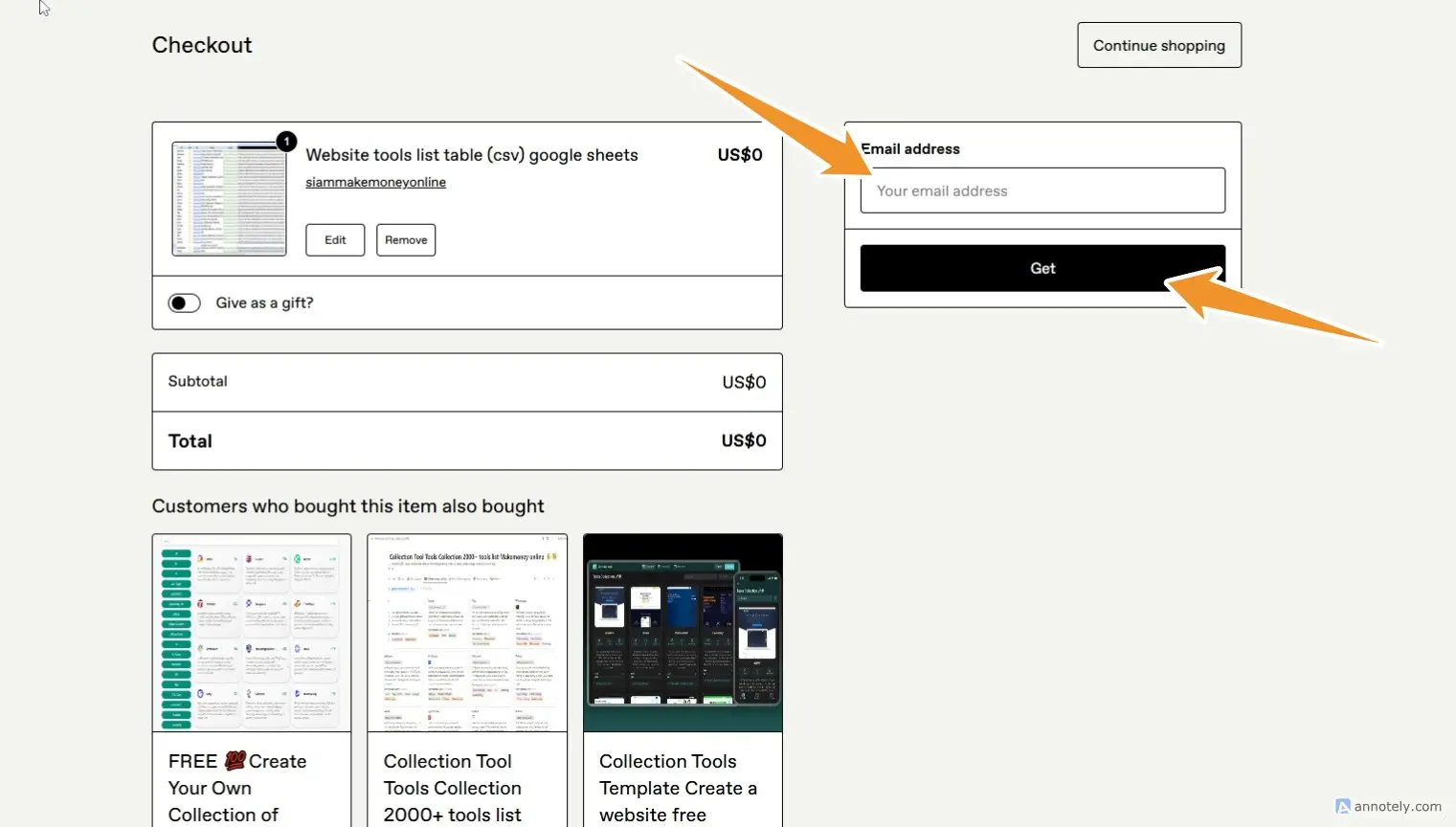
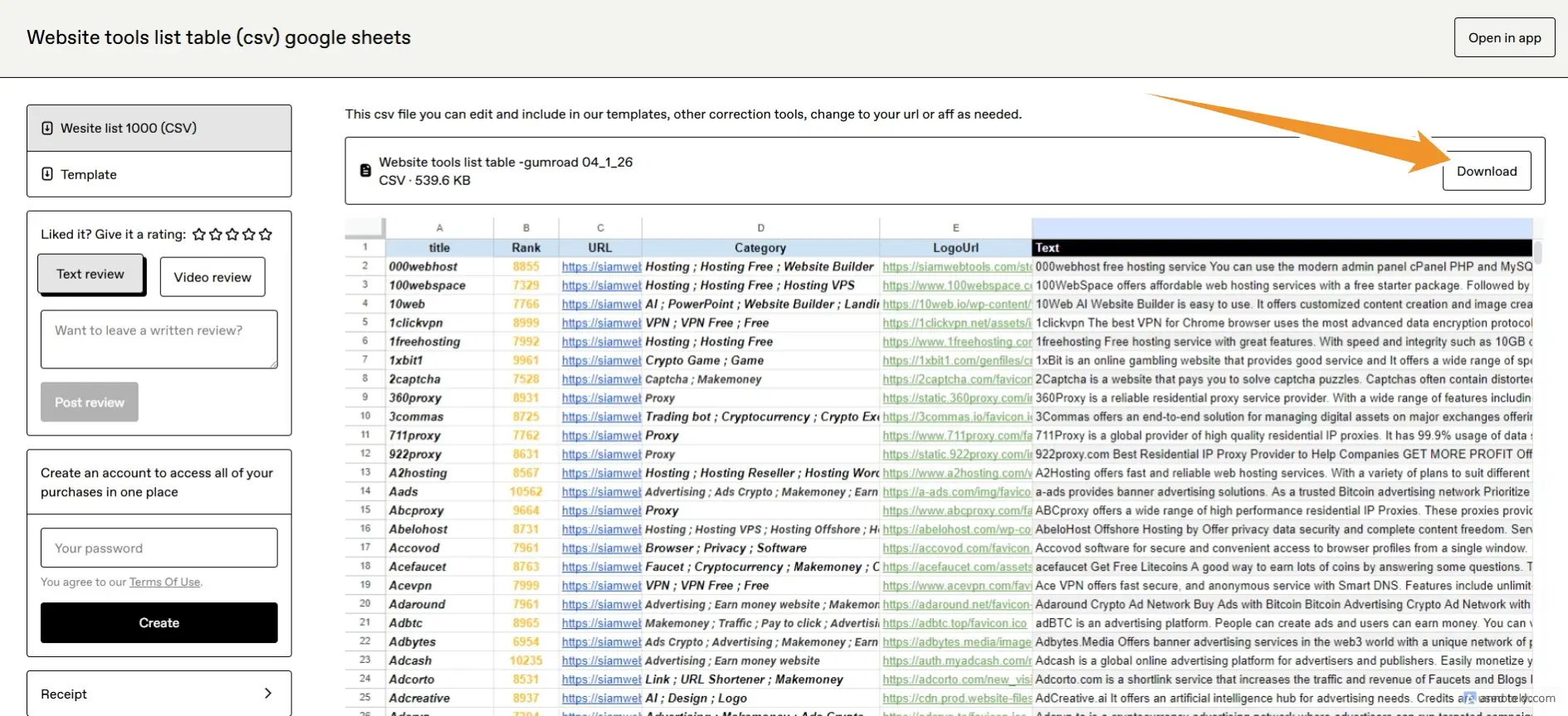
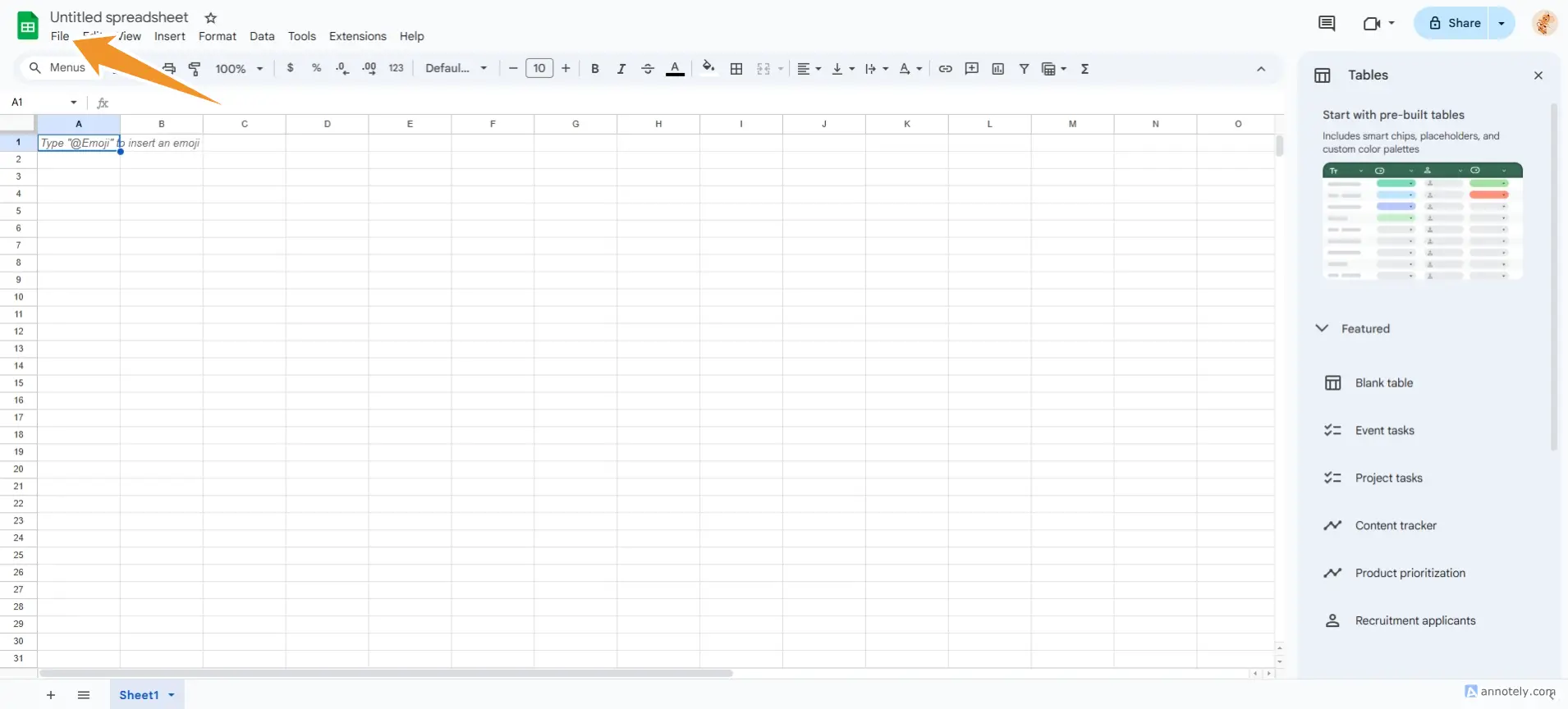
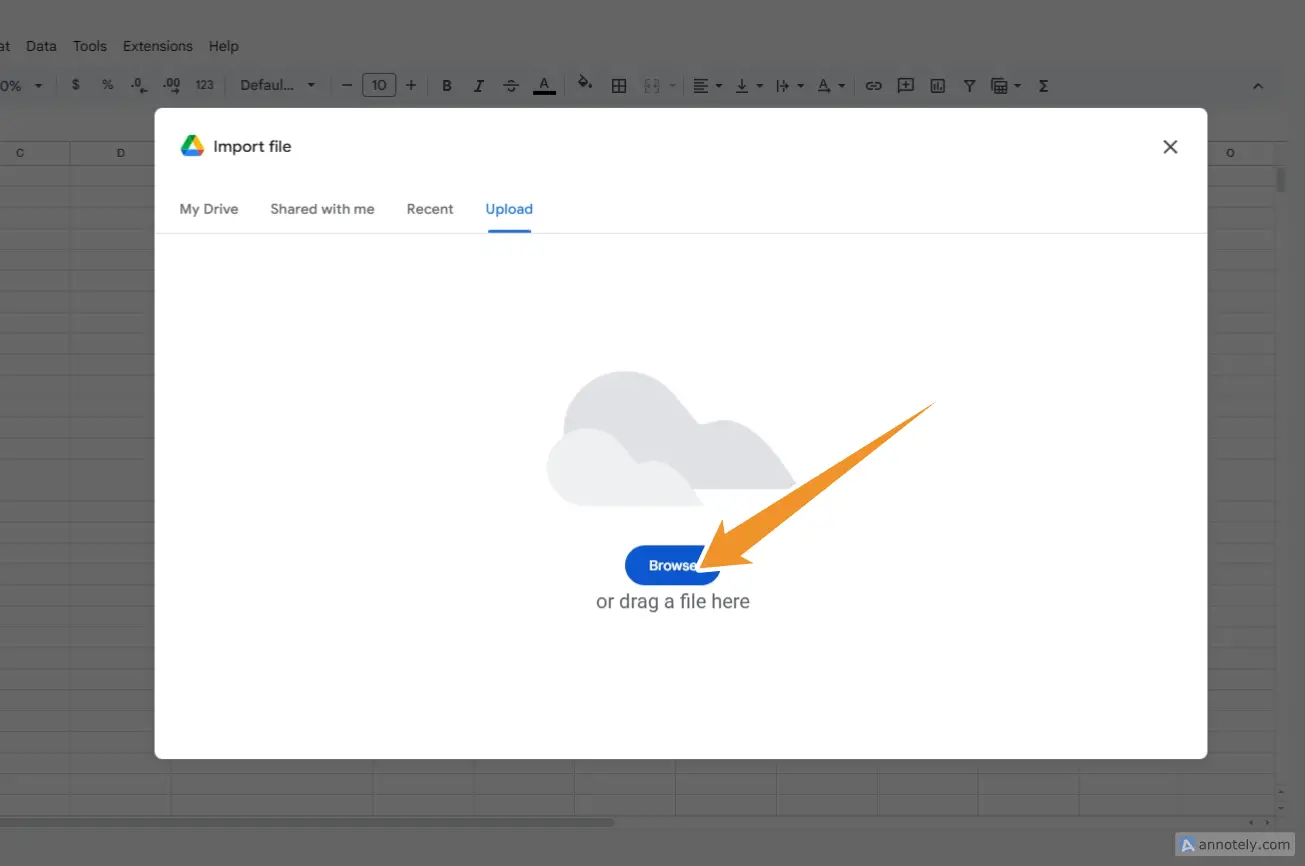
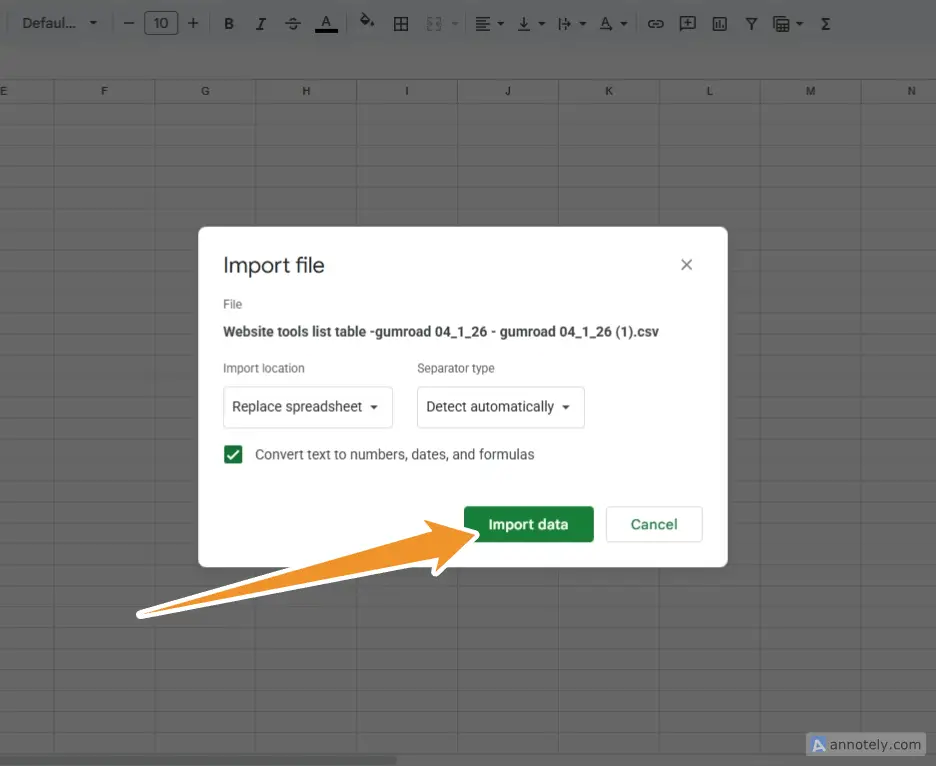
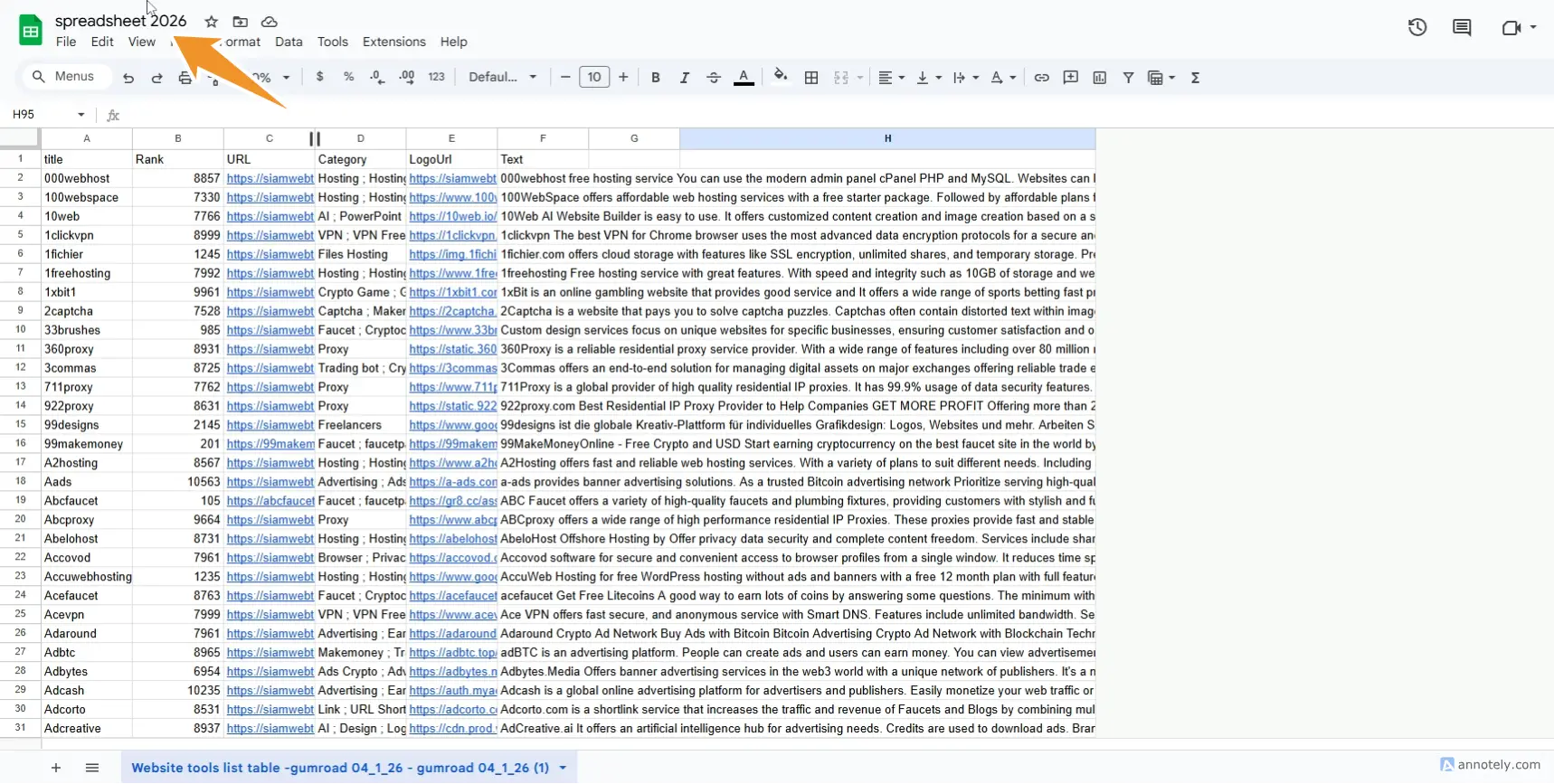
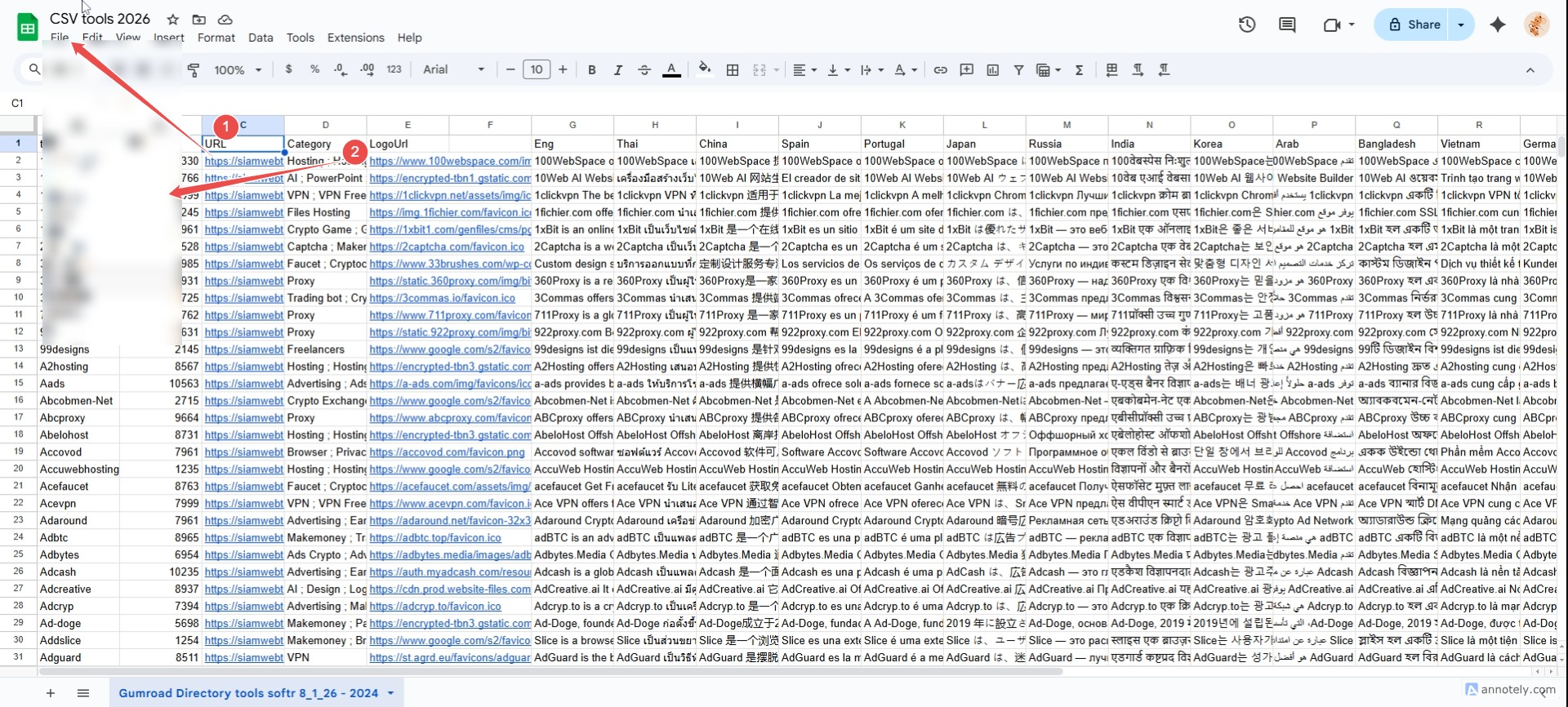
Important steps in setting up Google Sheets.
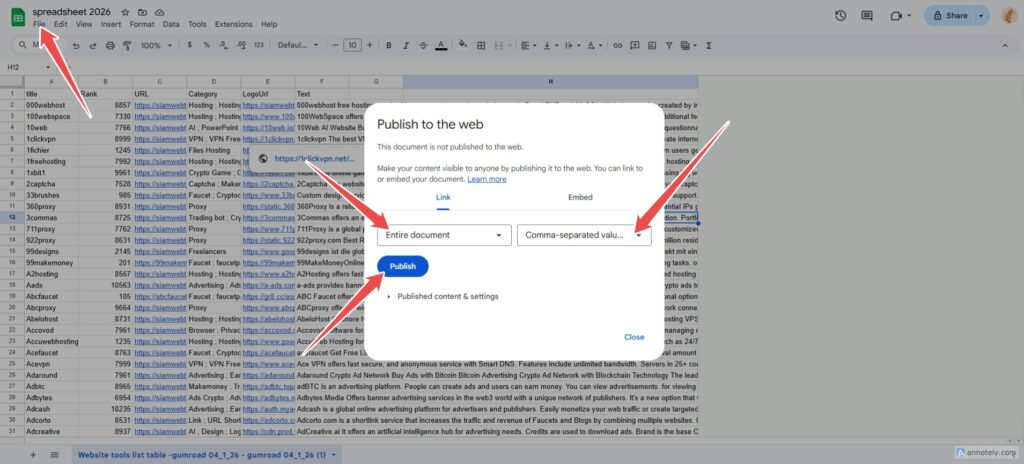
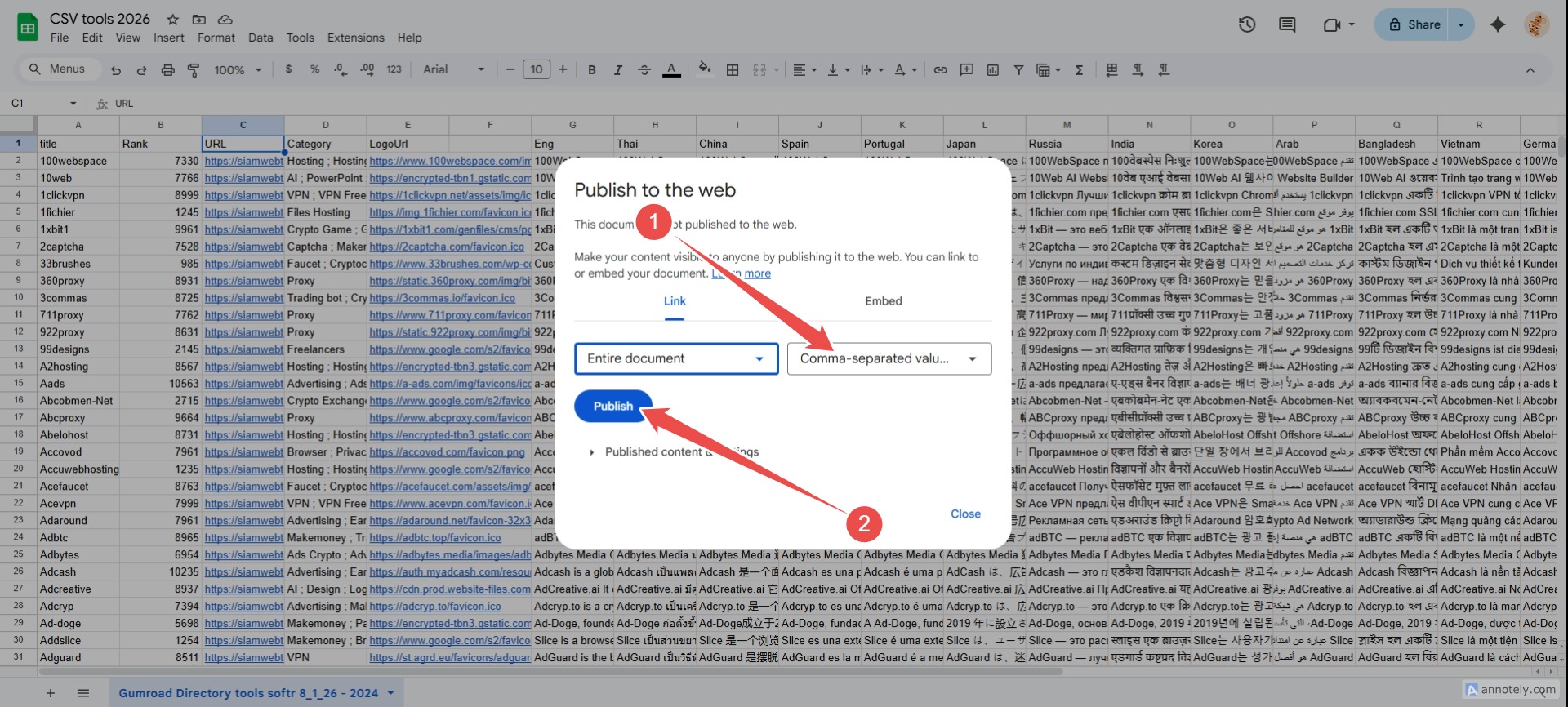
important **Go to File / Share / Publish to web.
Set to comma-separated values (csv)
You can change it to your AFF link in the forum URL.
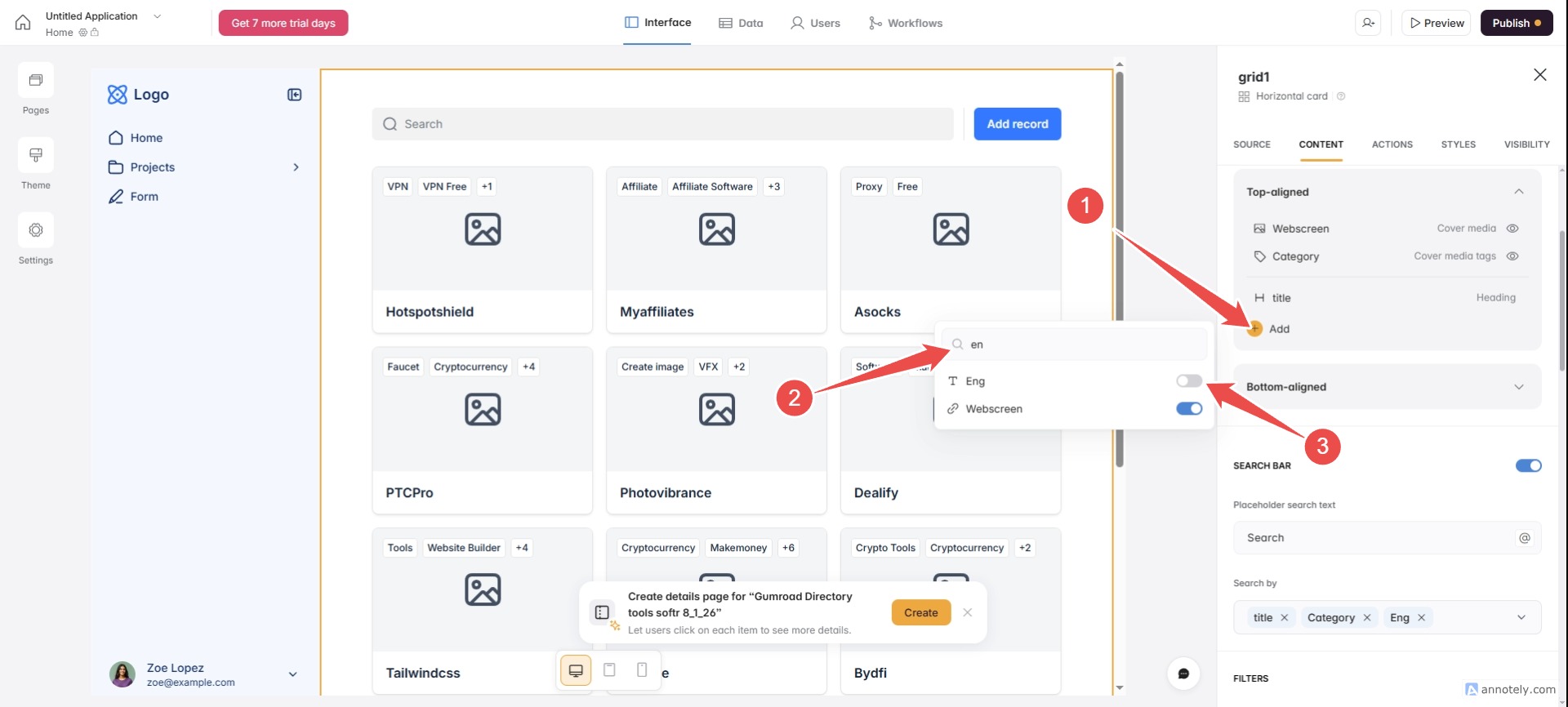
You can change the tool description in the Text thread.
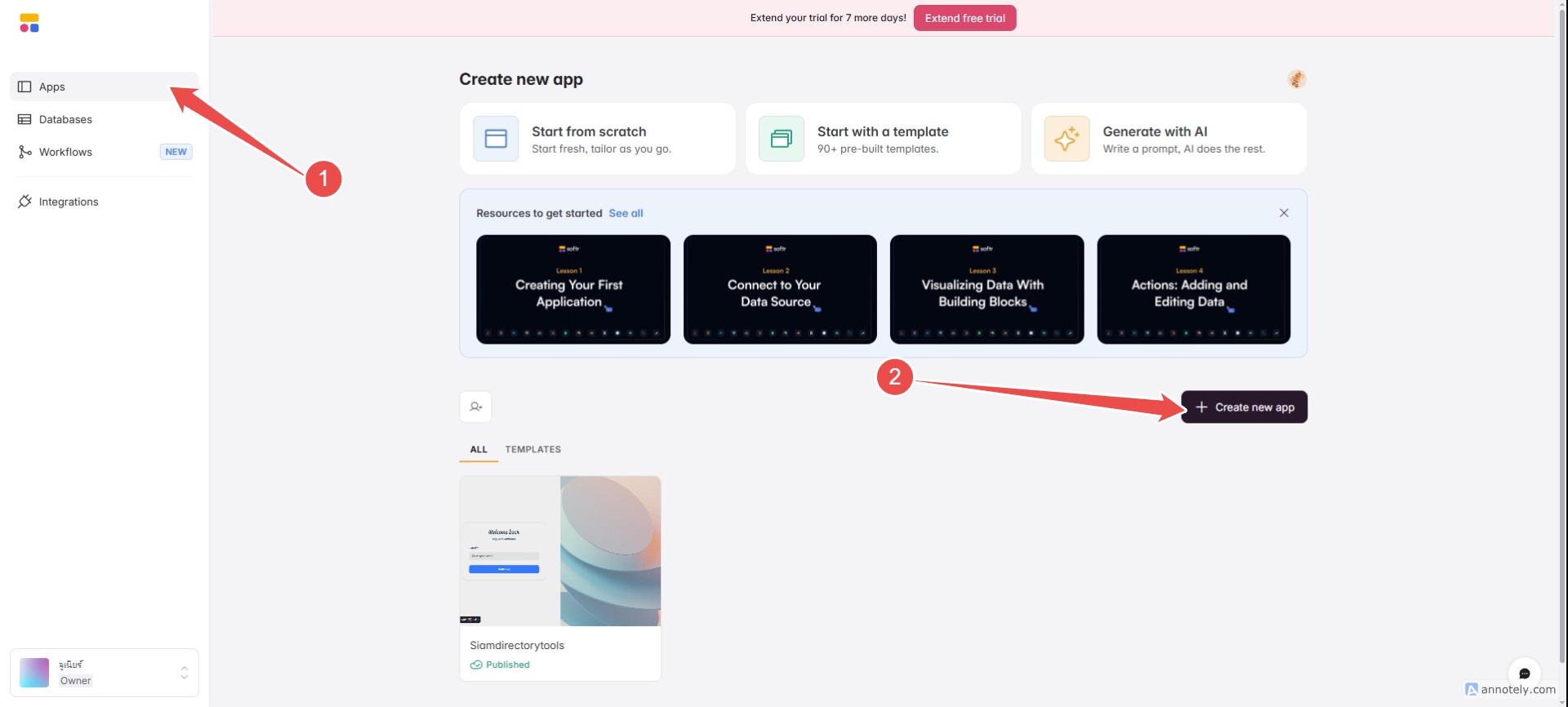
Let's create your first app.
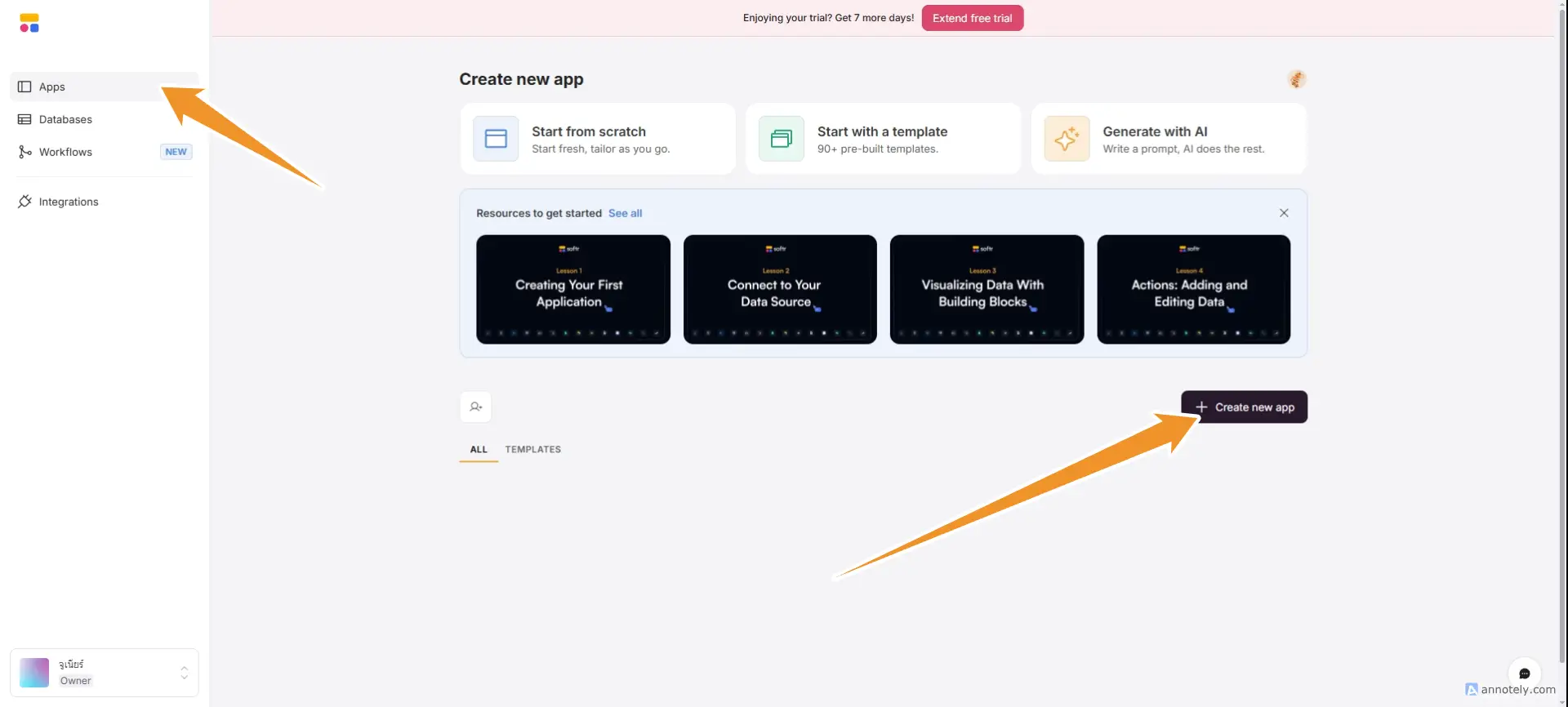
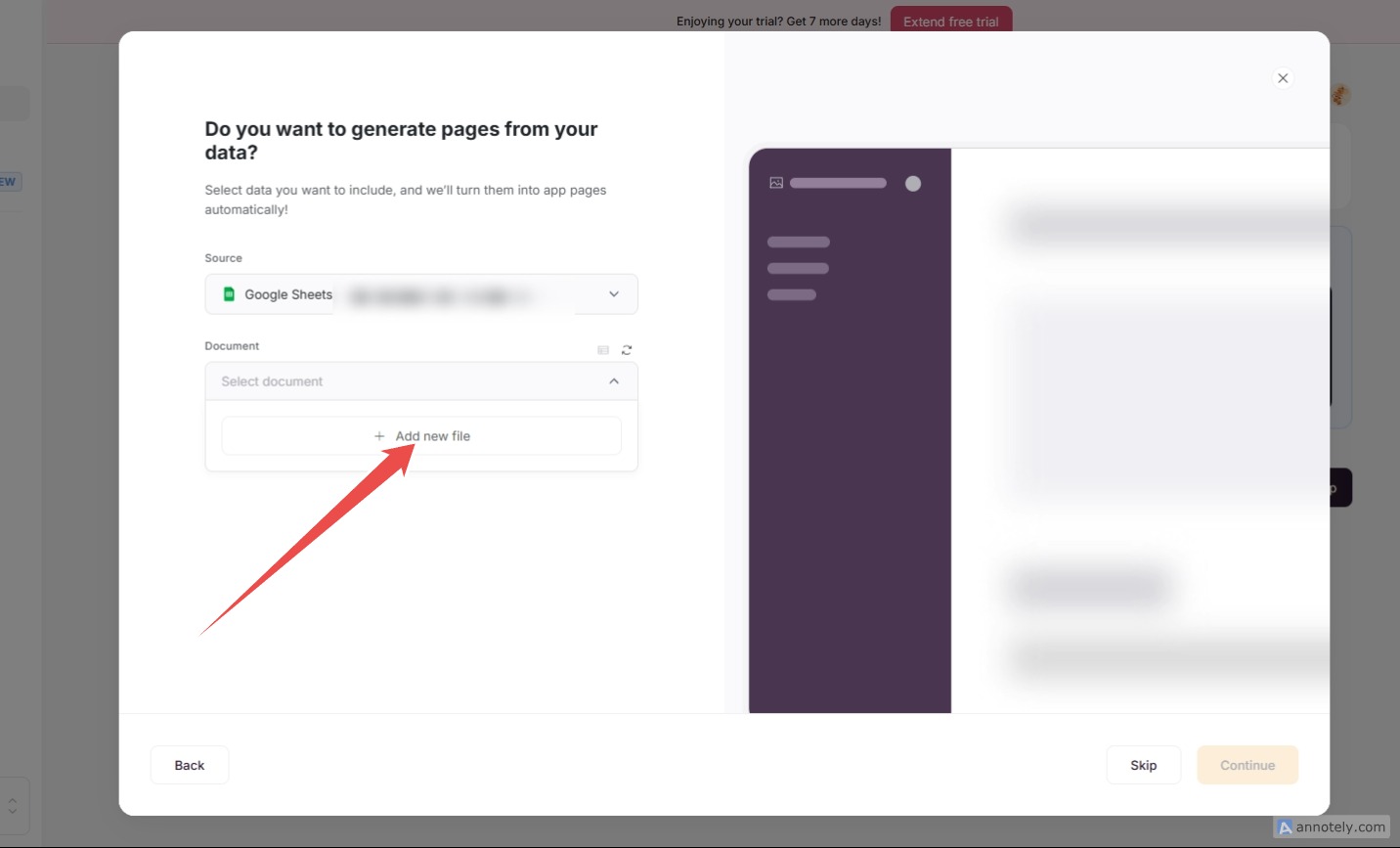
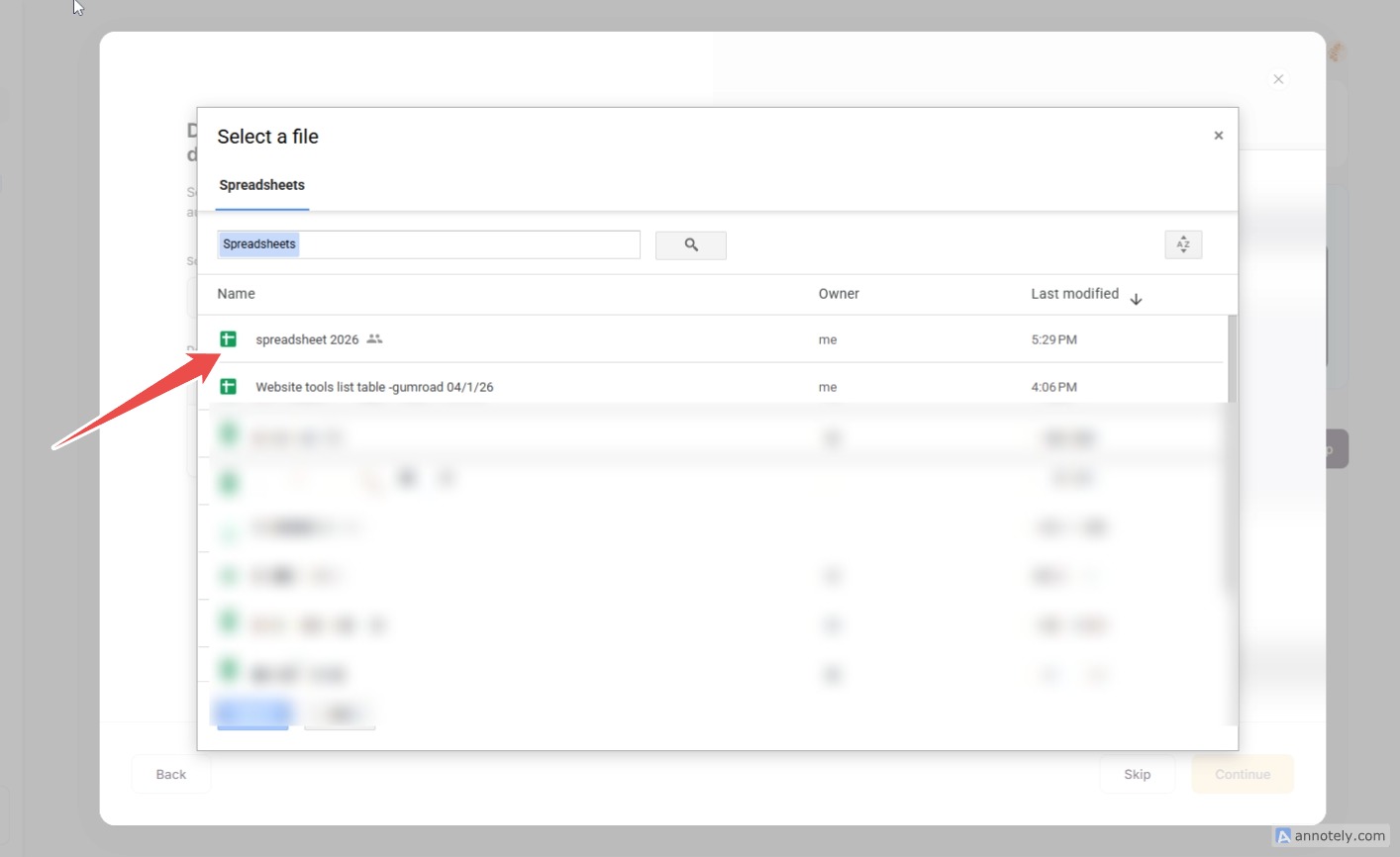

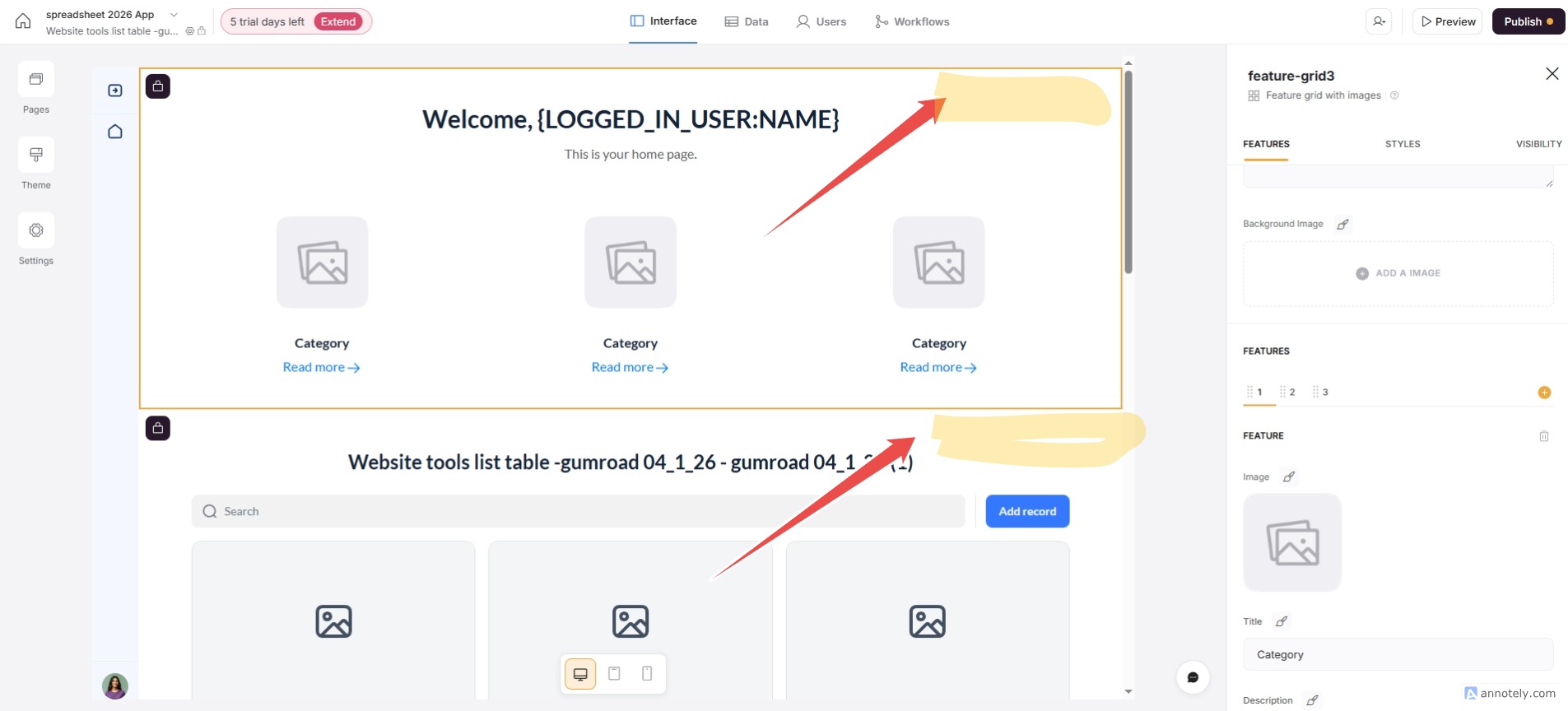
Create a basic soft directory.
Steps for entering basic information (understanding)
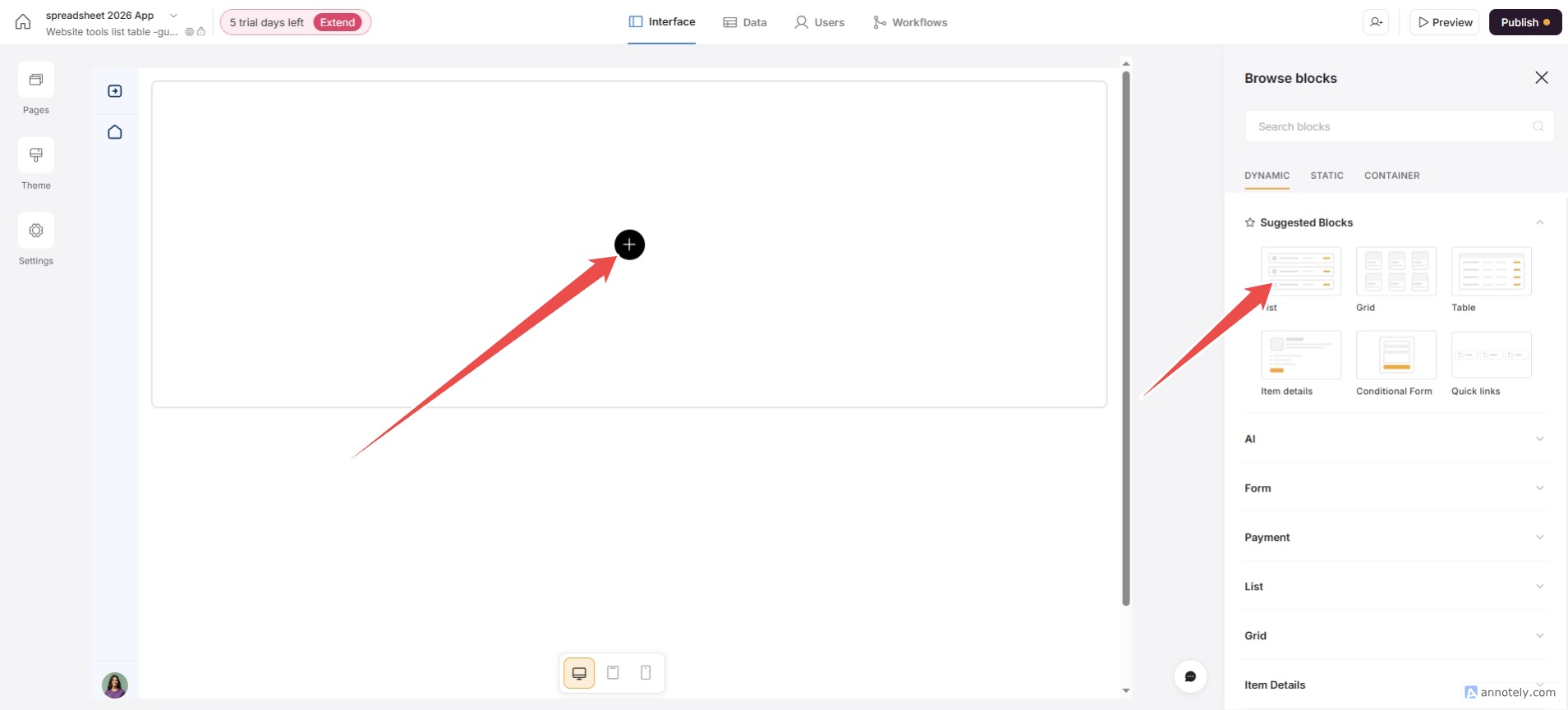
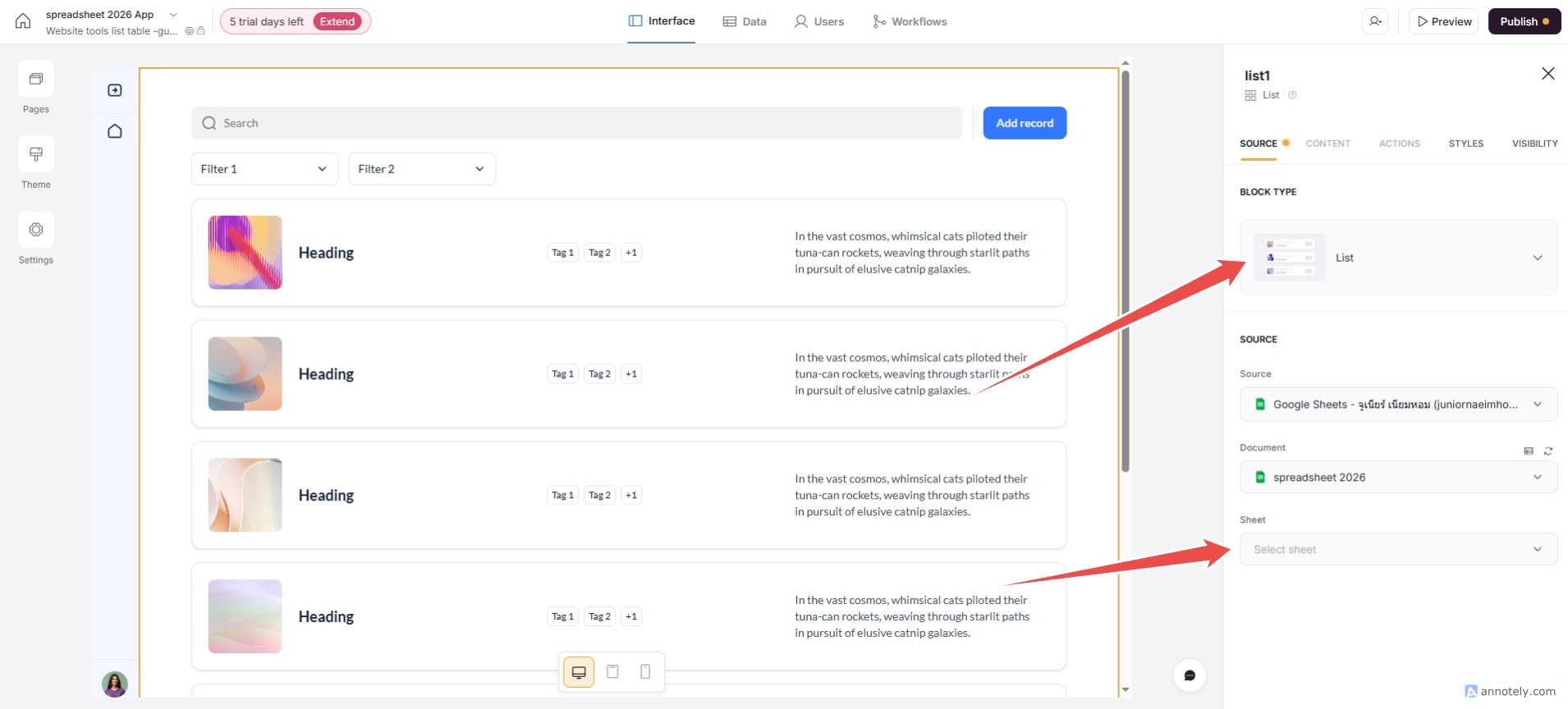
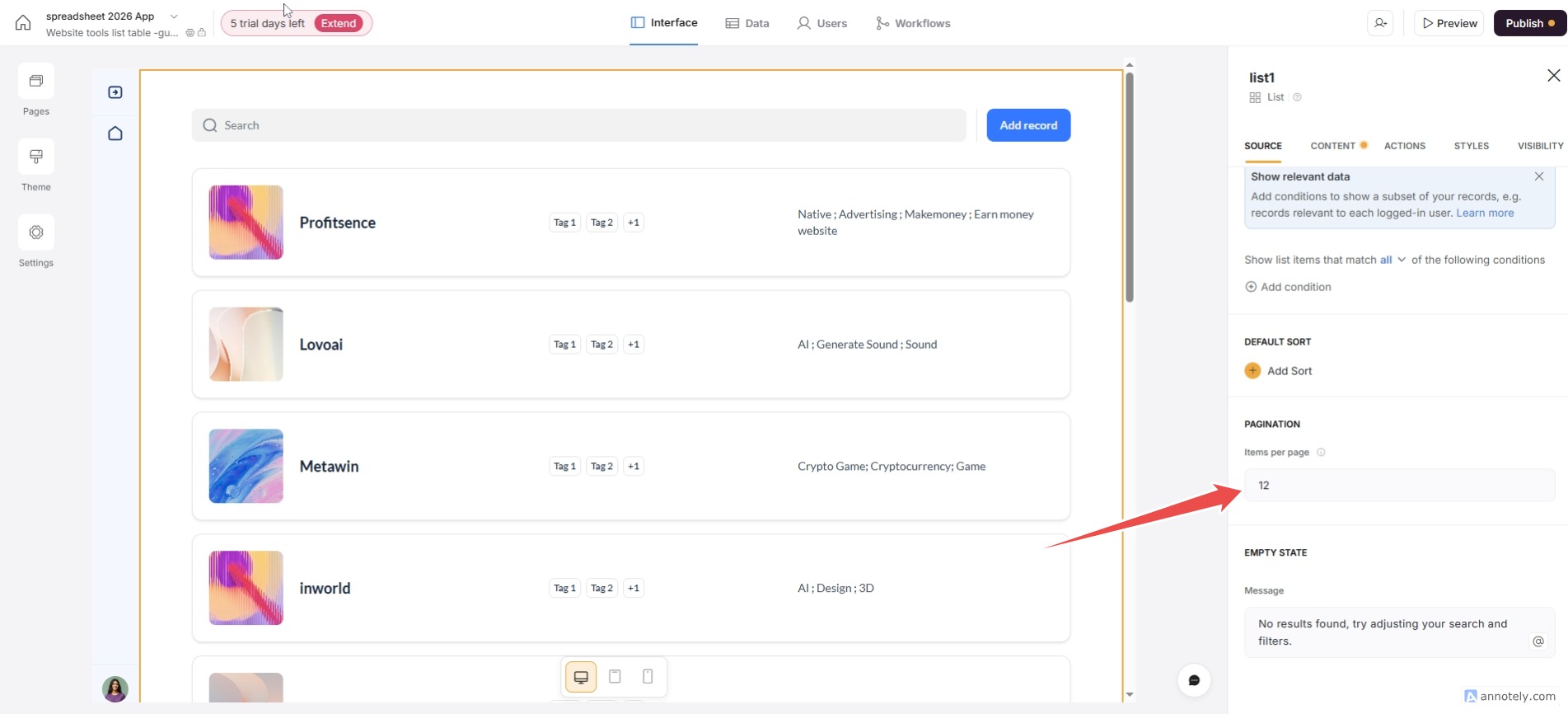
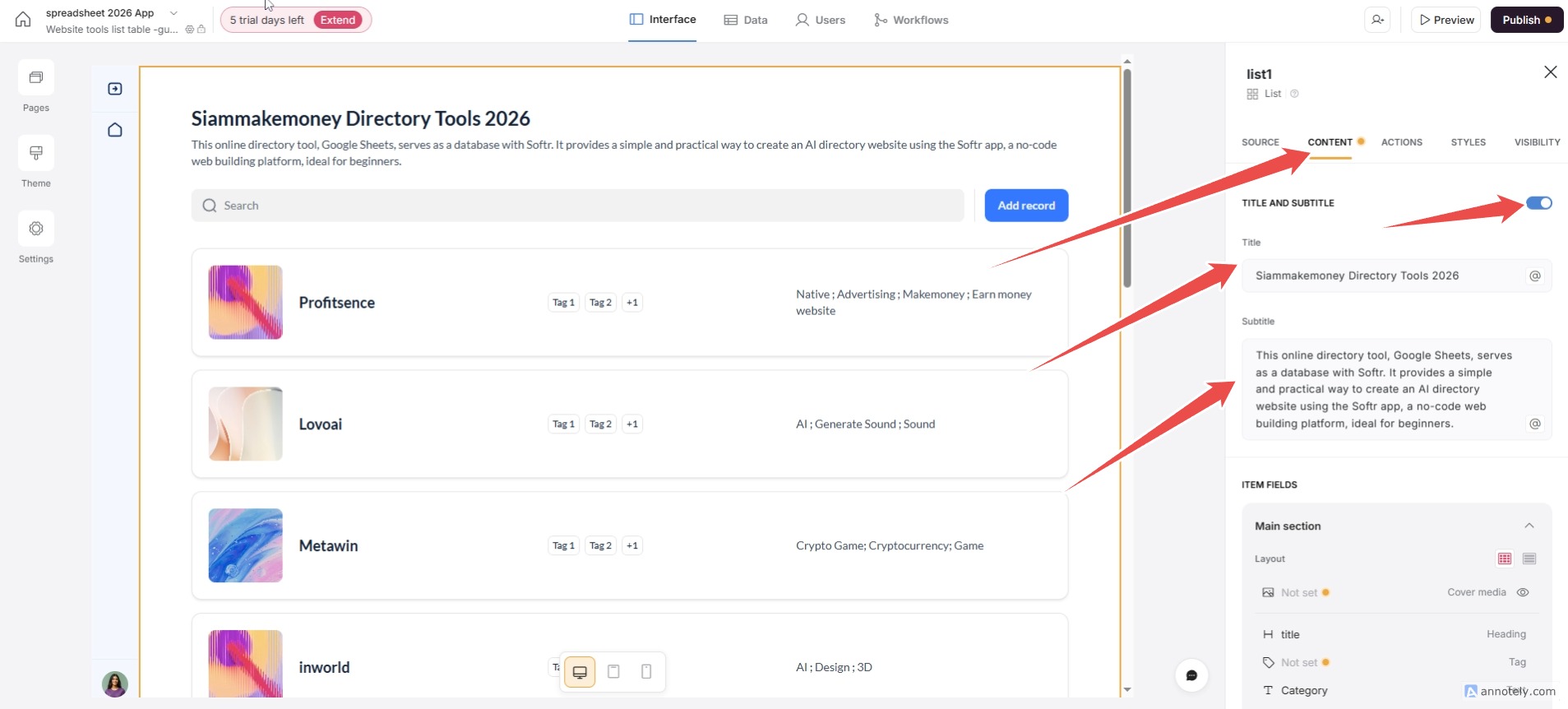
Simple way to extract data from a sheet.

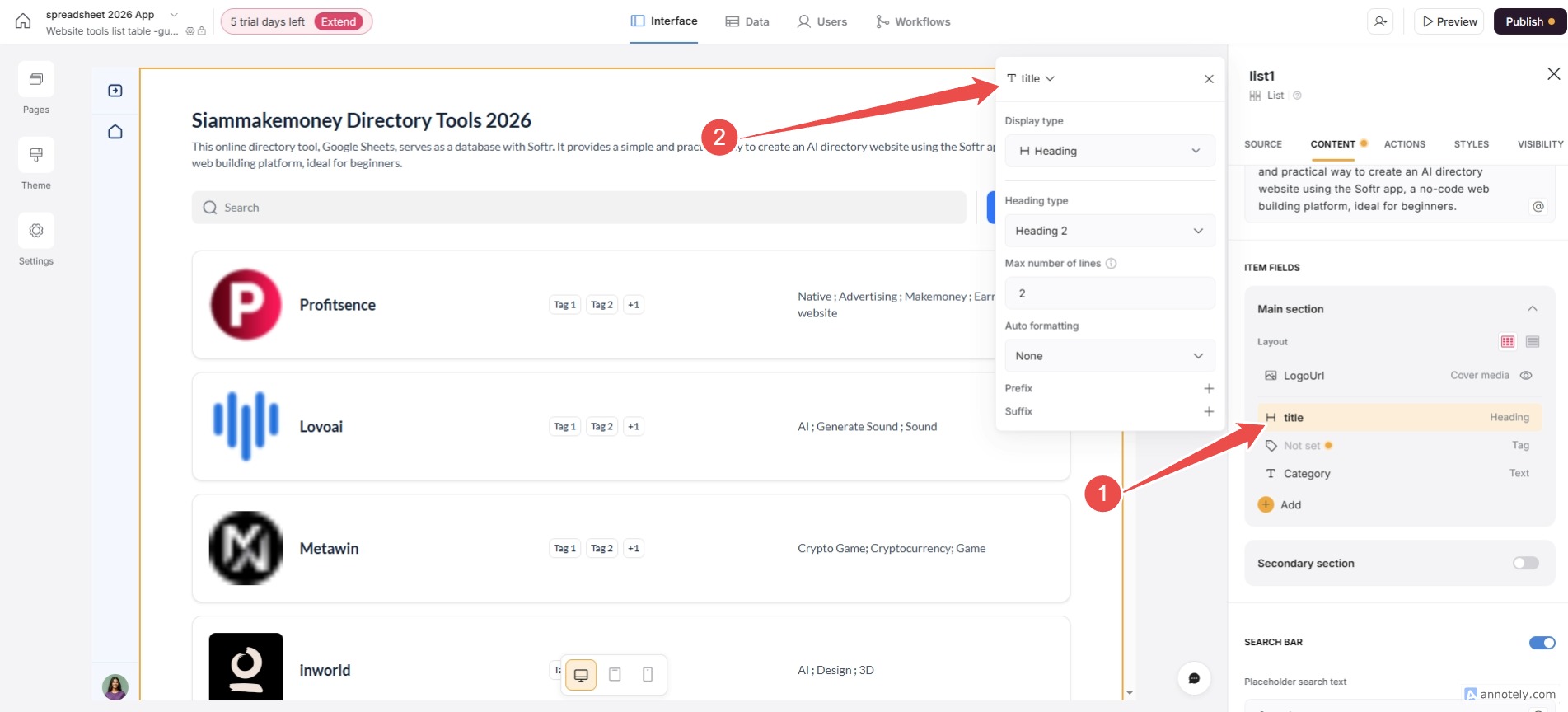
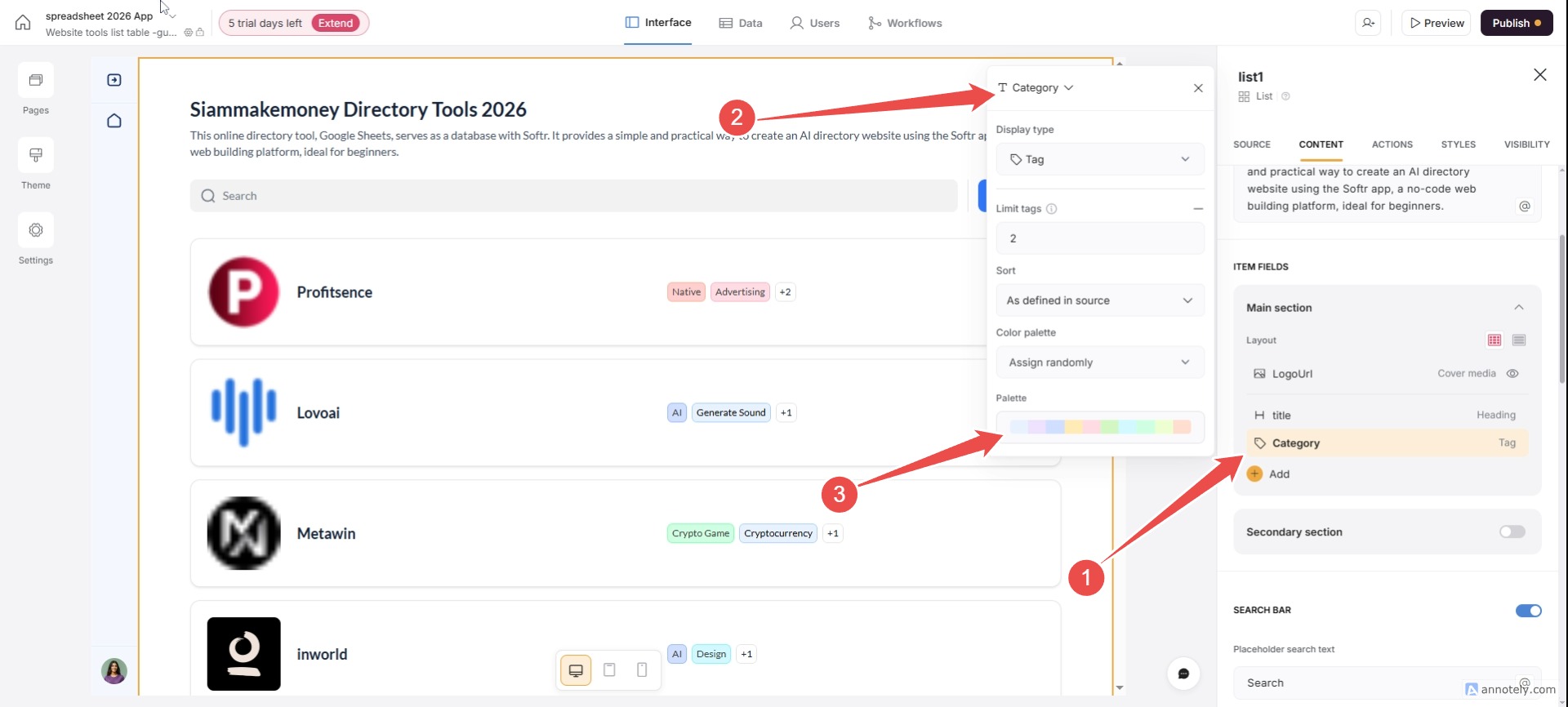

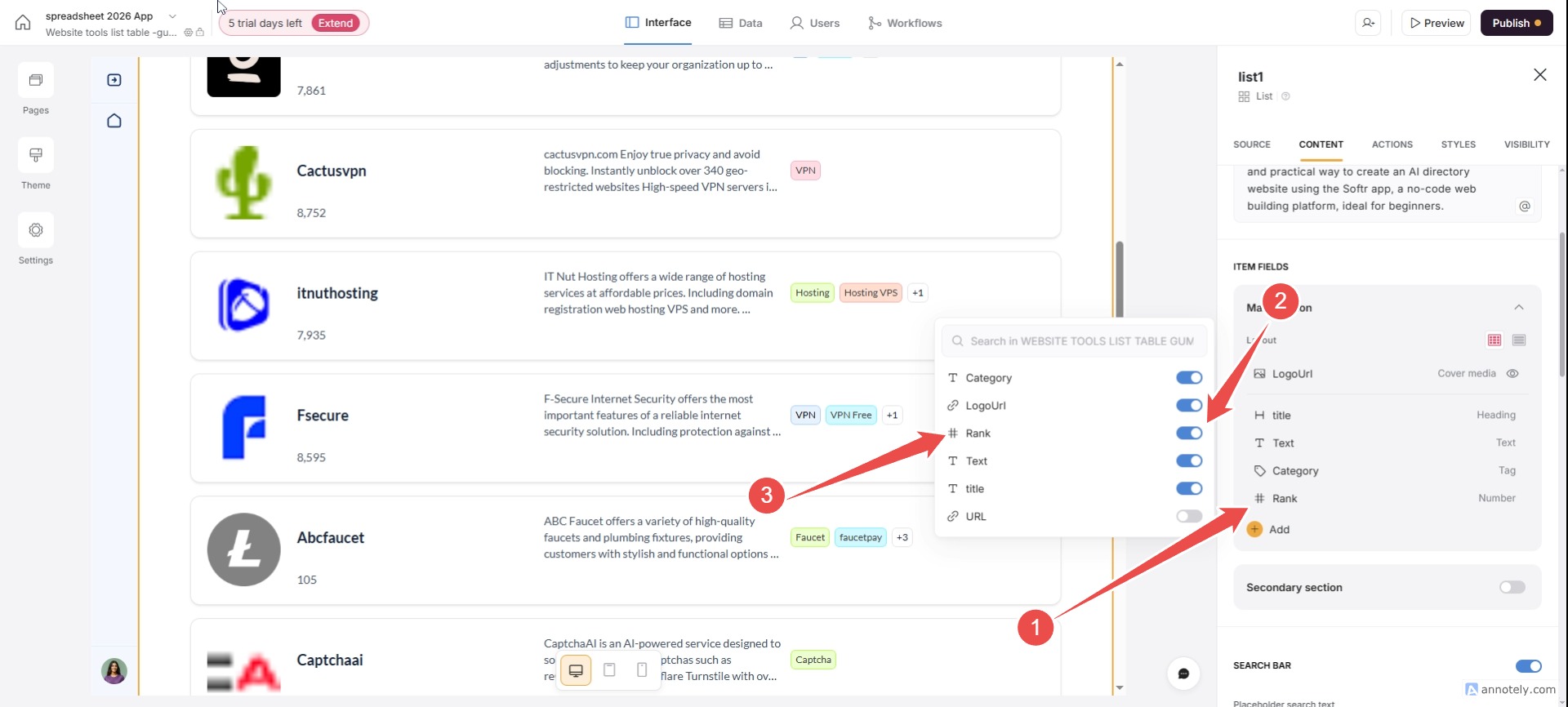
You can adjust the layout to your liking by dragging it up and down.
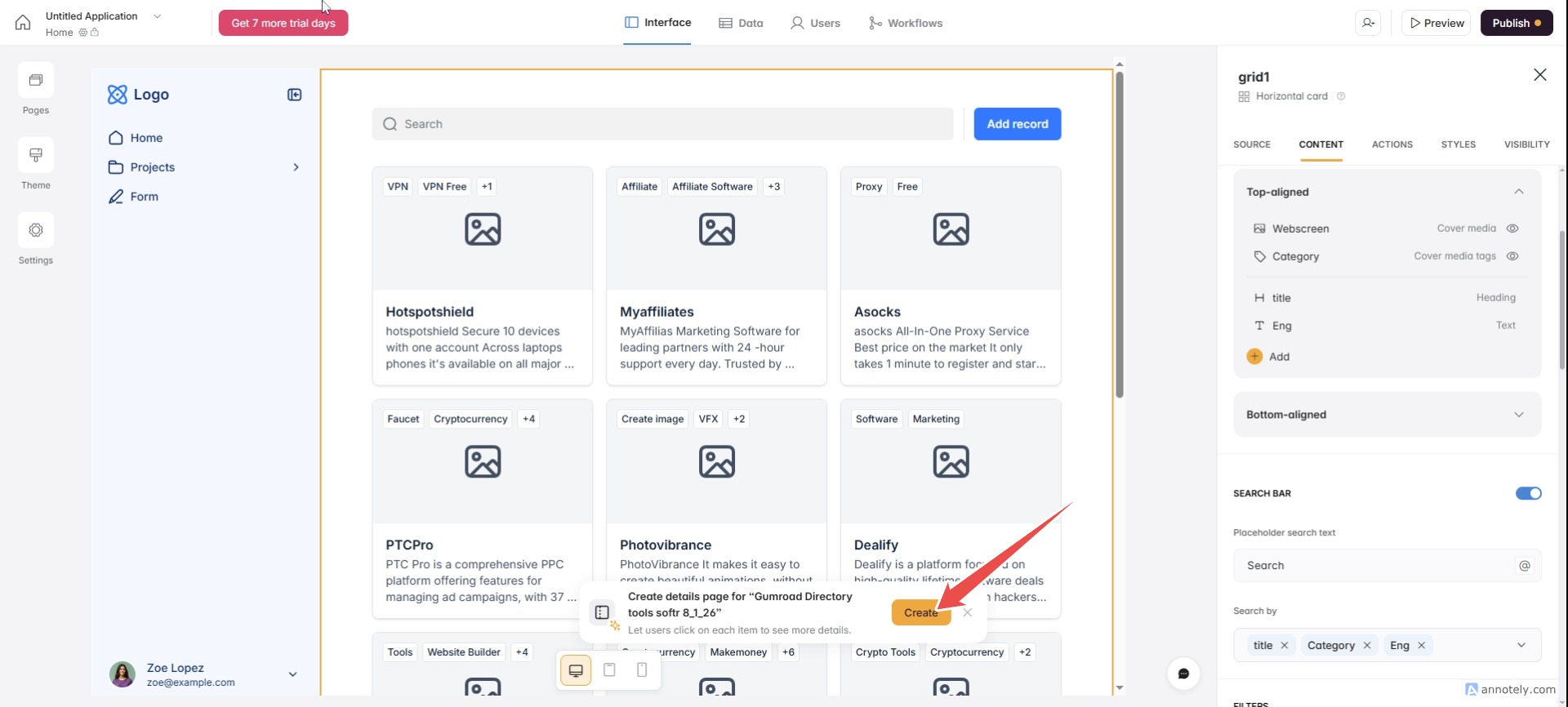
Settings for search, filtering, and click cards.
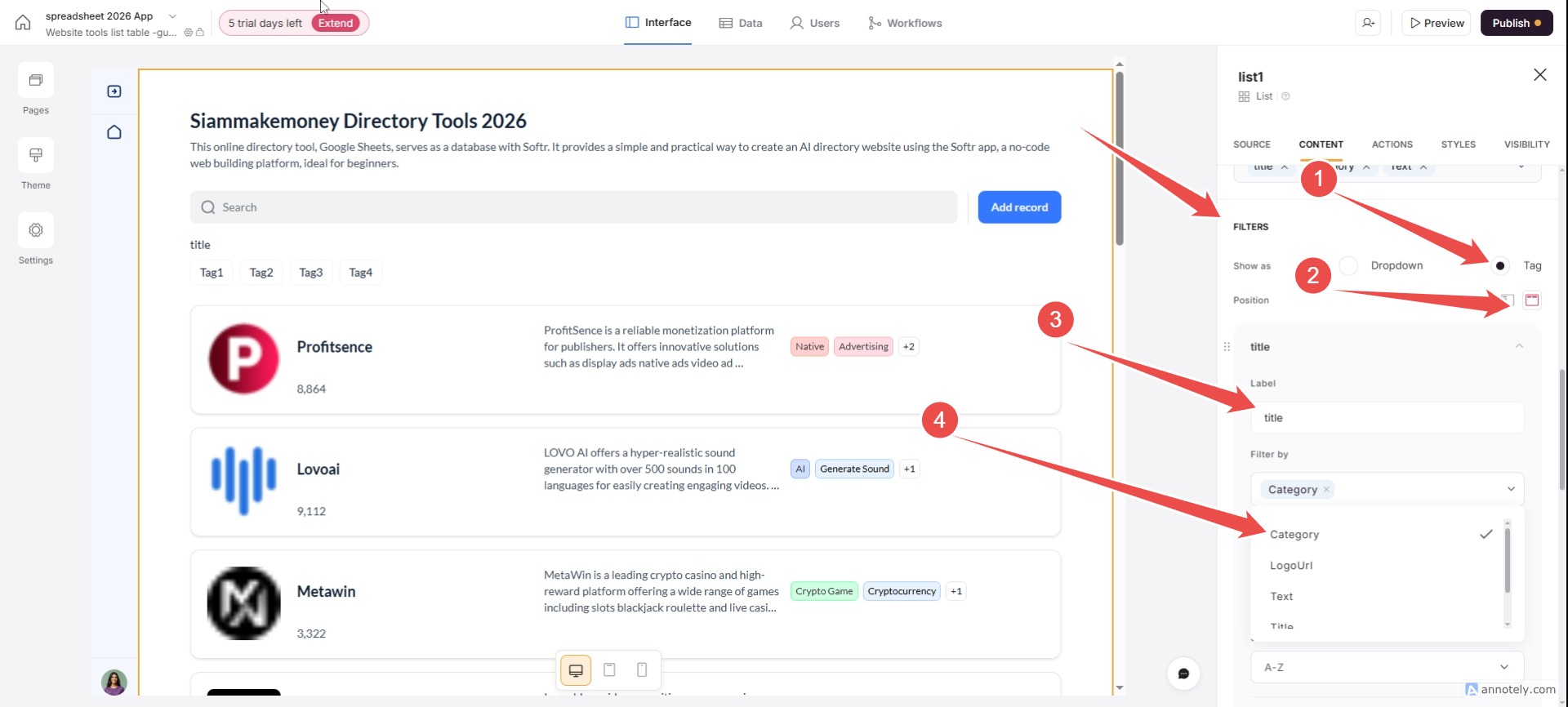


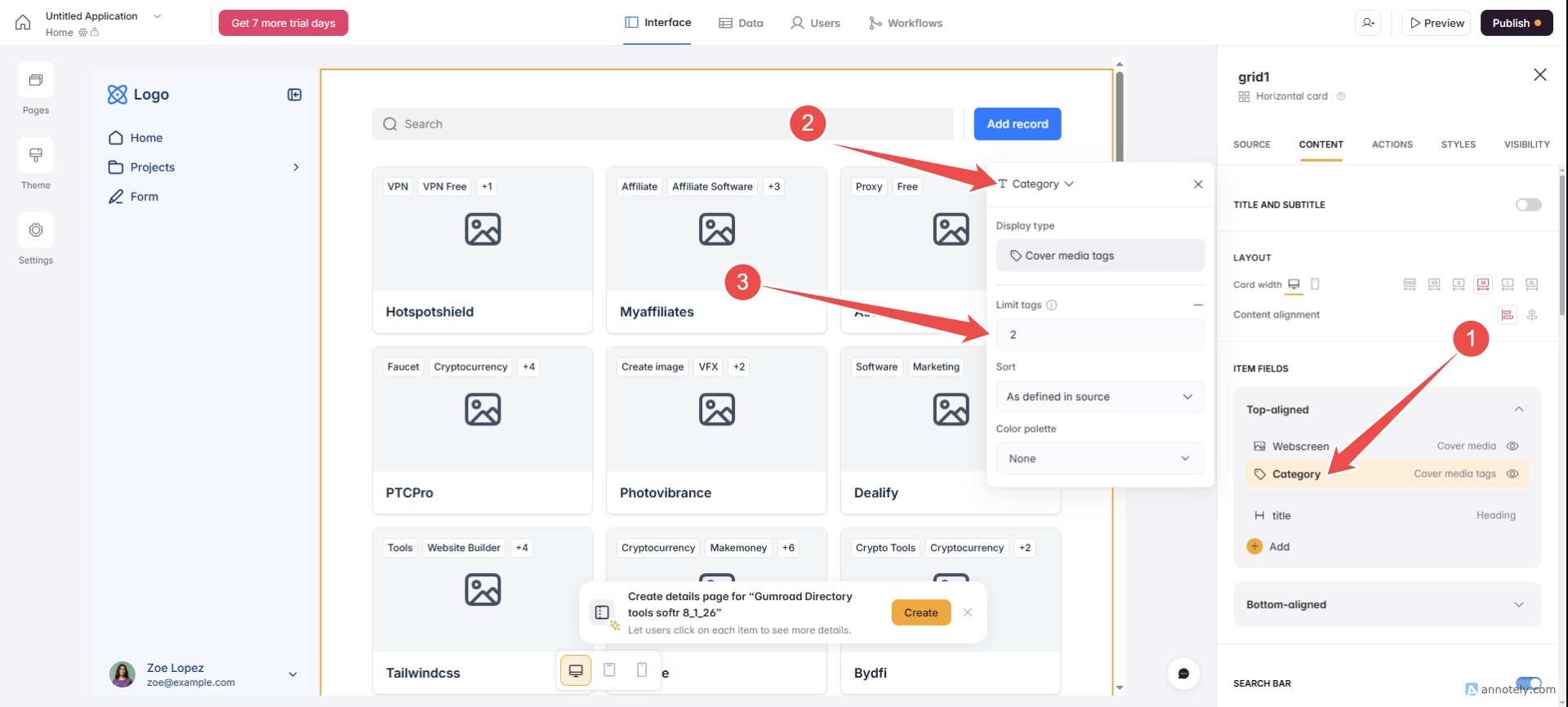
Insert multiple tags. (Insert multiple tags separated by semicolons)
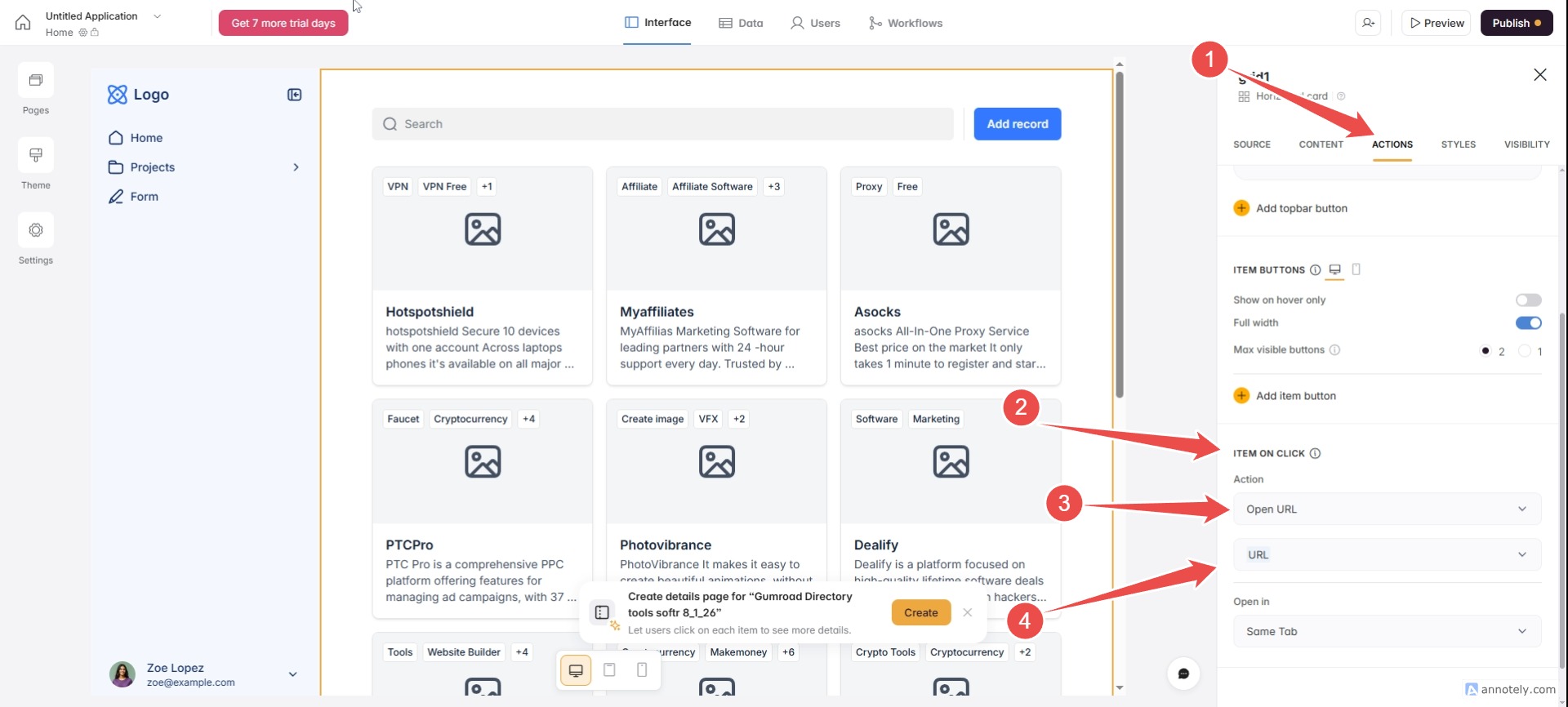
Make sure our card table is clickable to a tool URL.
*** Go to the menu ACTIONS / ITEM ON CLICK / Select Open URL / Open in / New Tab
Changing the style, format, text, and colors.
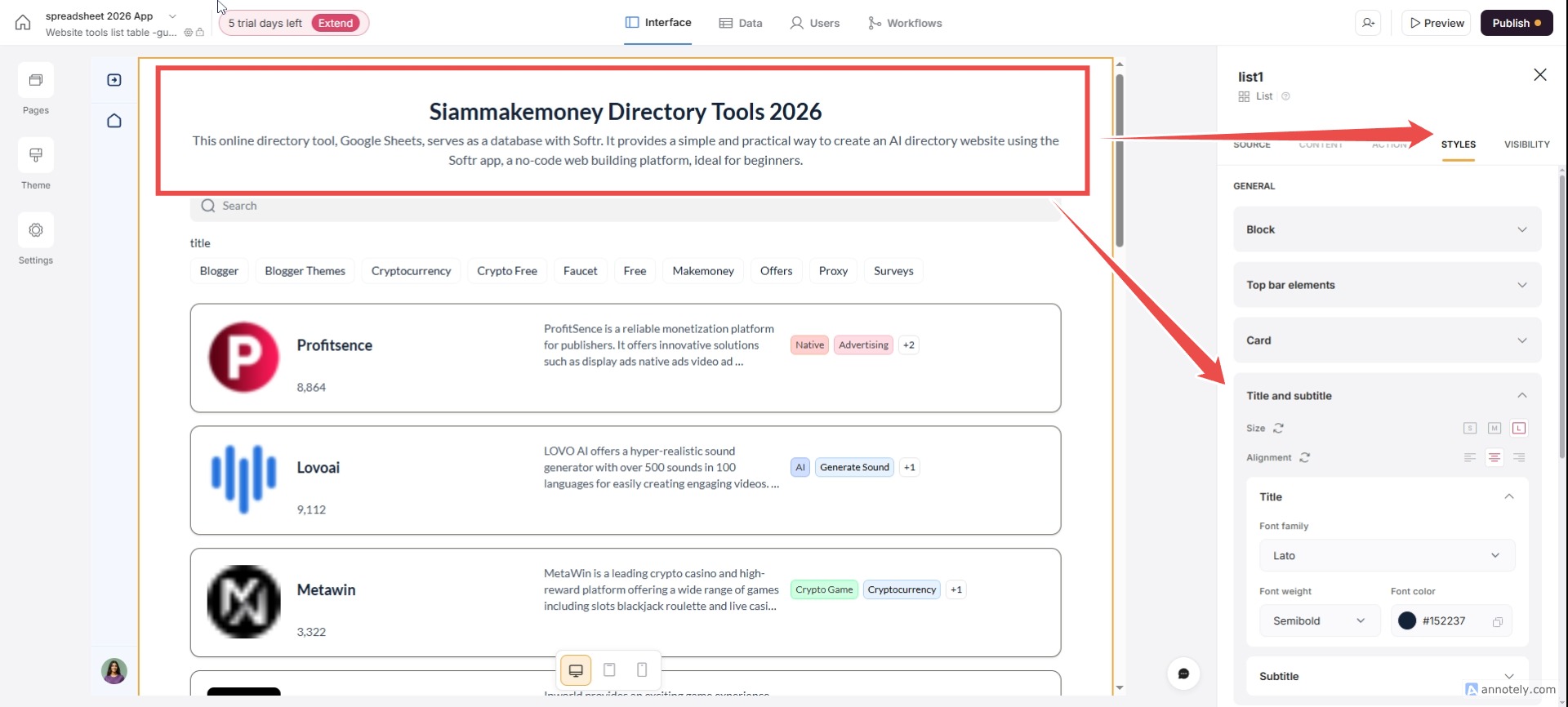
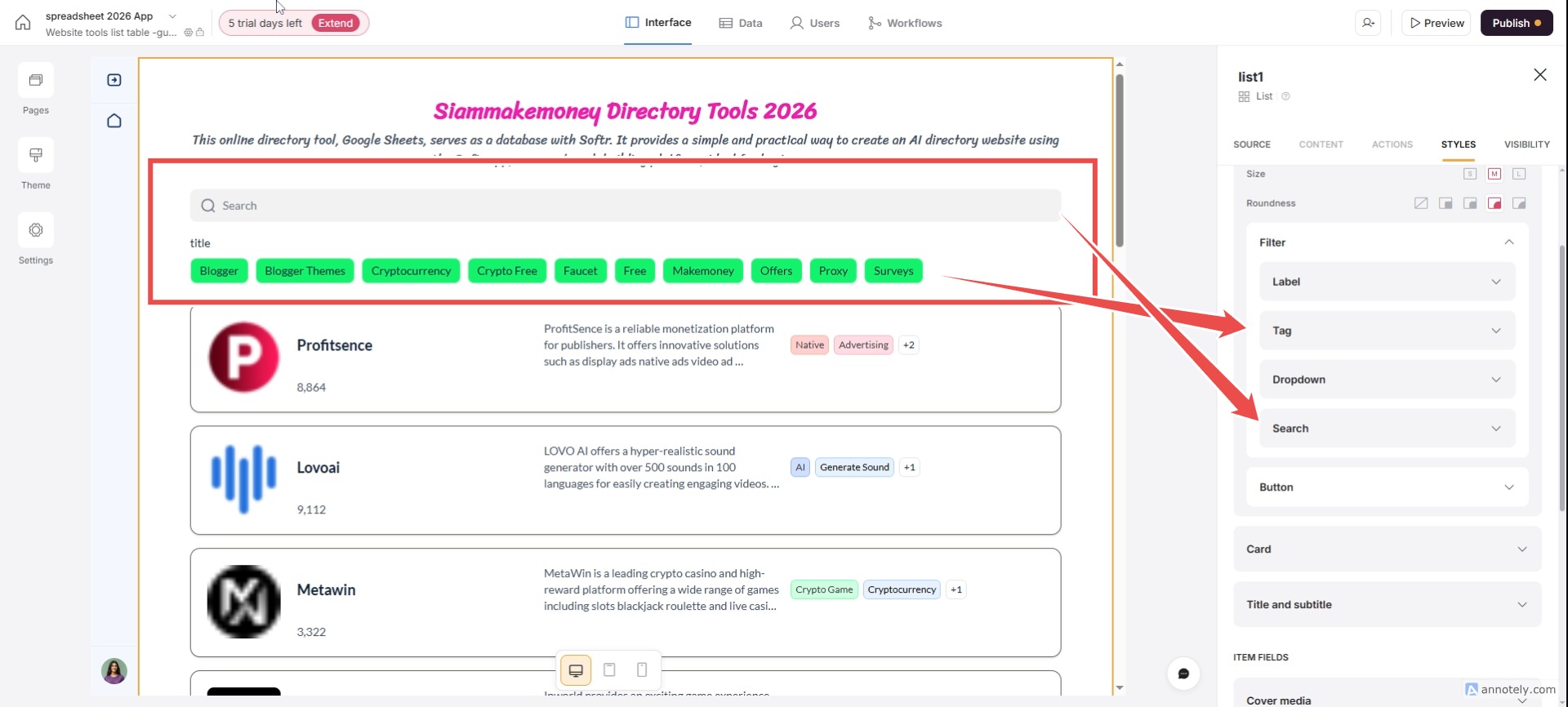


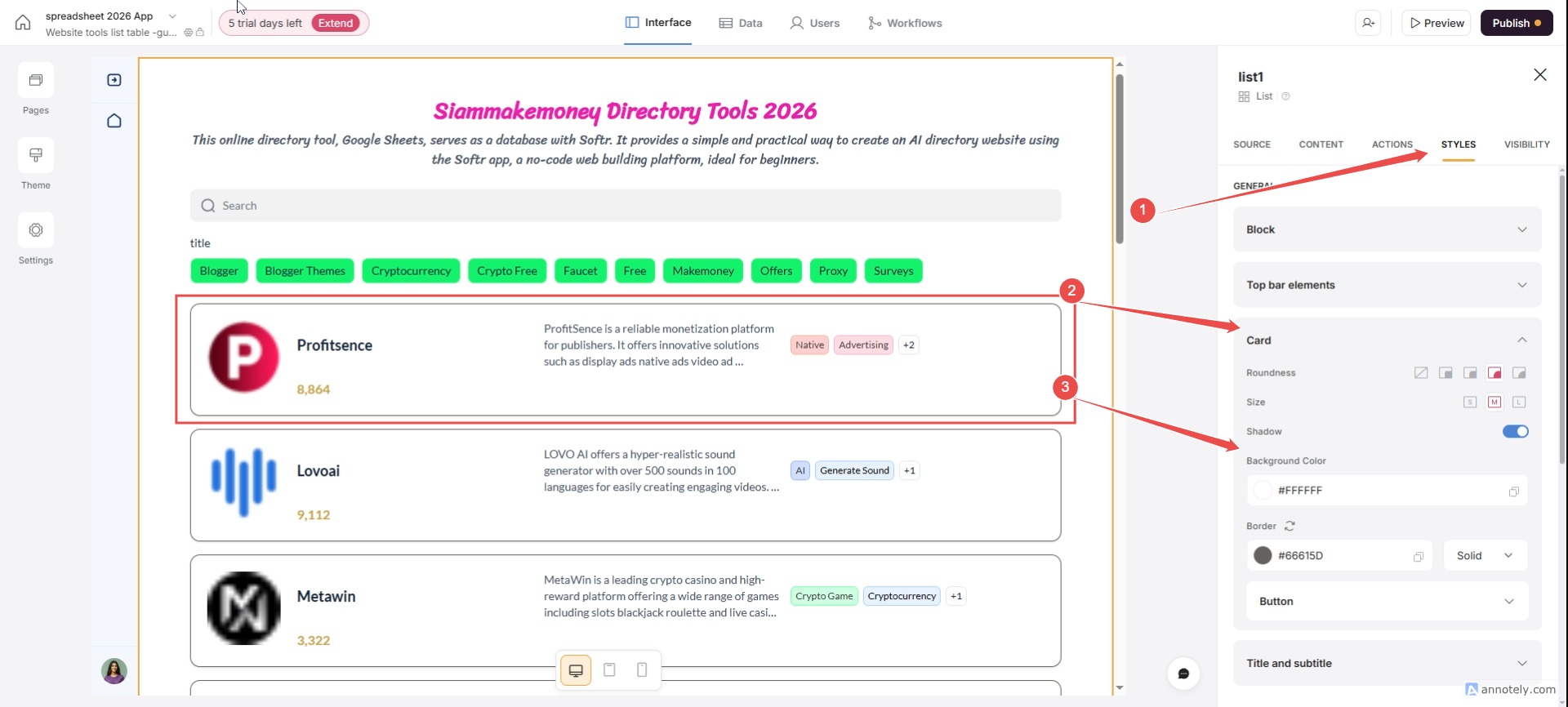

To change the style, width, background color, and font of the card, and the entire background, go to Theme on the left.
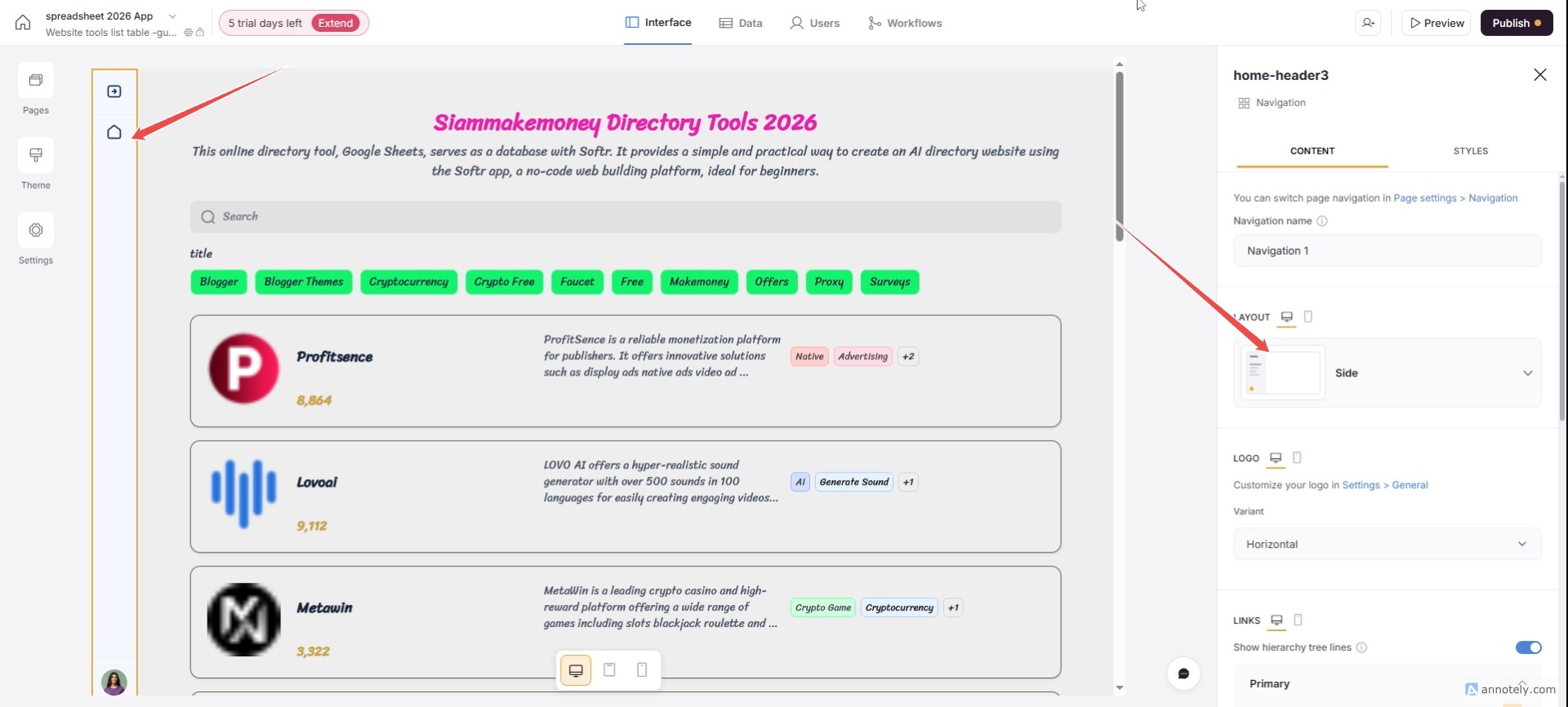
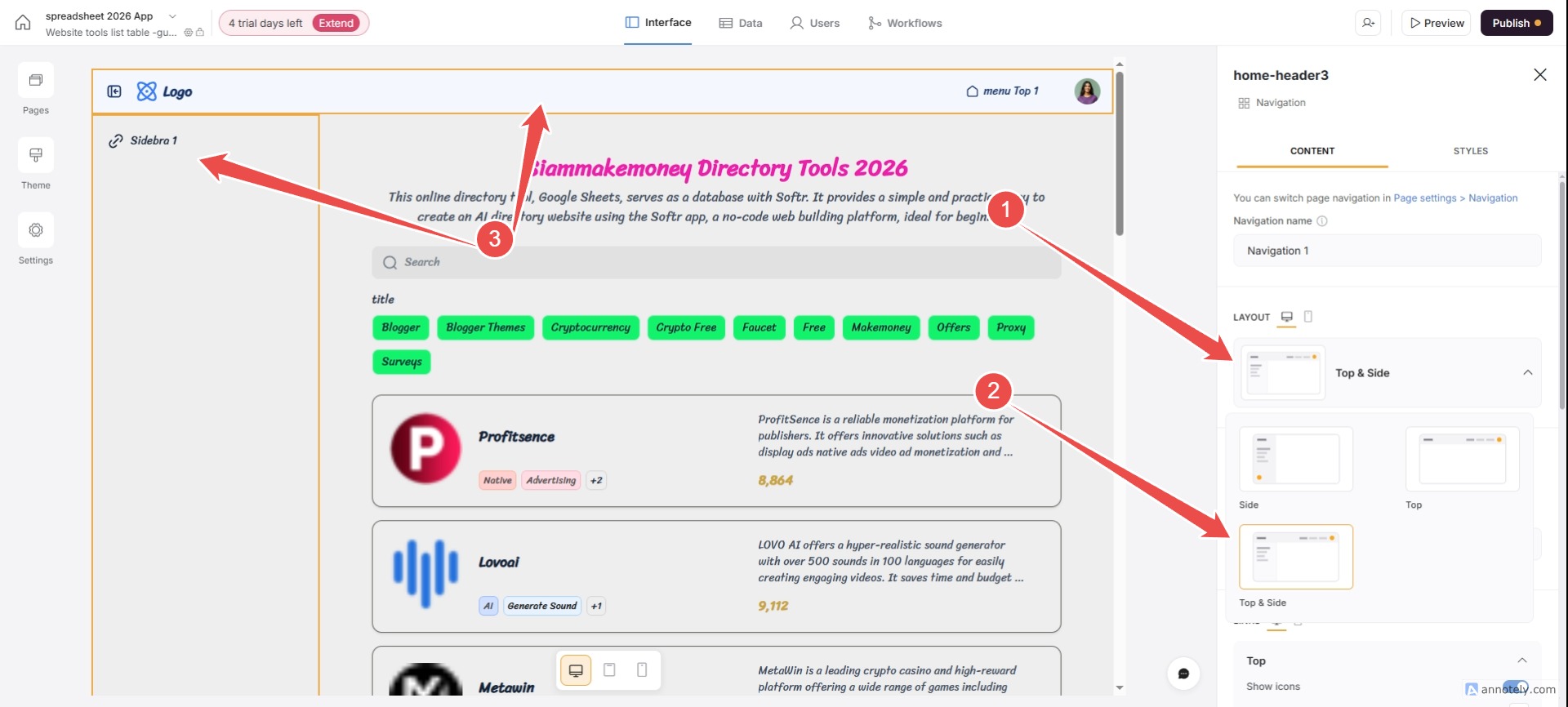


You can choose from 3 menu options.
Menu types
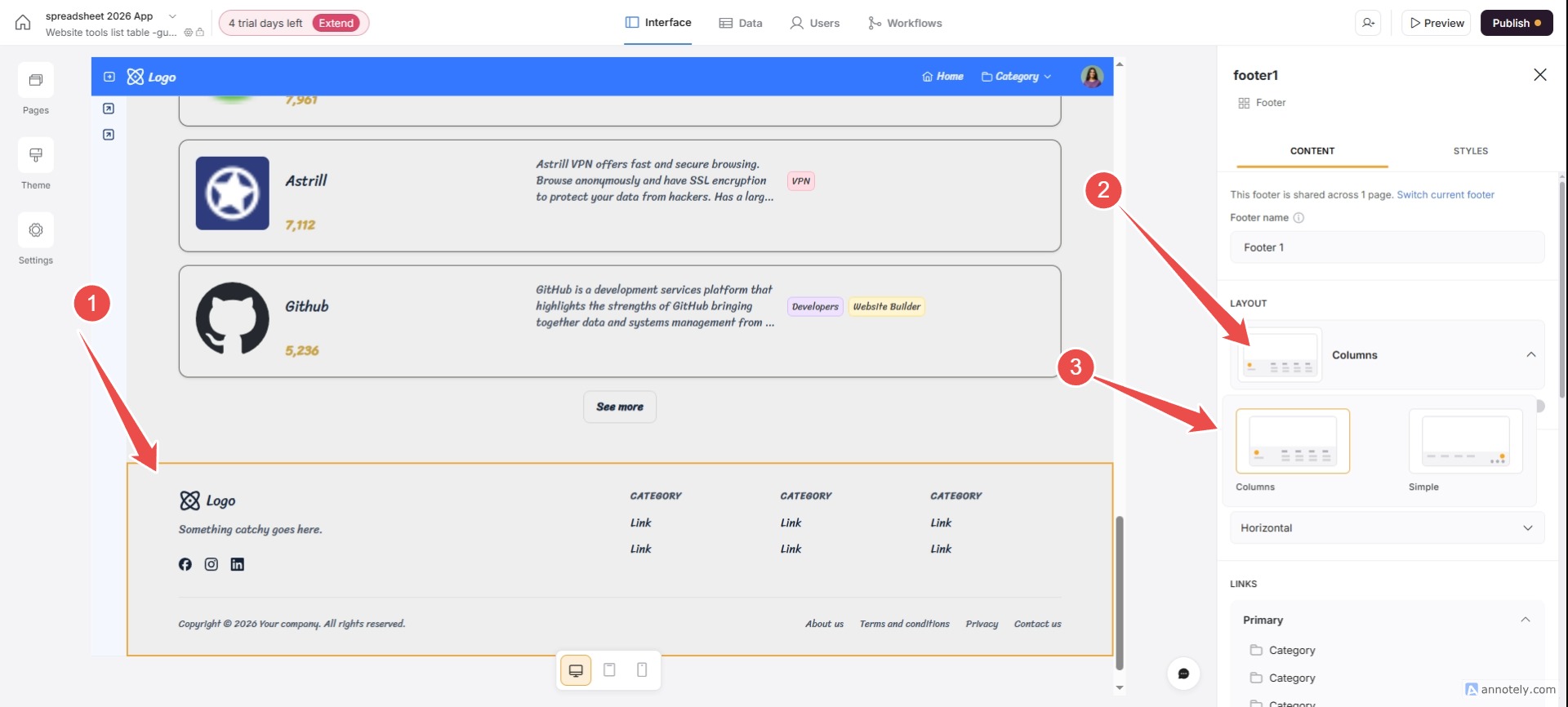
Add a softr footer.
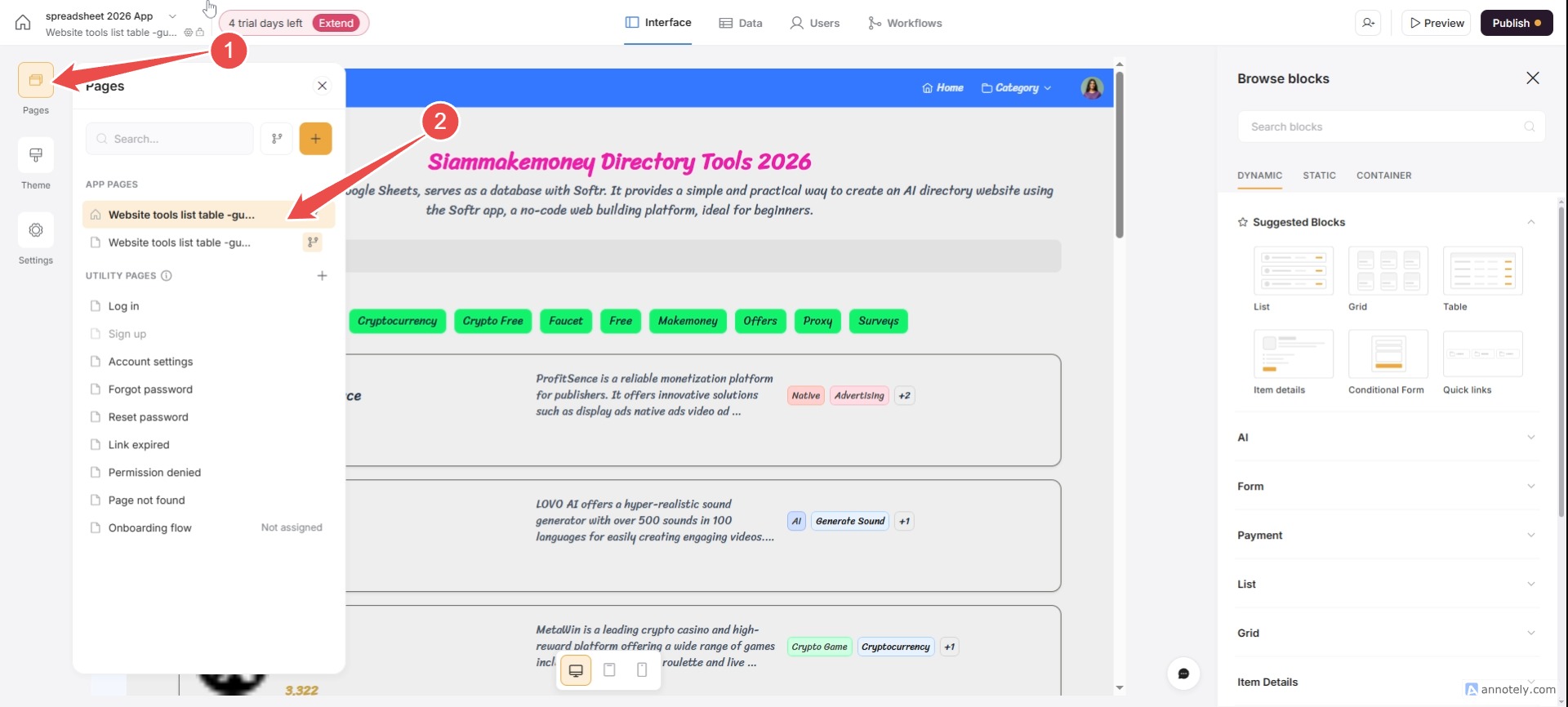
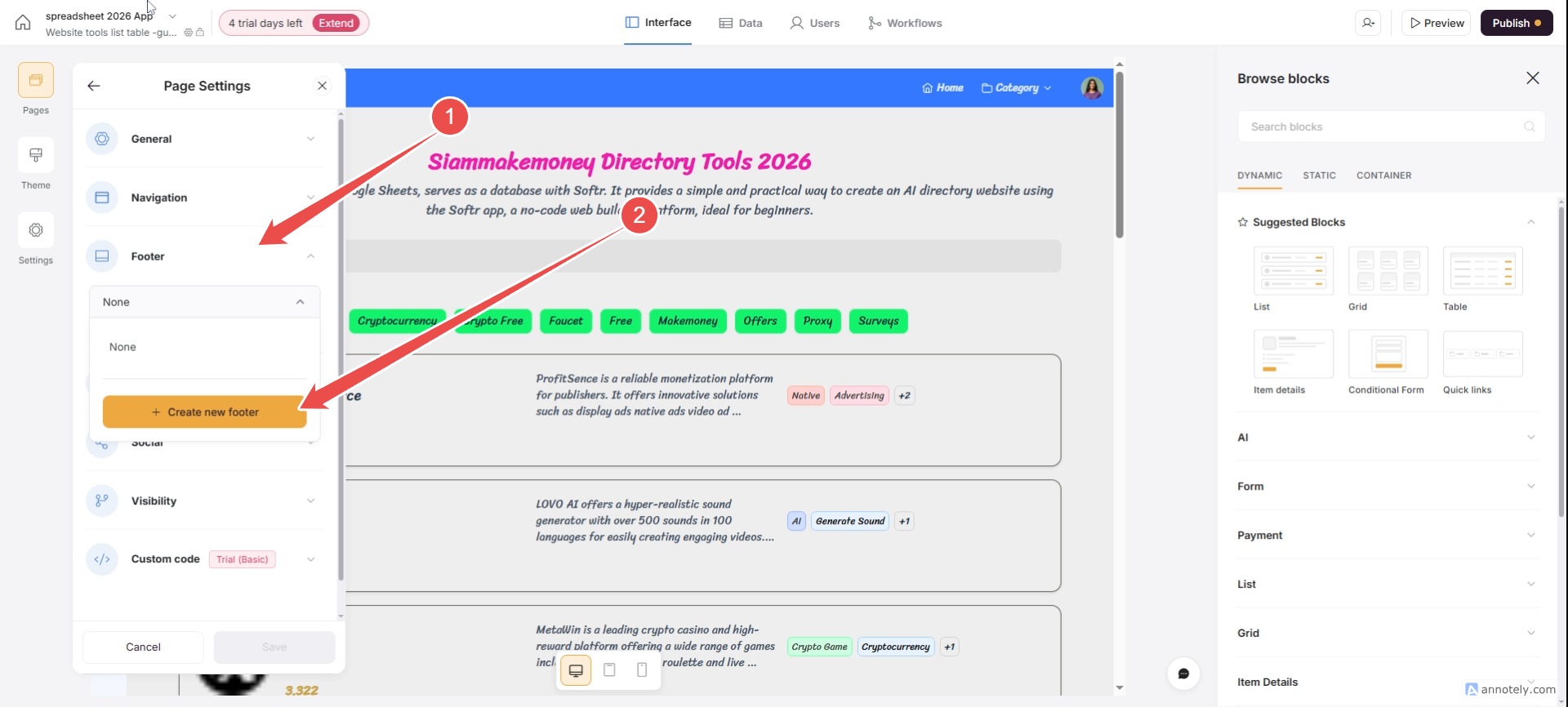

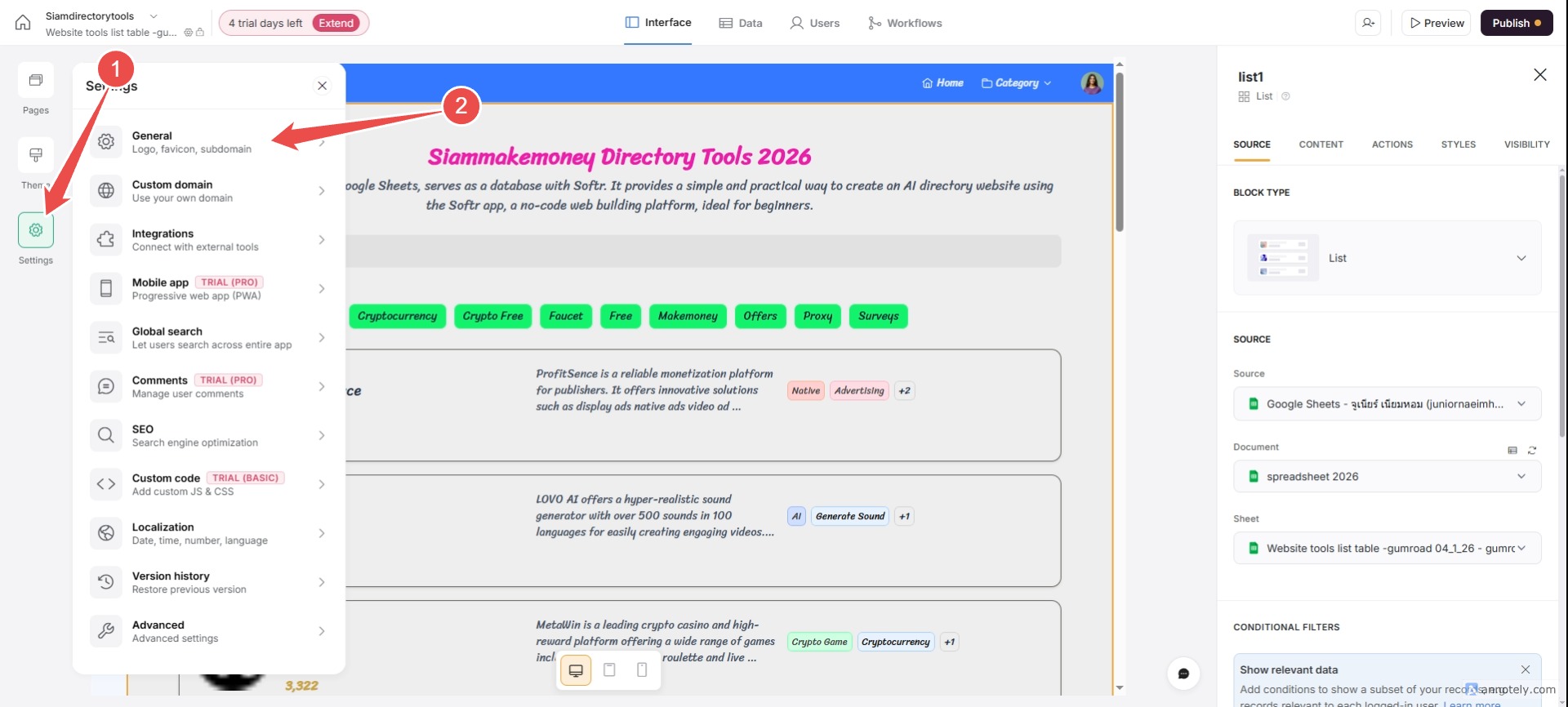
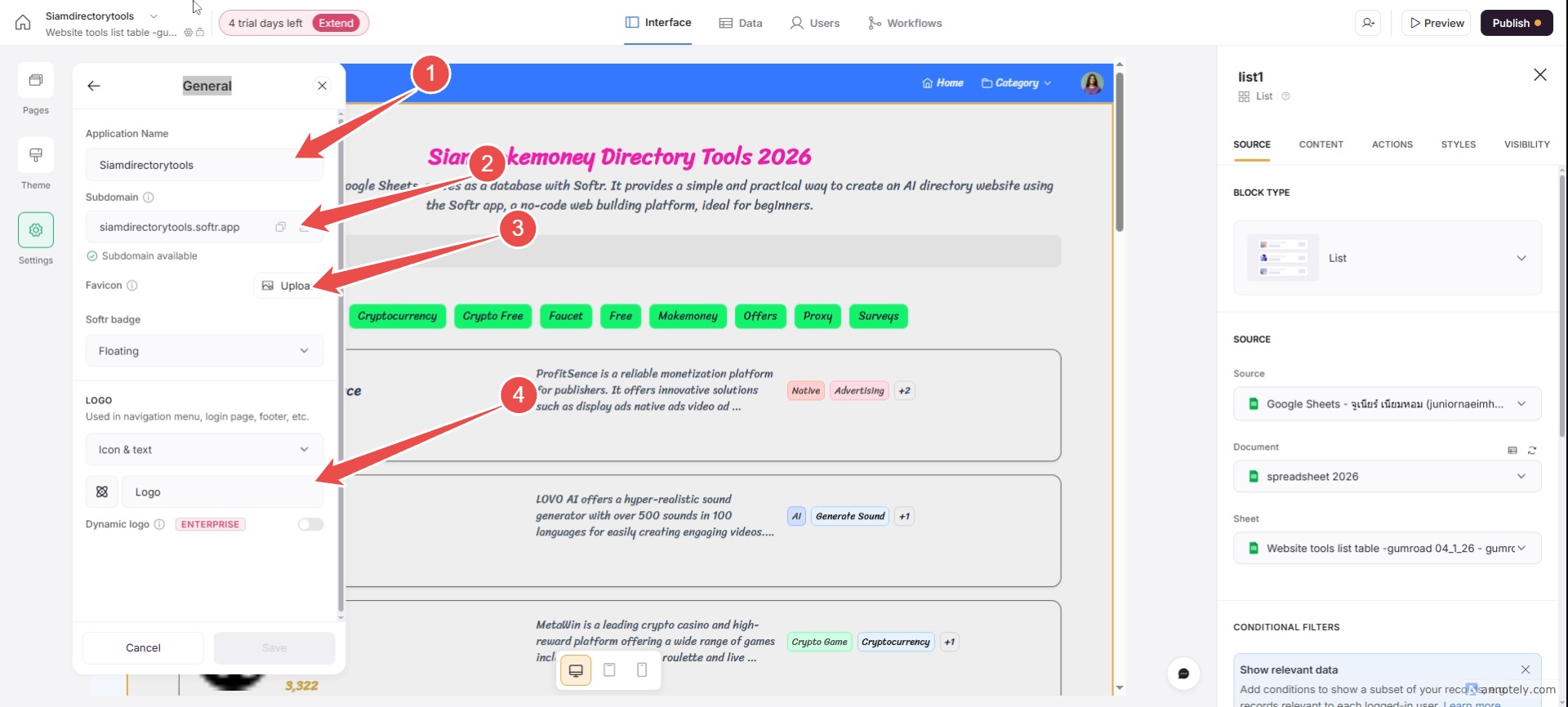
Optimize SEO for Favicoin: Name and Description
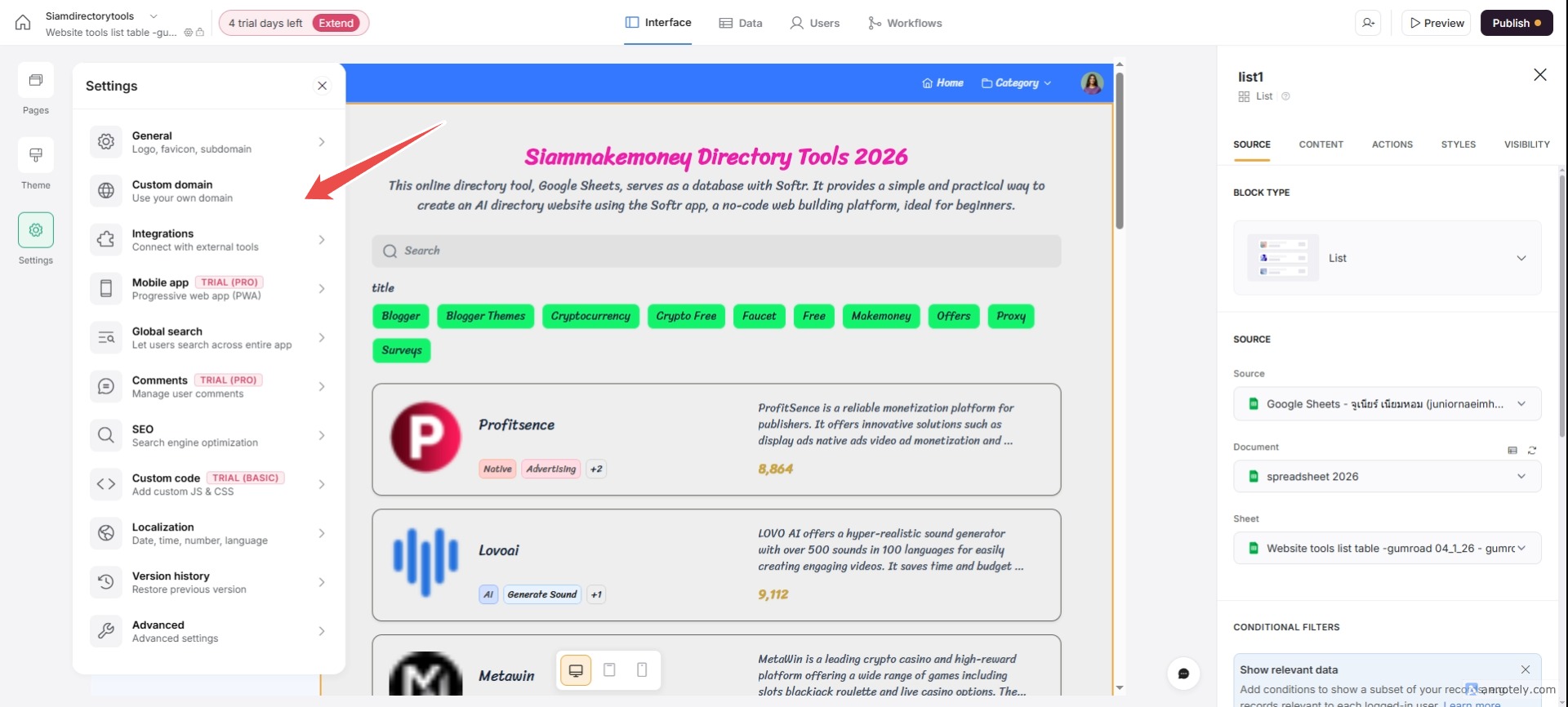
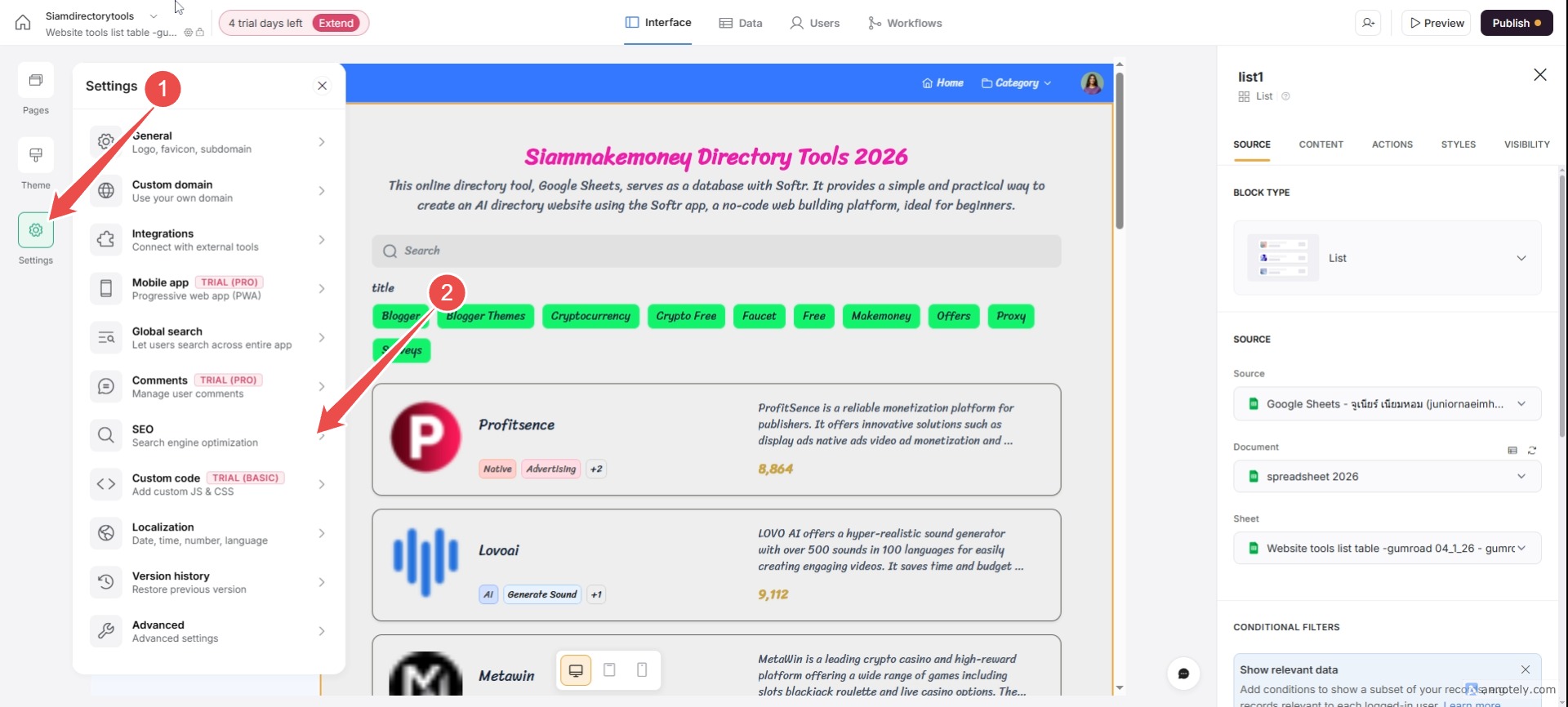
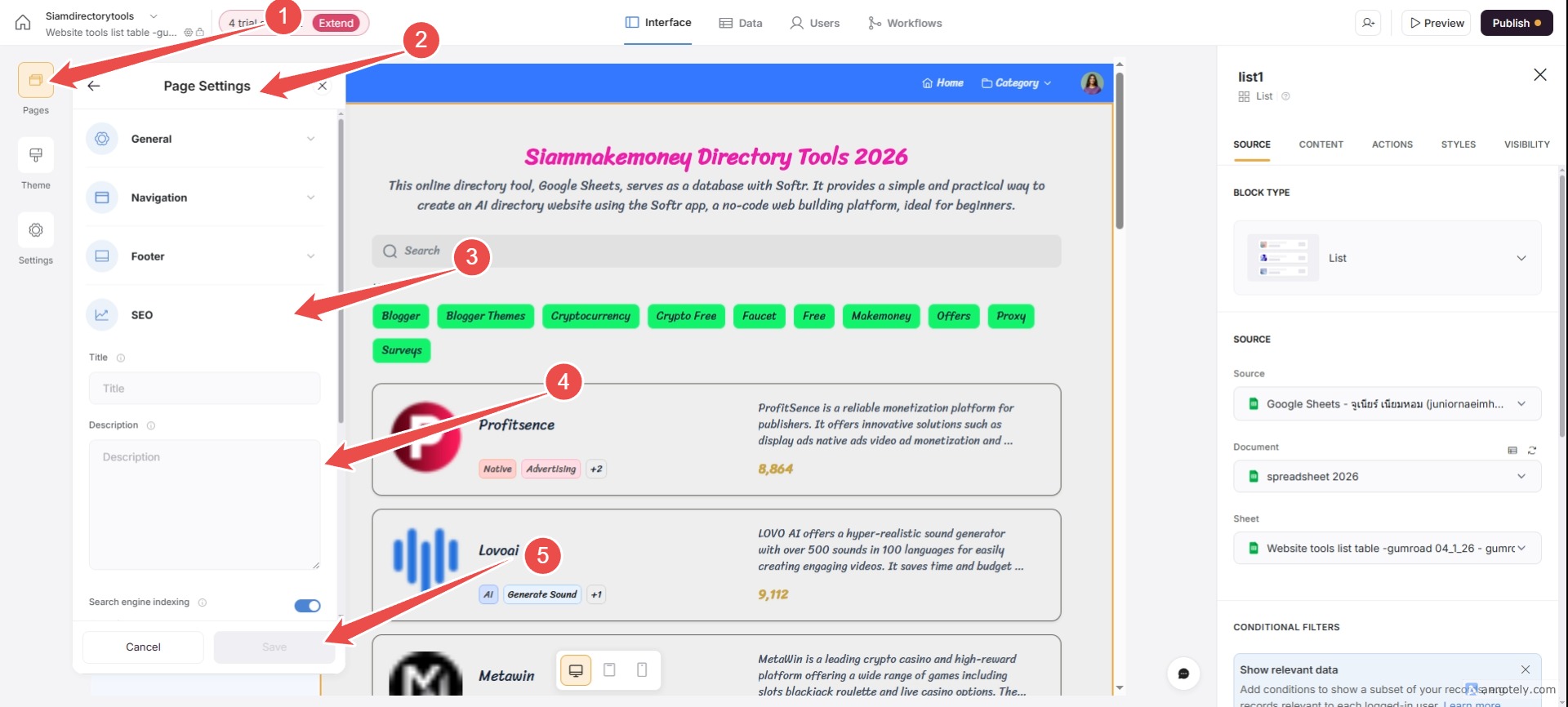

Importantly, you should allow all users to visit our website without logging in by going to – Pages of each page / Settings (gear icon) / Visibility / set to Visitors.
Publish your first website.
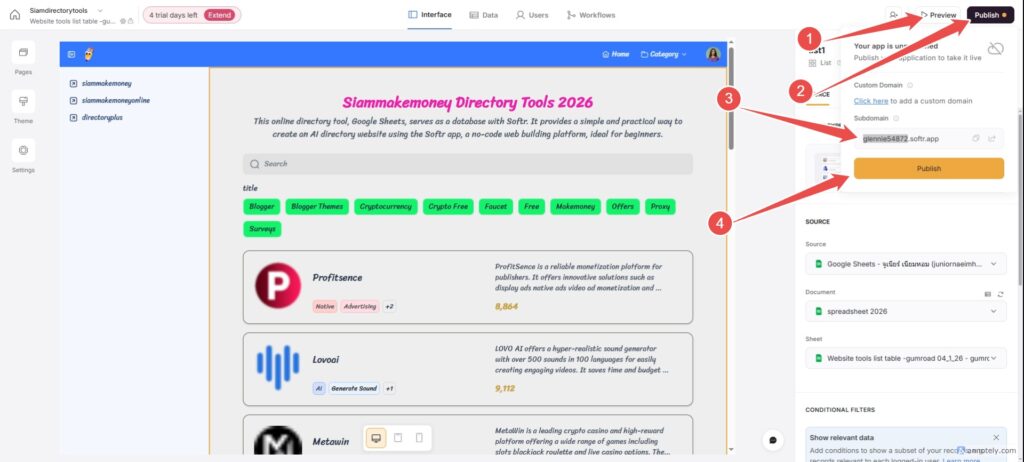
Basic directory example (tool icons)
Visit the webpage created by softr.
Example colors and fonts.
Sriracha
#9A3412
#FFEDD5
#F8F1EB
#FB923C
#FFF7ED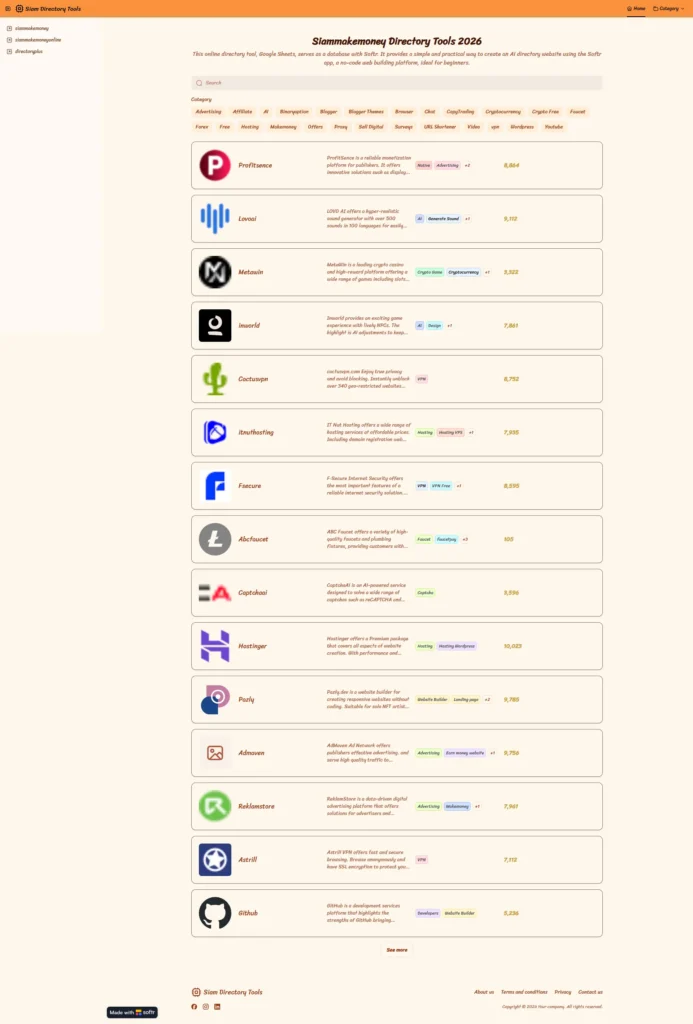
Example Directory Type 2, with screenshots of the tools.
Visit the webpage created by softr.
Example colors and fonts.
Sriracha
#257A5C
#EBF1EE
#DFEBE8
#5DCE8D
#D3D8D6
#34876F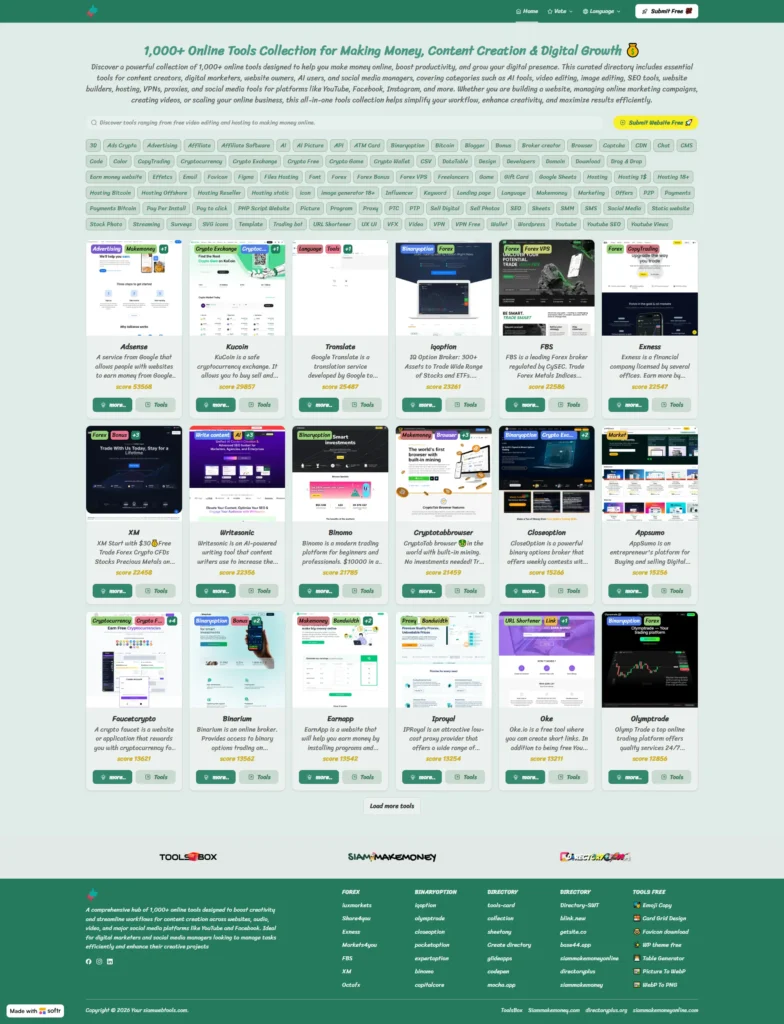
How to create a directory using method 2, with screenshots of the tool.
Things you need beforehand.
What additional functions does the Type 2 directory offer?
- Screenshot of the tool's website.
- The tool's specific details page is good for SEO.
- Similar tools by category
- Create multiple languages.
- Tool Submission Page
Creating a Google Sheet for a Directory (Method 2)
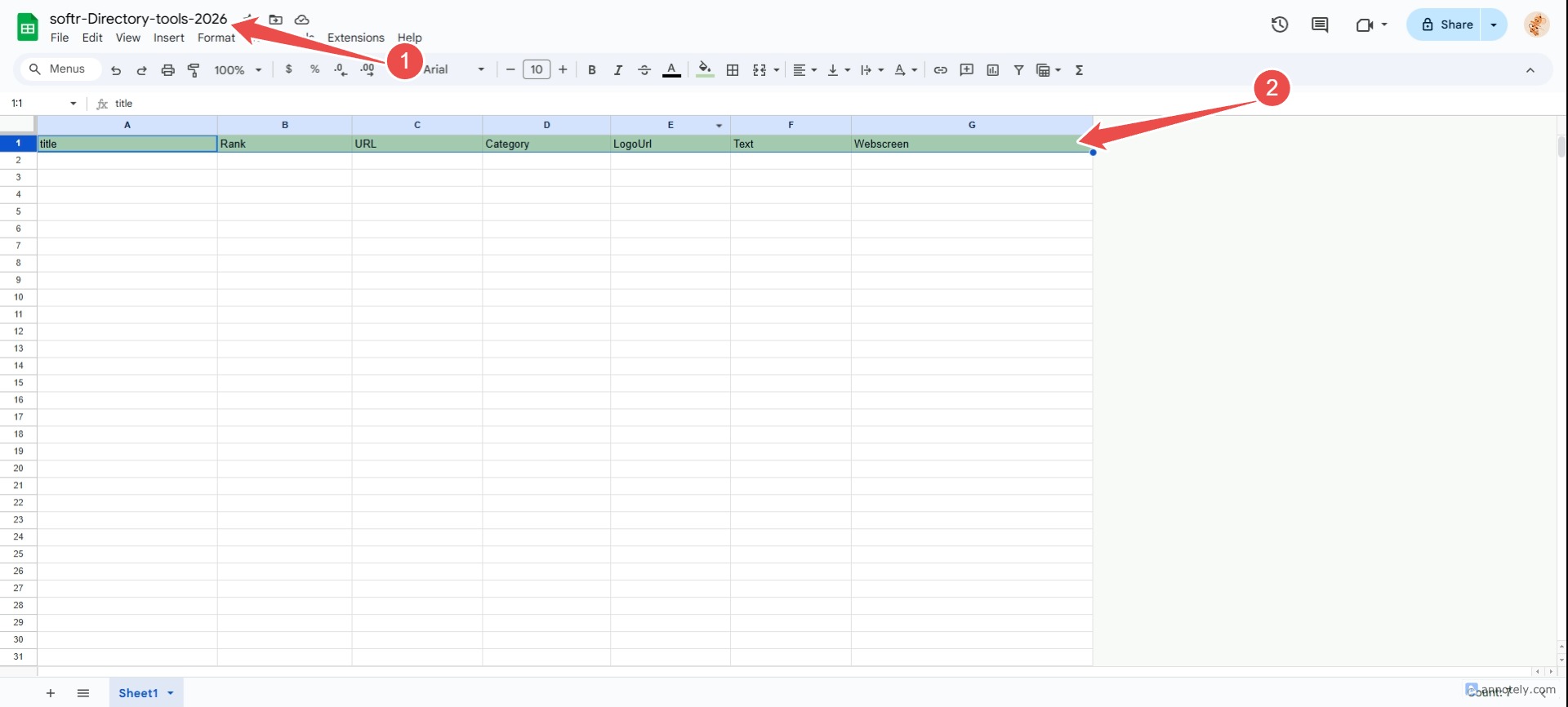
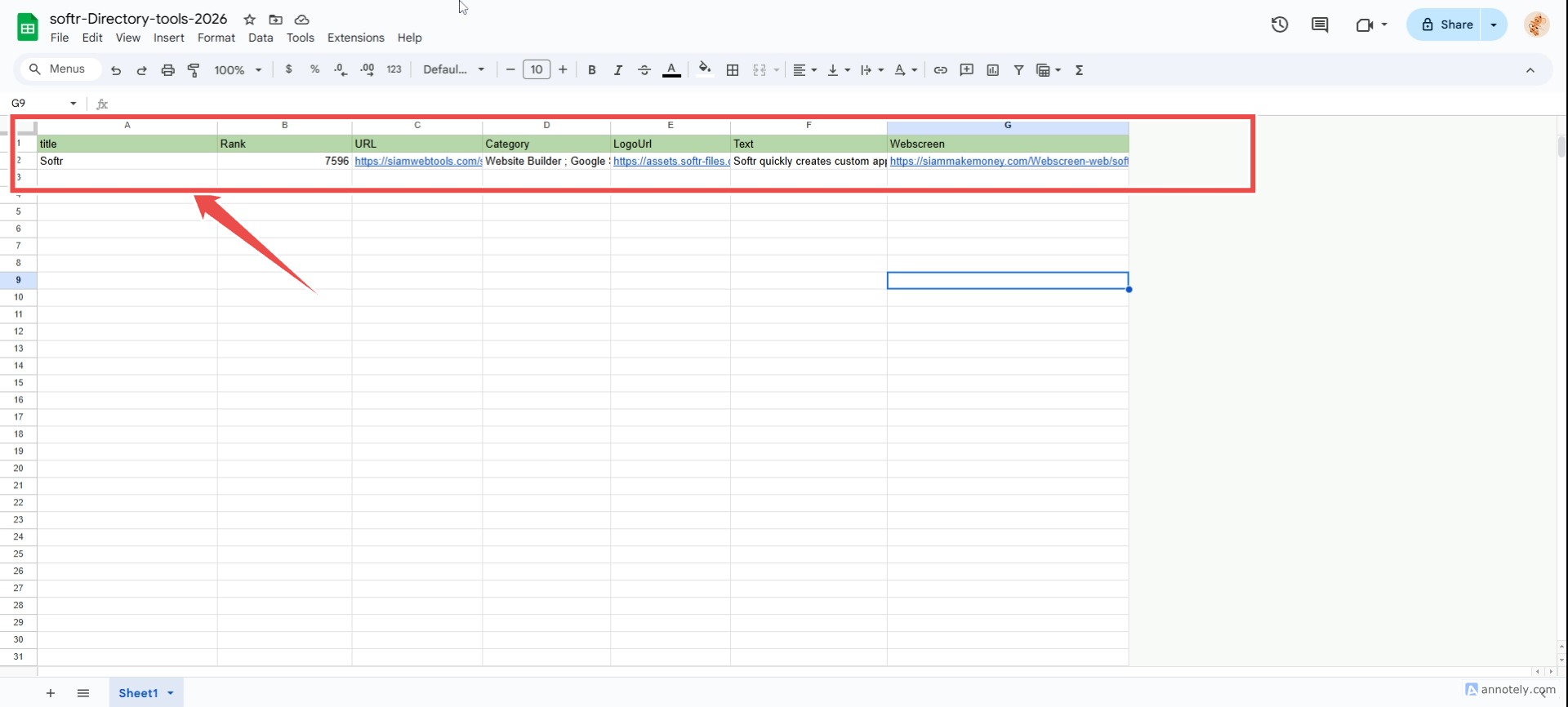
There's a faster way; you can purchase a CSV data table without having to manually enter the data.
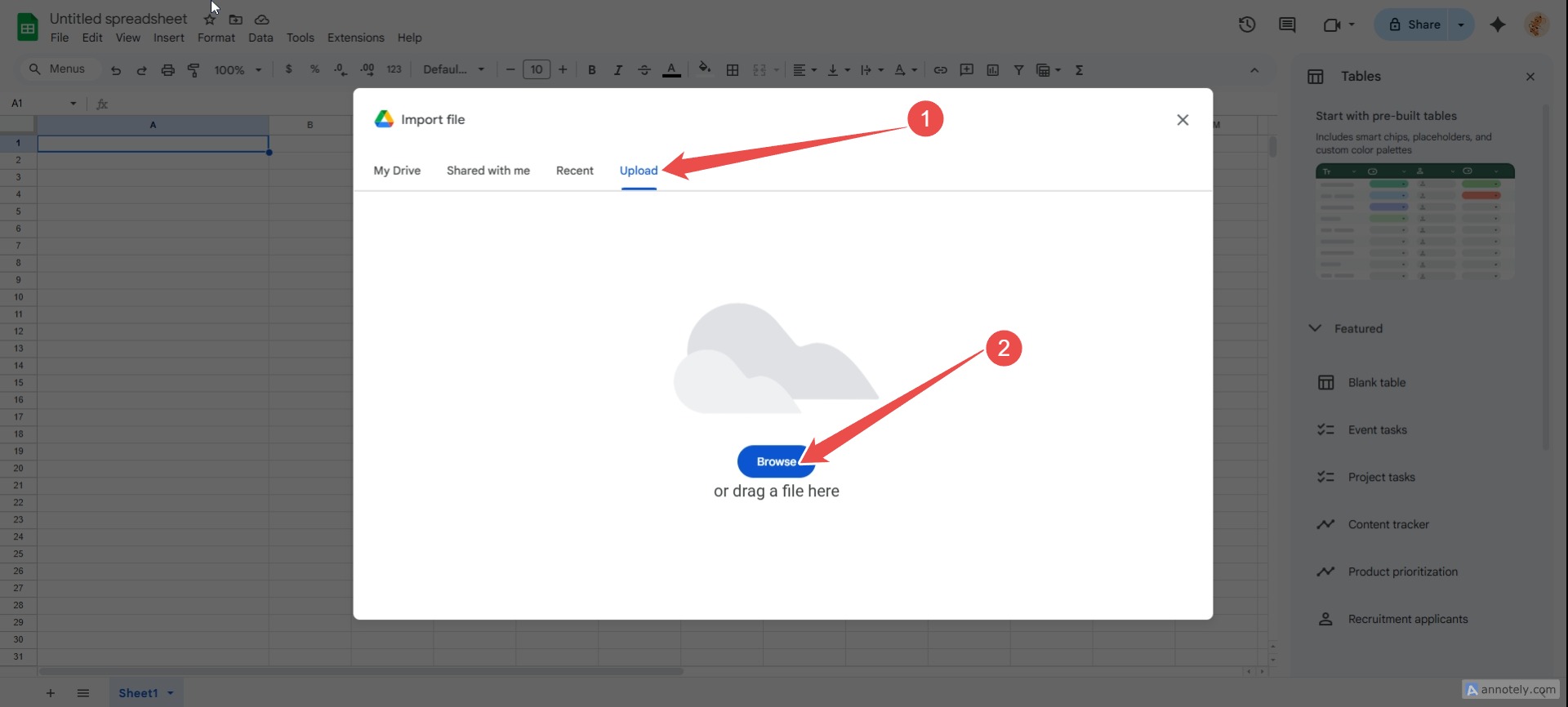
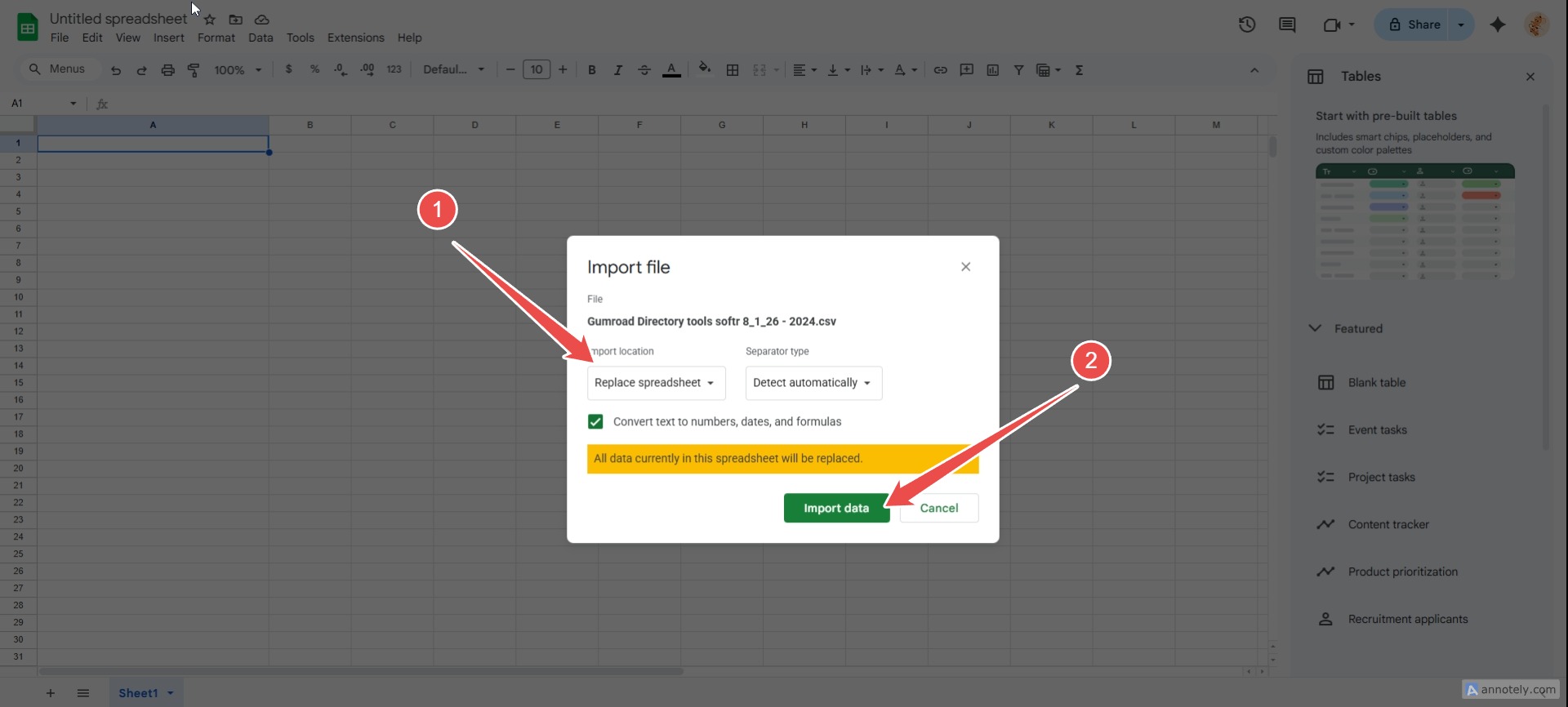
How to use a CSV database.
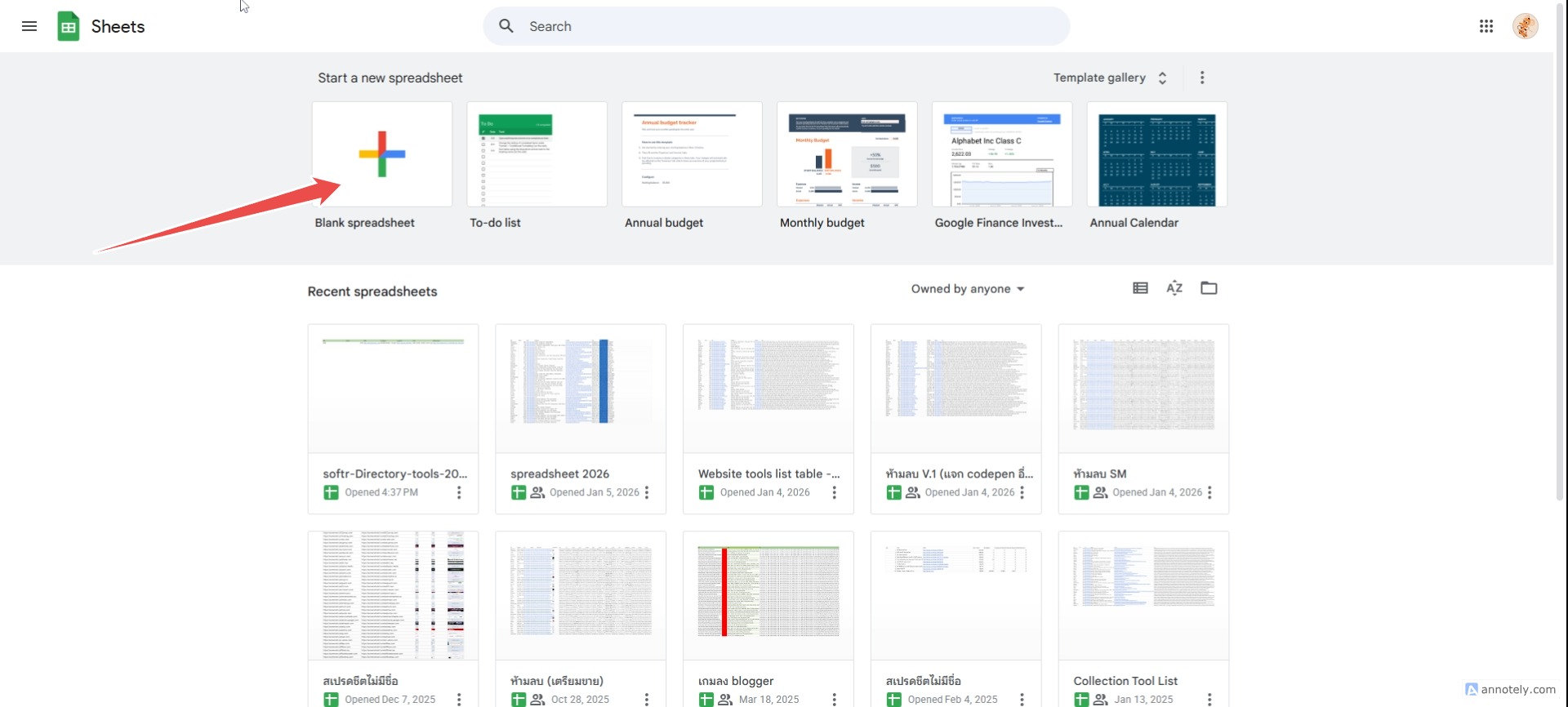
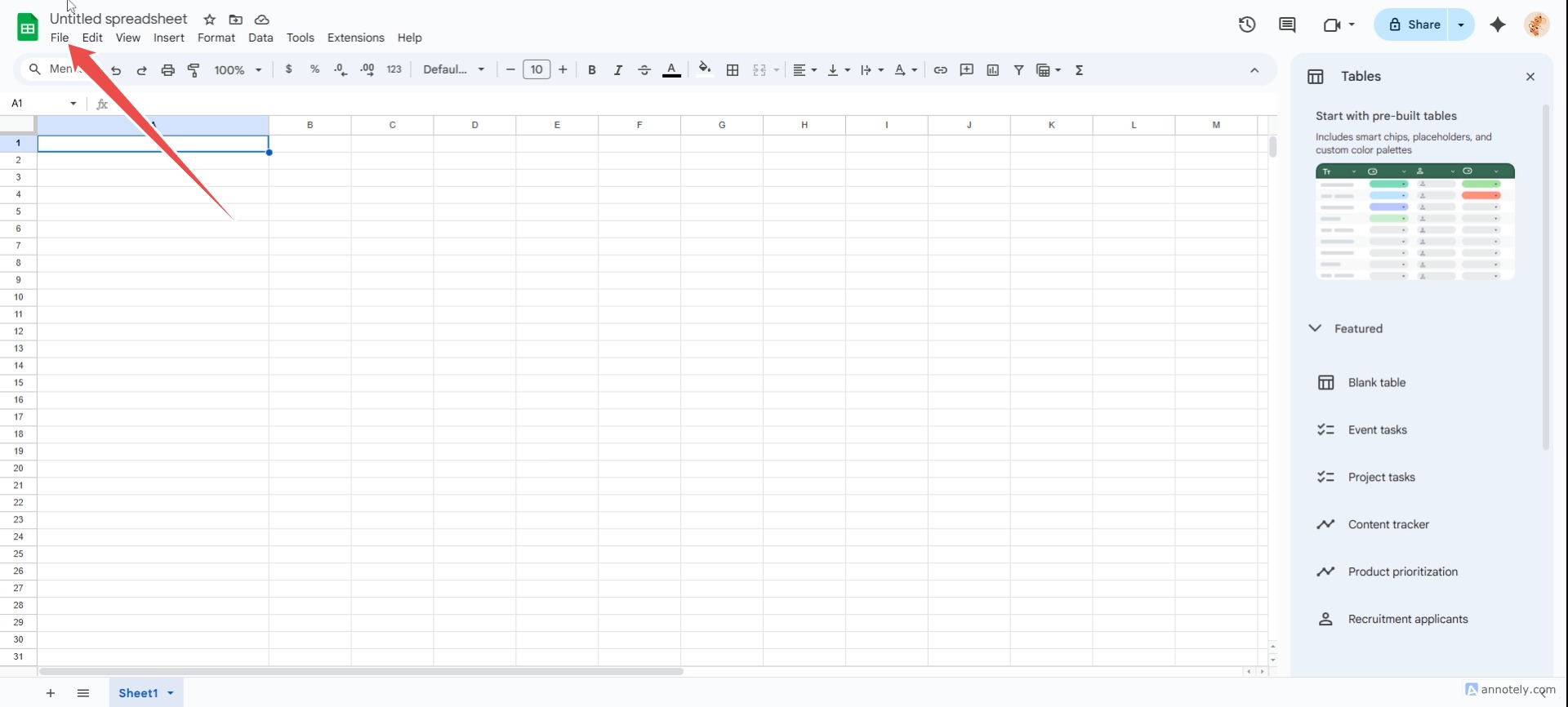
Create a new Google spreadsheet.

How to use website screenshot sets.
Example of how to upload images to hosting. hostinger.com
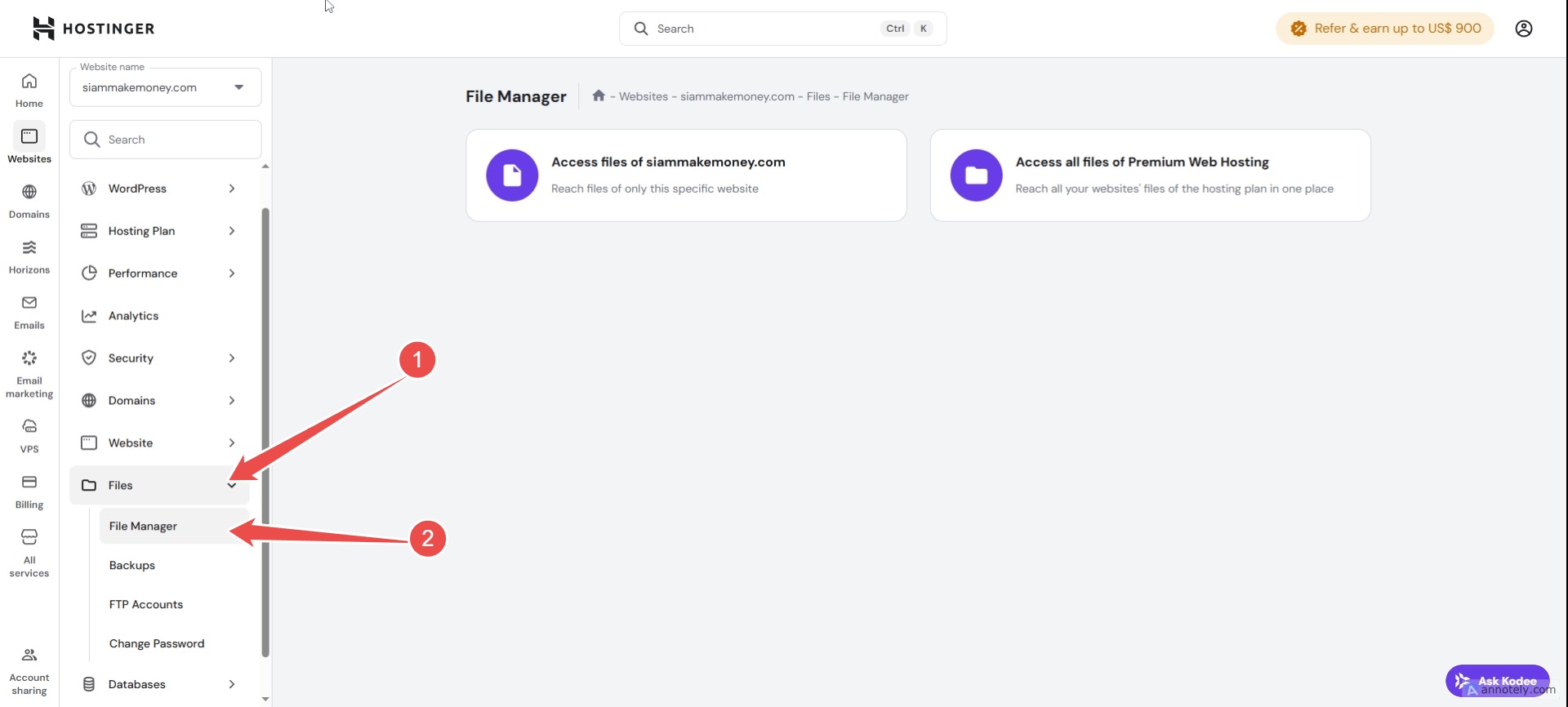
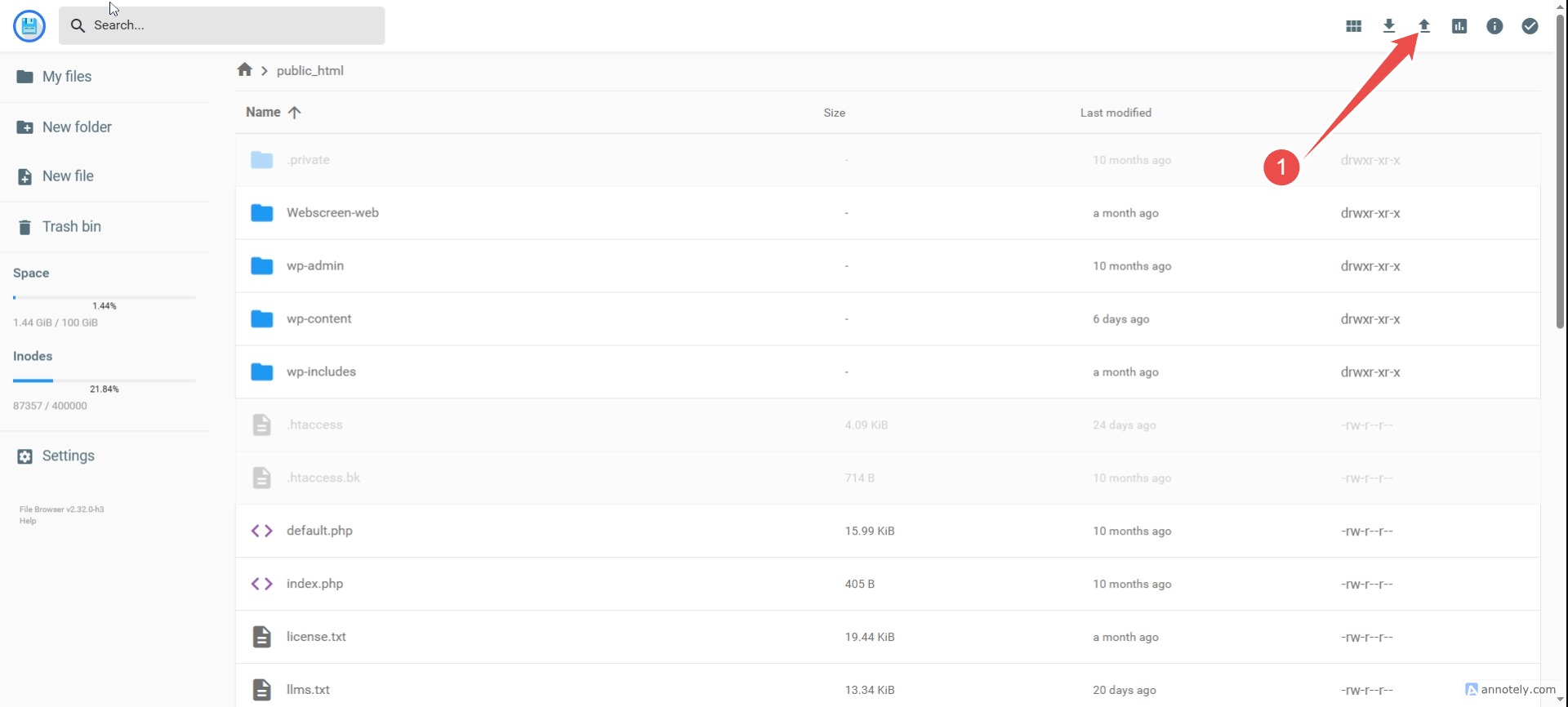
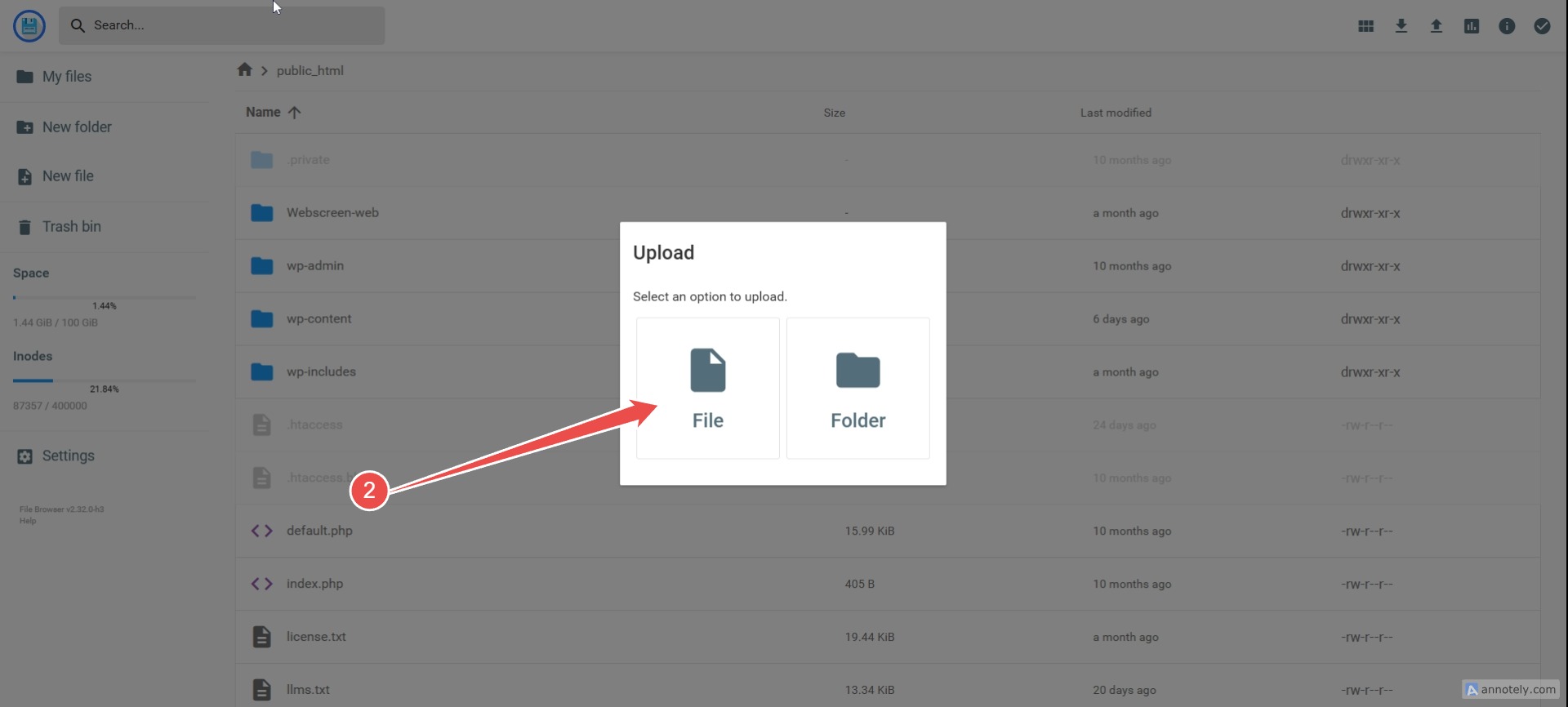


A simple way to edit an image URL.


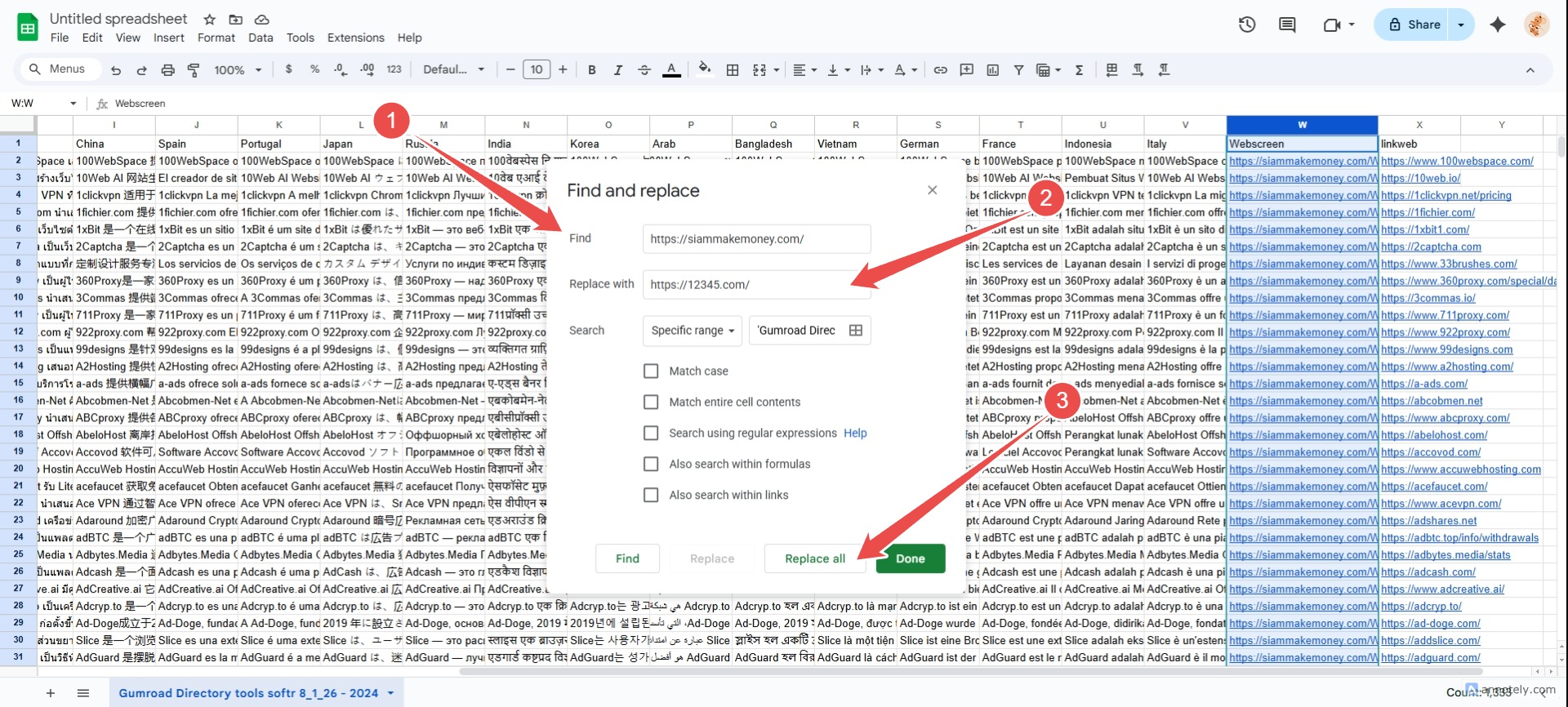
Test the image URL, for example: https://siammakemoney.com/Webscreen-web/affiliatebooster.webp
Replace https://siammakemoney.com/ with your own domain using the Find and Replace tool in Google Sheets.
How to connect Google Sheets to Studio
Set up CSV on Google Sheets.
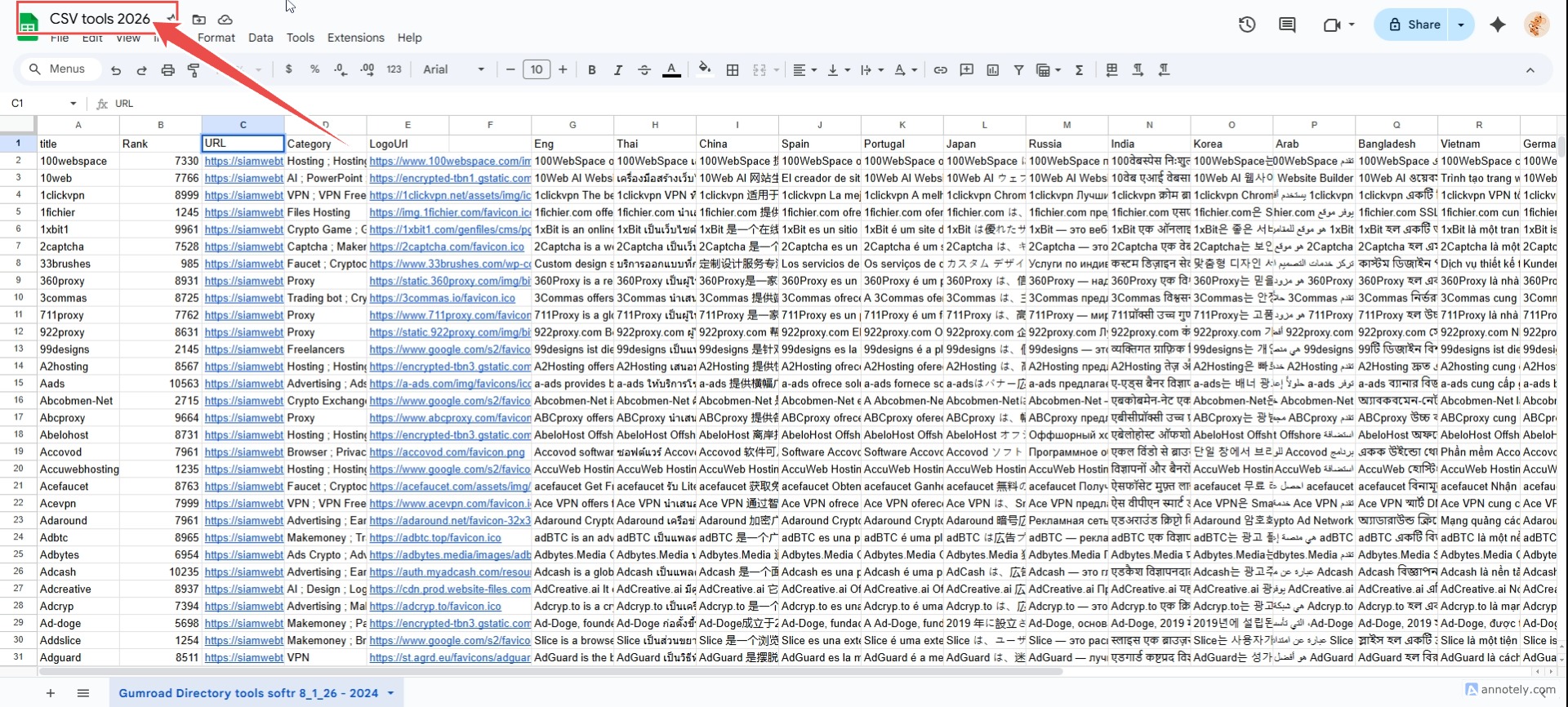

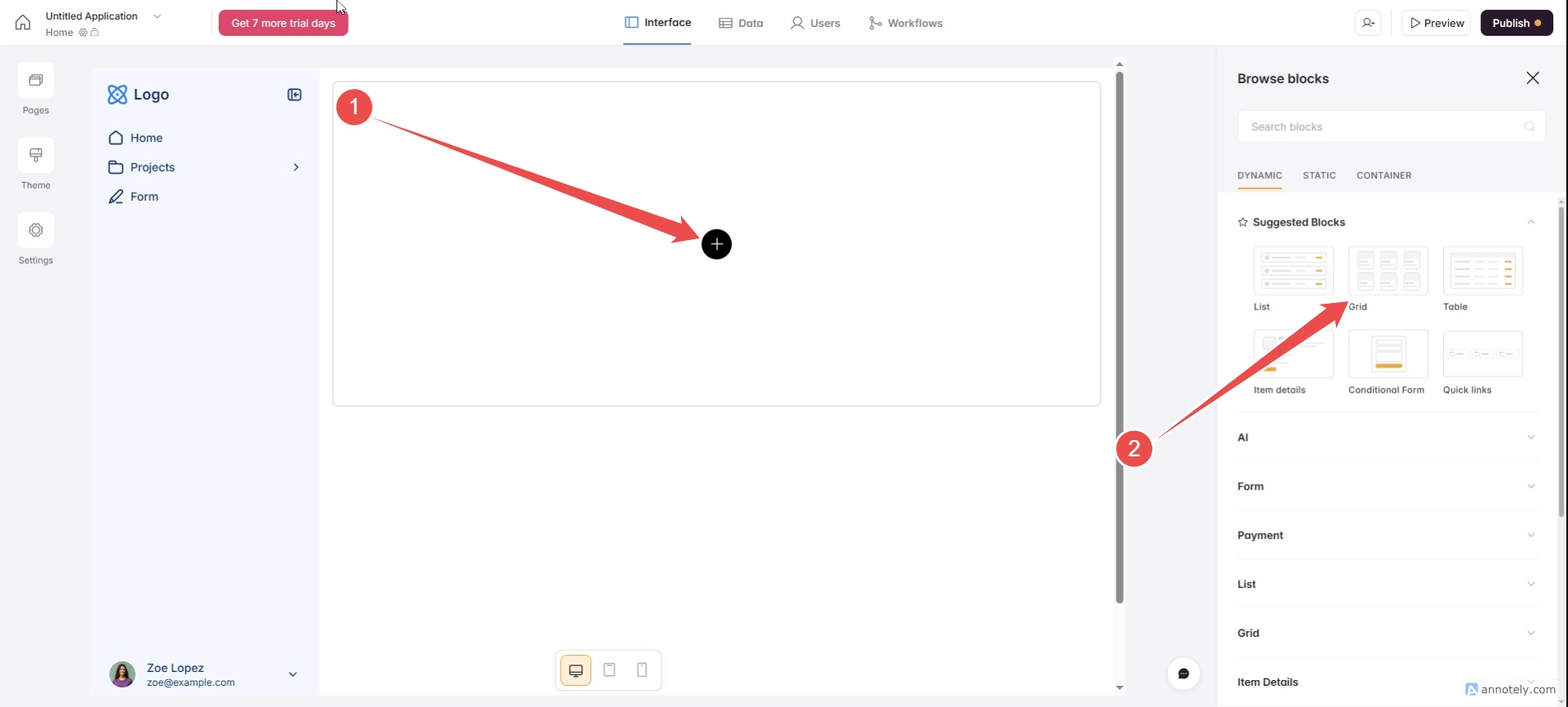
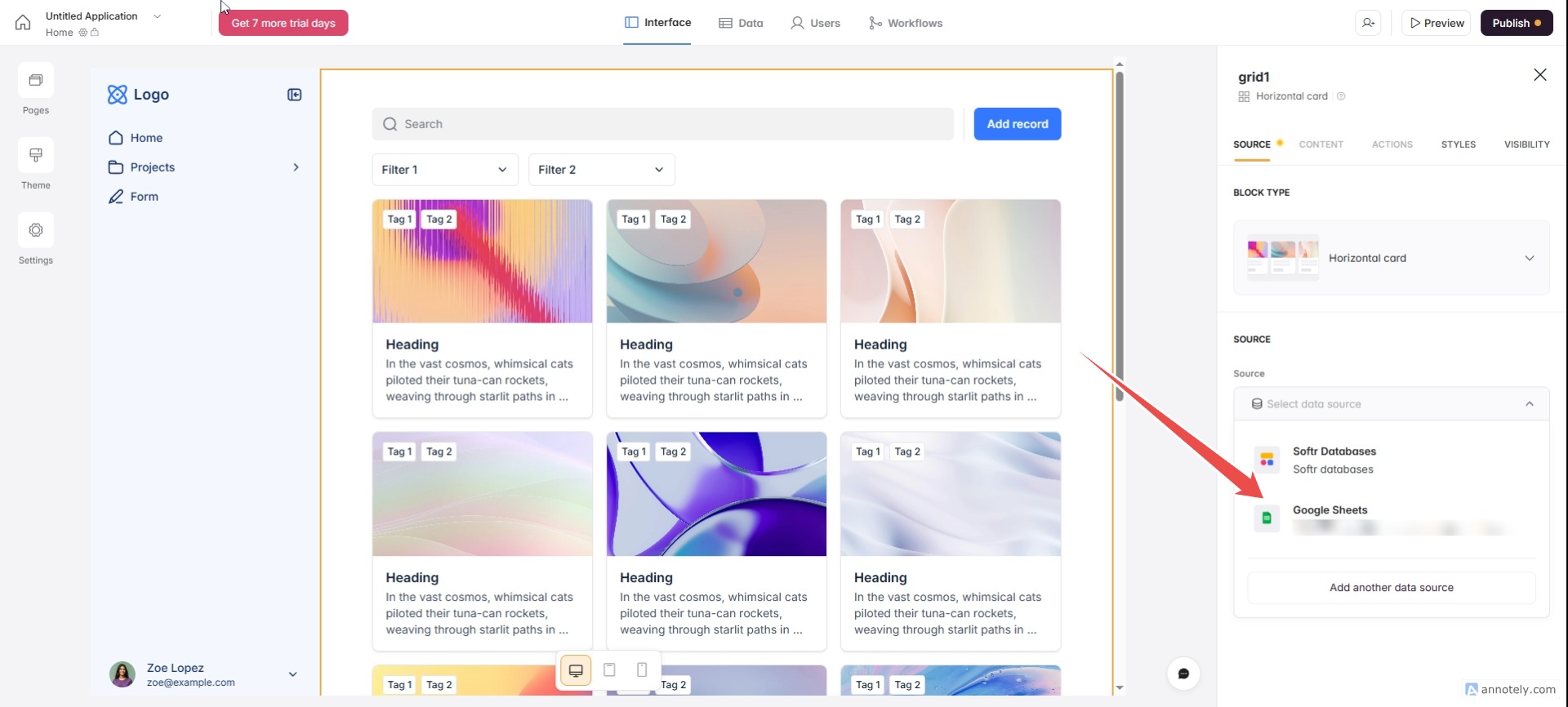
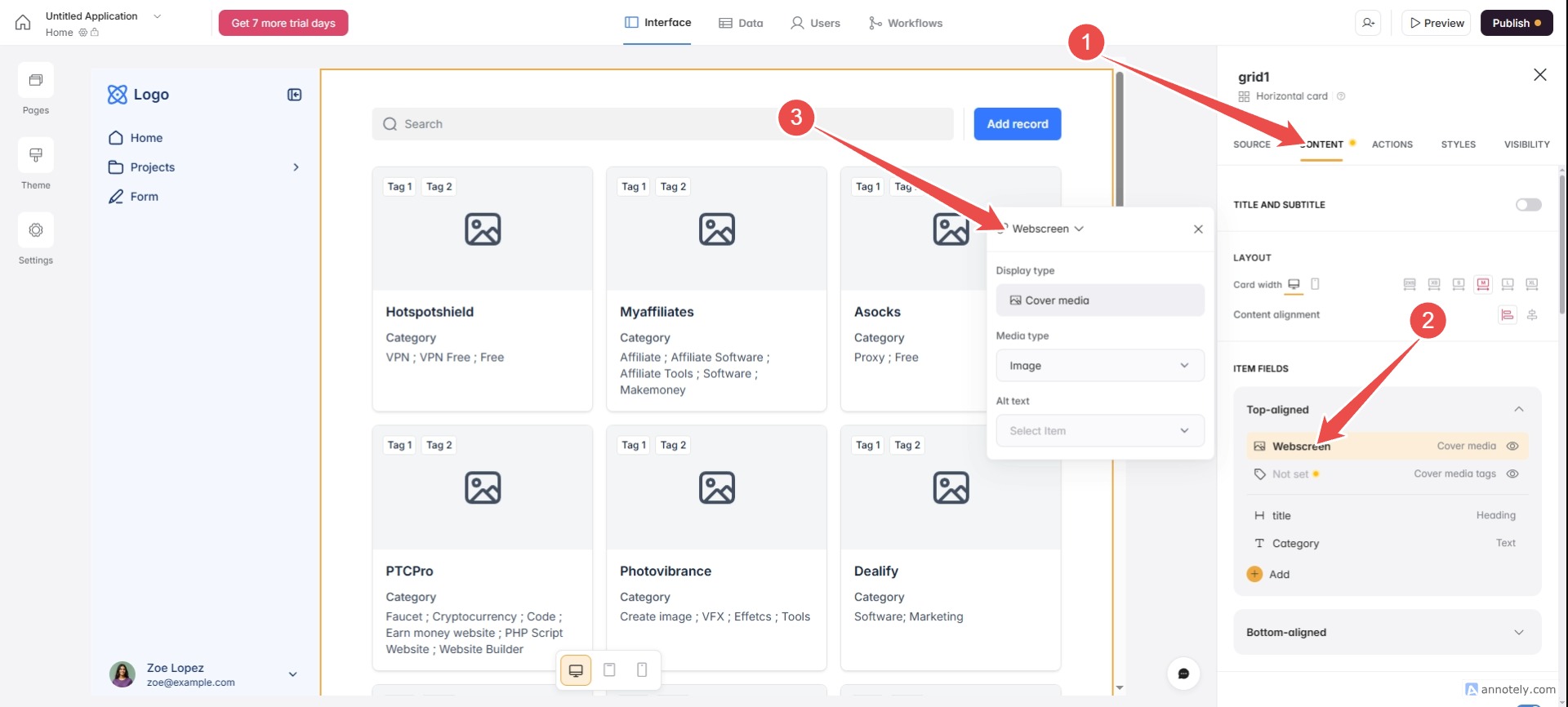
Configure the software to connect to Google Sheets.


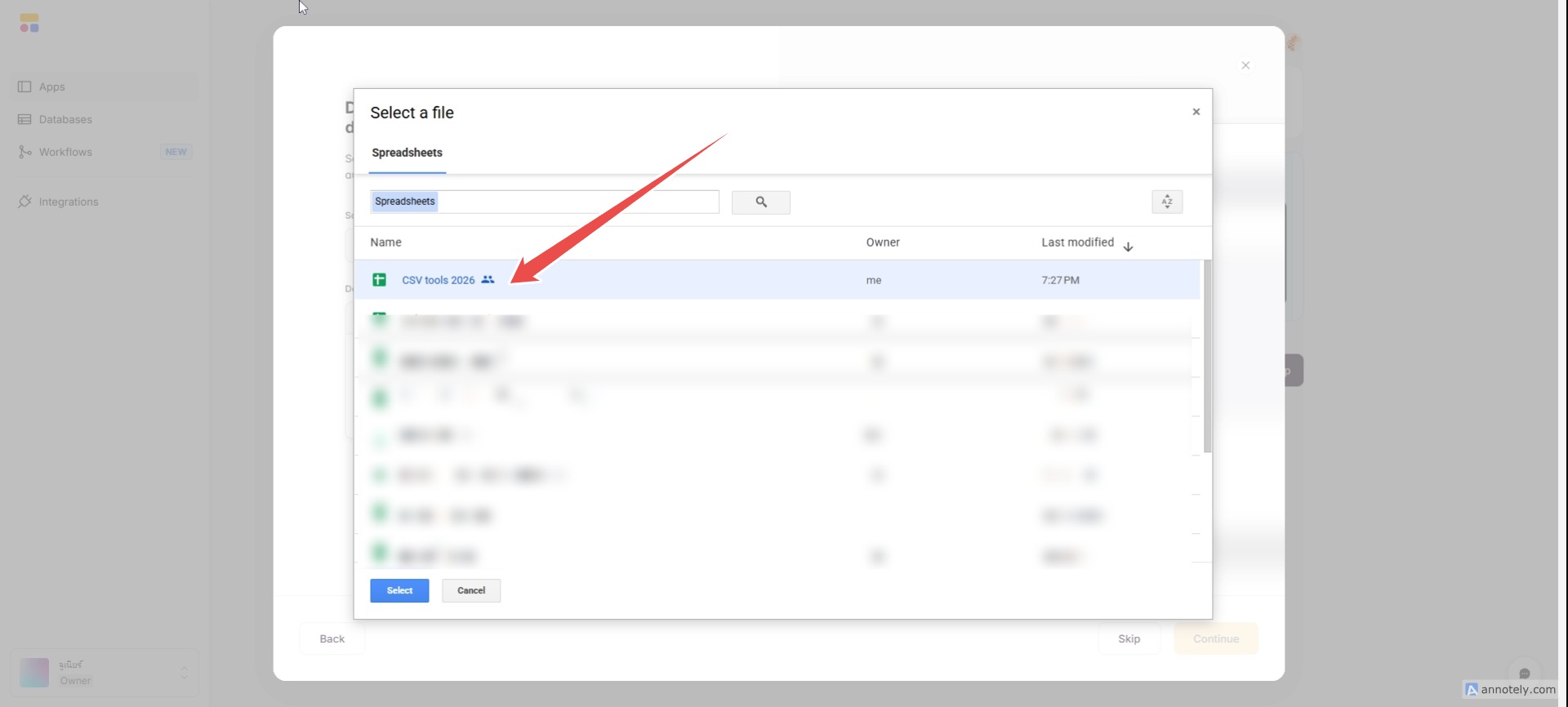
Decorate, configure, and connect the software correctly.



 Thai
Thai  English
  Japanese
  Korean
  German
  French
  Russian
  Spanish
  Chinese
  Hindi
Hindi